BIM World
A Professional BIM Learning Platform


Mastering BIM: Step-by-Step Guide to Designing a Shaped Glass Canopy in Revit

This article is from the WeChat official account: Hongjian Smart Building. Projects often feature irregular glass canopies. Today, we will guide you through the process of creating an irregular glass canopy using Revit.

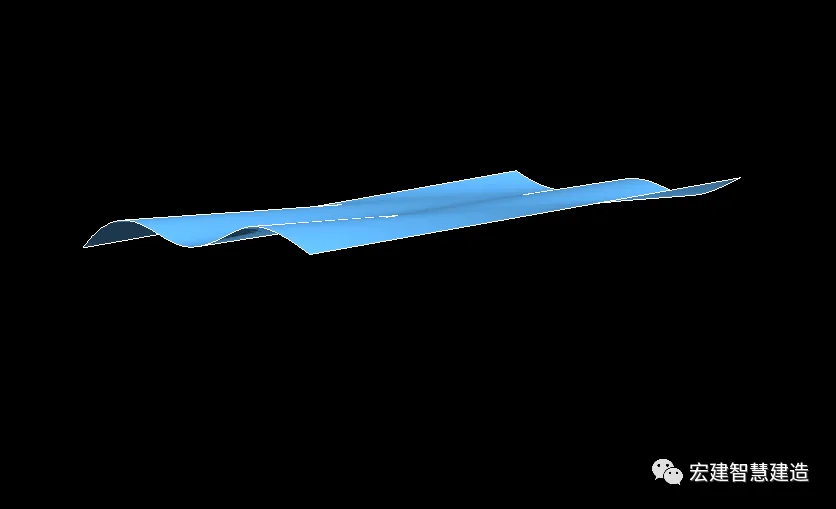
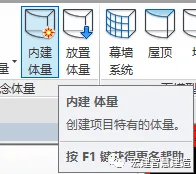
Step 1: Based on the drawings, start by creating the corresponding irregular rain shelters within the internal building volume.
BIM skills | How to draw a Revit canopy? How to create a shaped glass canopy in Revit?

Internal building volume

BIM skills | How to draw a Revit canopy? How to create a shaped glass canopy in Revit?

Irregular canopy design

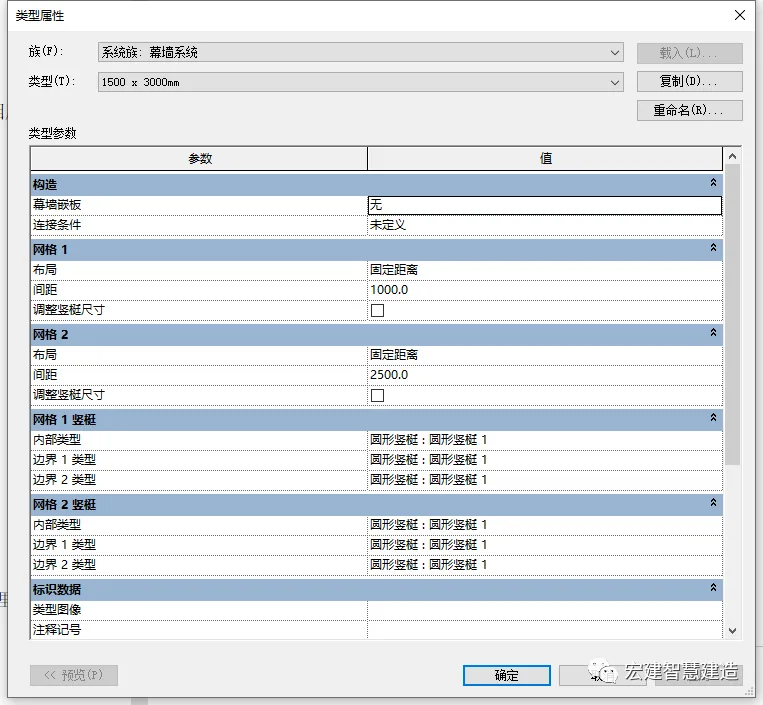
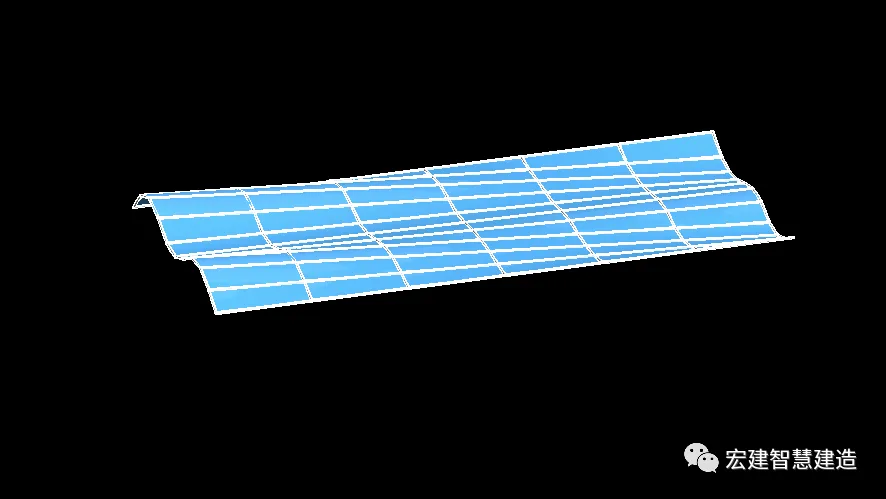
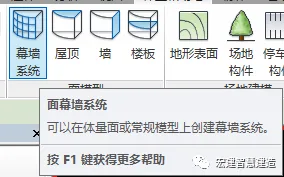
Step 2: Use the curtain wall system to generate a grid. Be sure to adjust its parameters in the Type Properties to fit your design.

Applying curtain wall system:
BIM skills | How to draw a Revit canopy? How to create a shaped glass canopy in Revit?

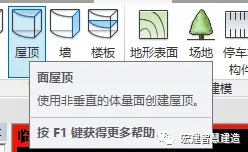
Step 3: Utilize the roof tool to select the mesh created in the previous step and generate the roof accordingly.

Using the roof function:
BIM skills | How to draw a Revit canopy? How to create a shaped glass canopy in Revit?

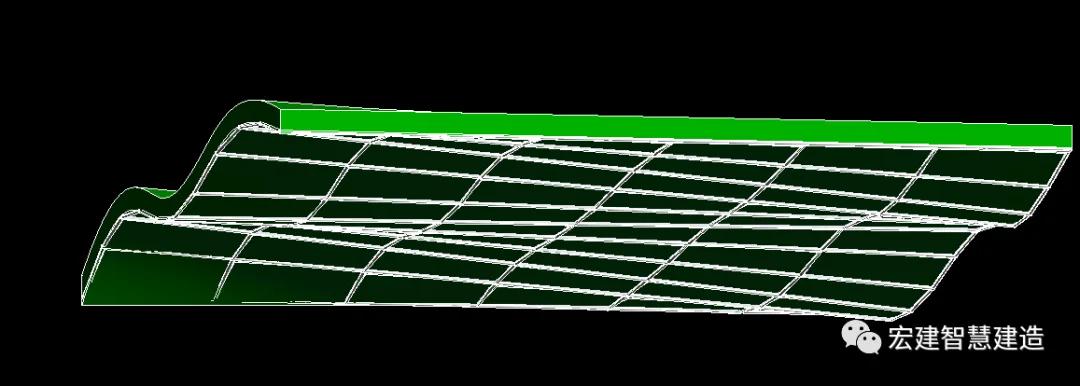
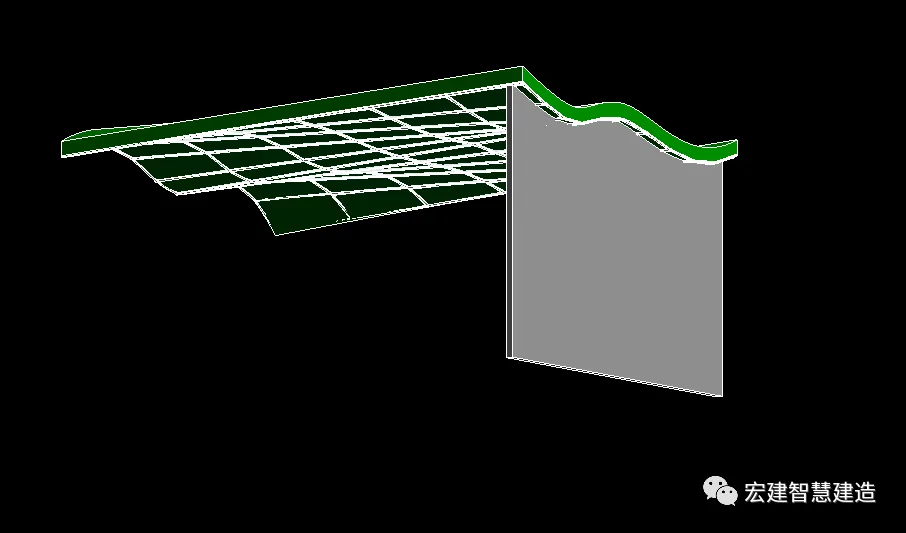
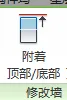
Step 4: Draw a wall and use the attach function to connect it to the roof generated in Step 3. Position this wall based on the location of the main beam shown in your drawings.

Attach function in use:
BIM skills | How to draw a Revit canopy? How to create a shaped glass canopy in Revit?

Wall after attachment

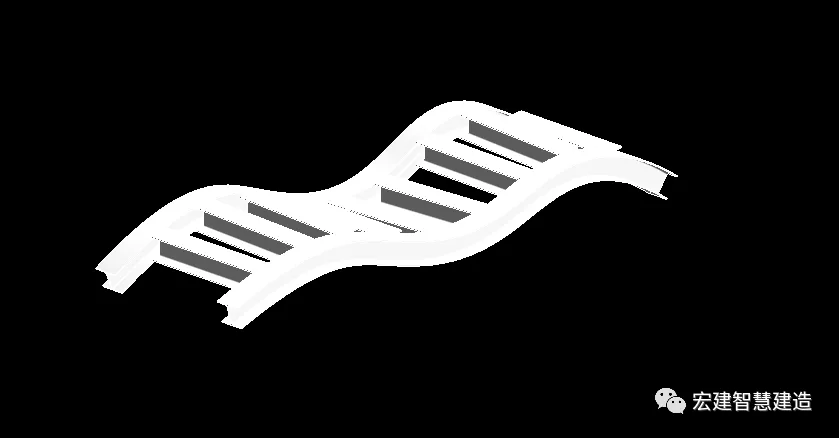
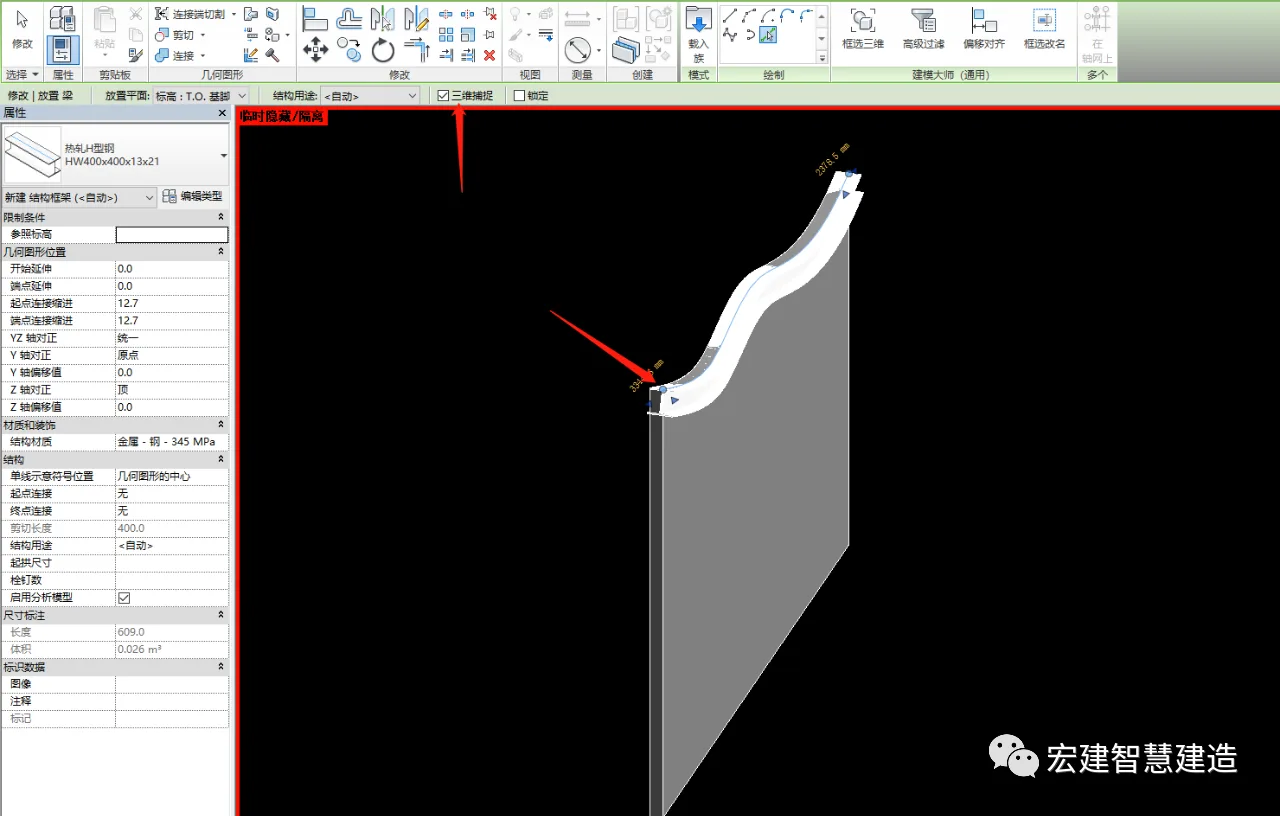
Step 5: Before placing the steel beams, enable 3D snapping. Select the upper contour of the wall and create the corresponding steel beams. Repeat this process to generate all necessary beams.
BIM skills | How to draw a Revit canopy? How to create a shaped glass canopy in Revit?

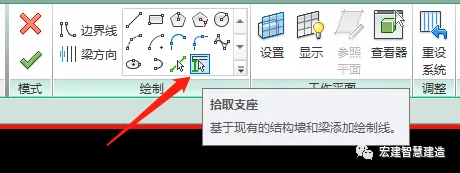
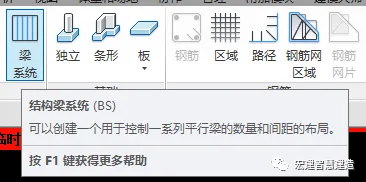
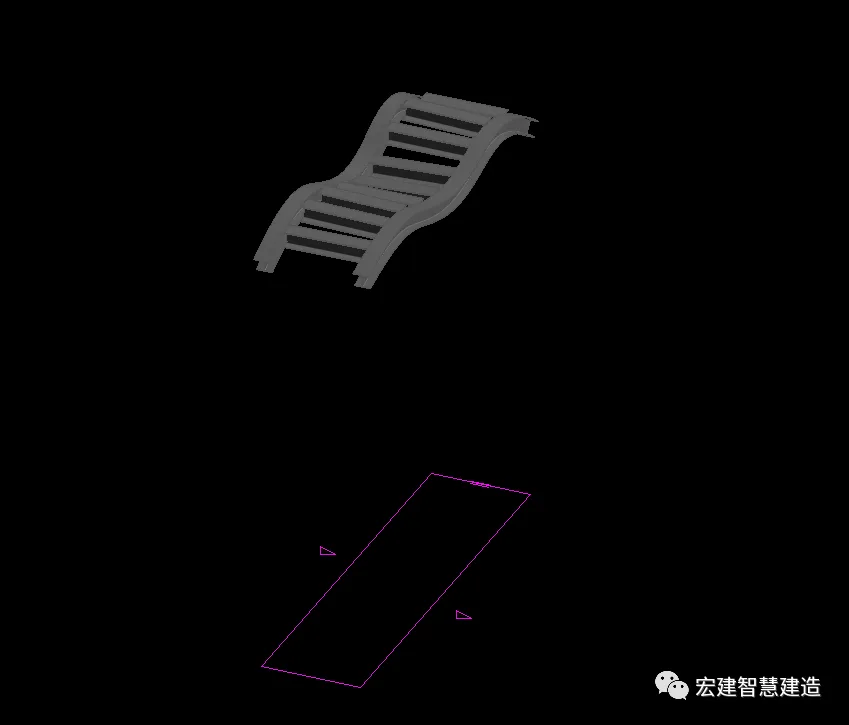
Step 6: Use the beam system tool to select two main beams by picking their supports. Create a closed loop and set the beam direction perpendicular to the main beam. Continue this process to generate all secondary beams.

Beam system function:
BIM skills | How to draw a Revit canopy? How to create a shaped glass canopy in Revit?

Selecting supports and beam orientation:
BIM skills | How to draw a Revit canopy? How to create a shaped glass canopy in Revit?

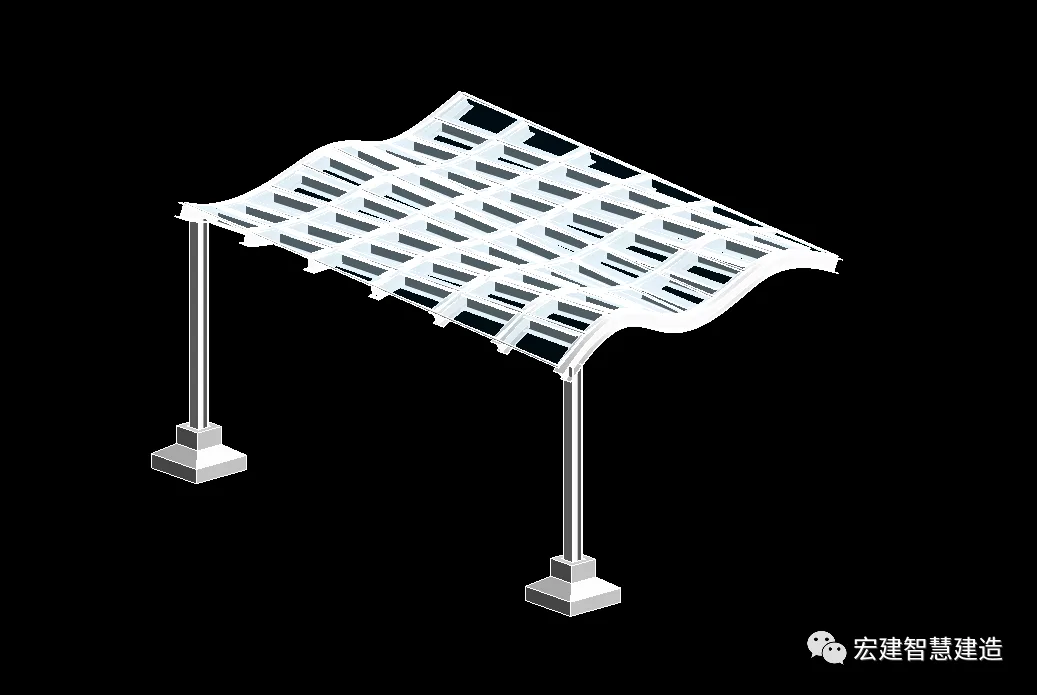
Step 7: Finally, draw the steel columns and column supports according to your design drawings. This completes the modeling of your irregular glass canopy.

BIM skills | How to draw a Revit canopy? How to create a shaped glass canopy in Revit?

xuebim
Follow the latest BIM developments in the architecture industry, explore innovative building technologies, and discover cutting-edge industry insights.
← Scan with WeChat
Like(1) 打赏
BIM WORLD » Mastering BIM: Step-by-Step Guide to Designing a Shaped Glass Canopy in Revit

Comment Get first!

Must log in before commenting!


BIM World, A Professional BIM Learning Platform

Stay updated on the latest architecture trends and share new building technologies.

Contact UsAbout Us

觉得文章有用就打赏一下小编吧

非常感谢你的打赏,我们将继续提供更多优质内容,让我们一起创建更加美好的网络世界!

支付宝扫一扫

微信扫一扫

Account Login

By signing in, you agree toUser Agreement

Sign Up