
Choosing the right drawing method is essential for efficiently tackling different projects and standards. Today, we will explore several comprehensive drawing management techniques using Revit.
Method One
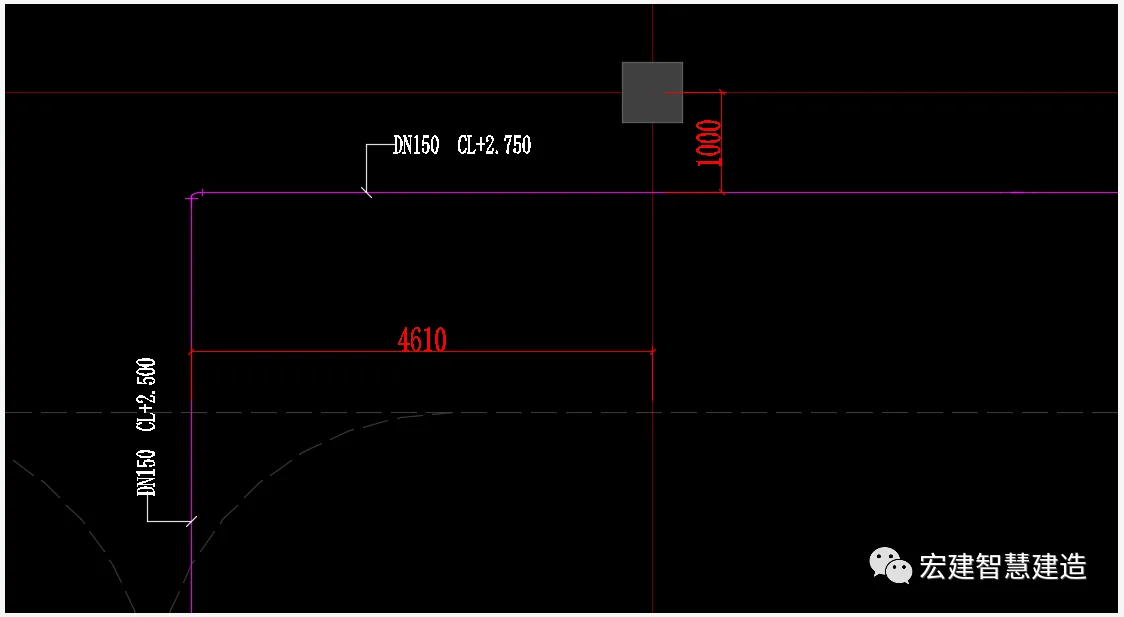
Export DWG format drawings from Revit models and locate pipelines in CAD.
1. Begin by setting up distinct professional floor views.
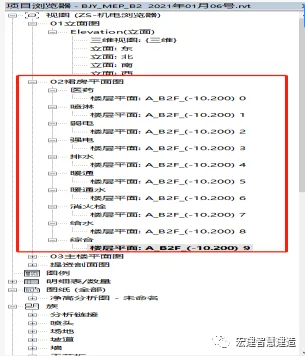
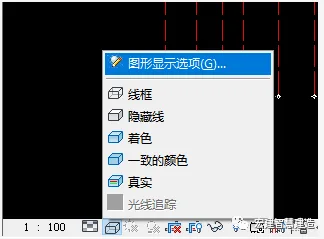
2. Configure graphic display options, typically selecting “medium” and “wireframe” modes. Set proportions according to project requirements.

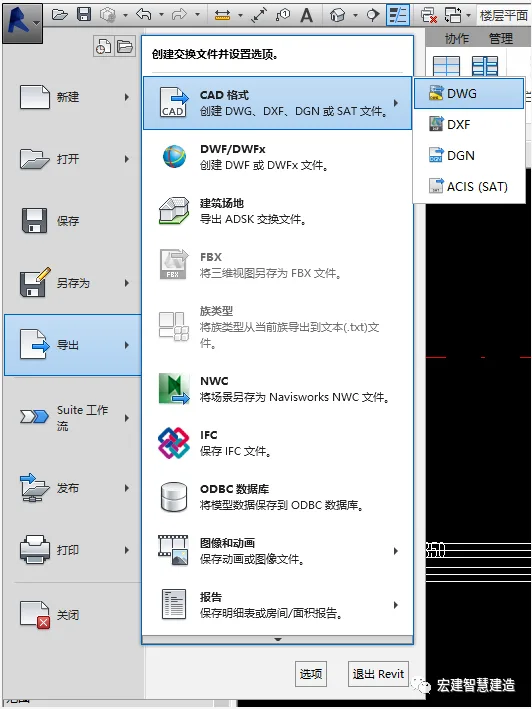
3. Choose Export – CAD Format – DWG to export your drawings.

4. Clean up the building base map and create blocks for preservation.
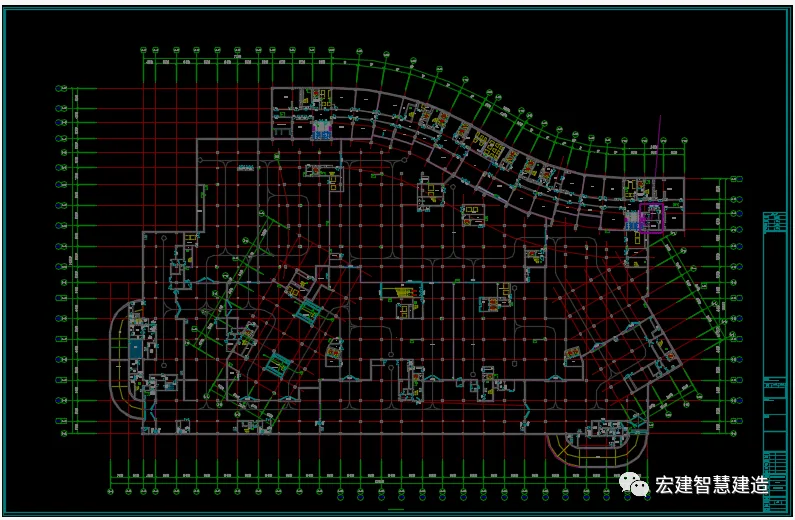
5. Copy the exported drawings onto the architectural base map, separate drawings by discipline, and compile a comprehensive set.

6. Establish layers for pipeline annotations, place dimension lines, and integrate pipes for easy reference.

7. Position and annotate the management team accordingly.
Method Two
Link the processed building base map to the Revit model plan for positioning and annotation.
1. Repeat steps 1 and 2 from Method One.
2. Process the base map and uniformly change its color to color 8 for clarity.
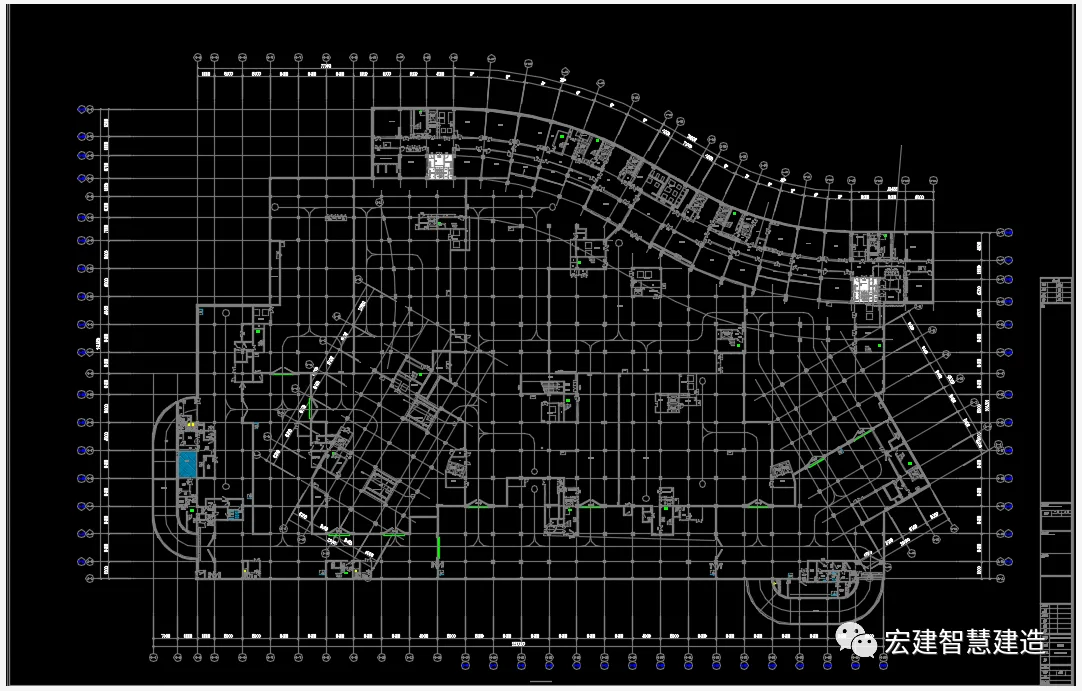
3. Convert the processed base image into blocks and import them into the model plane.
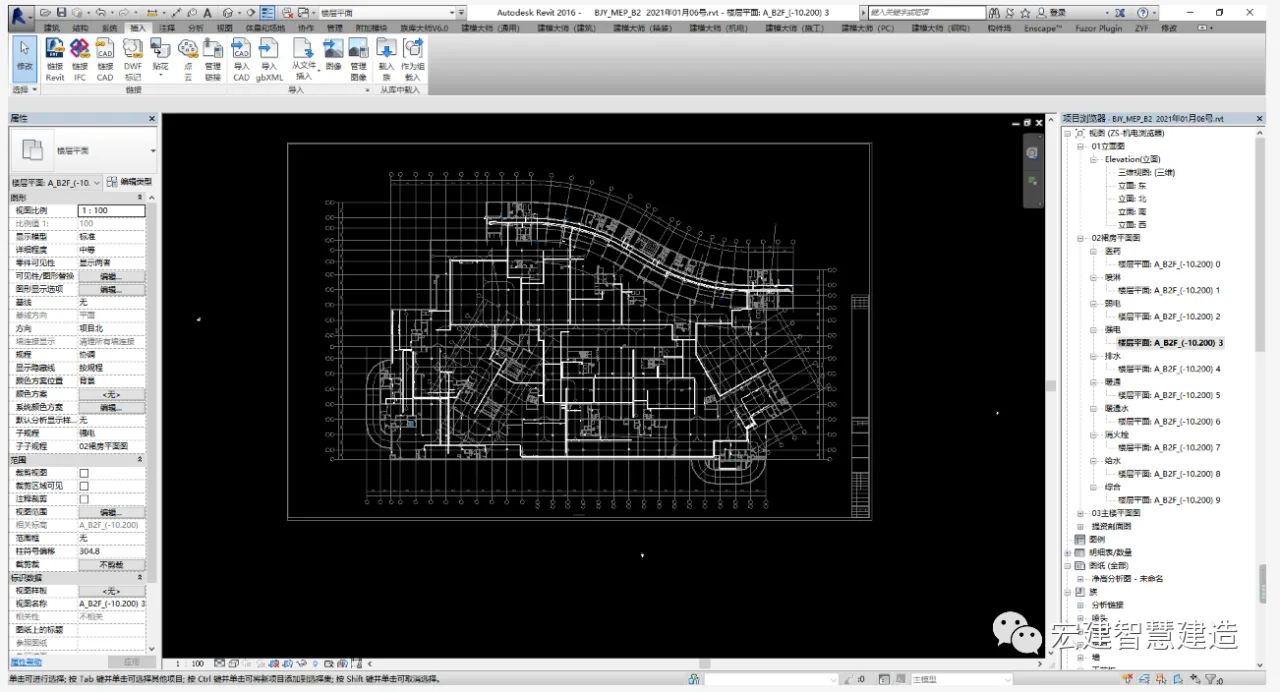
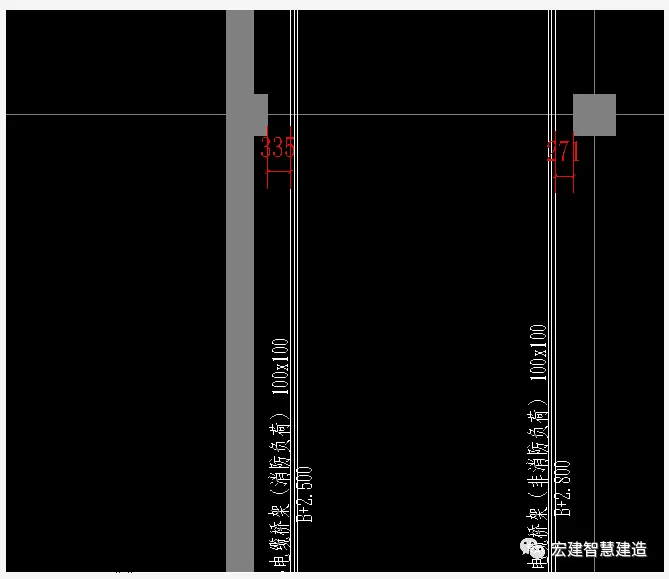
4. Perform comprehensive management annotation before exporting the final drawing in DWG format.
Method Three
Use existing Revit civil engineering models for comprehensive management and positioning.
1. Repeat steps 1 and 2 from Method One.
2. Position and annotate the management team within the model.
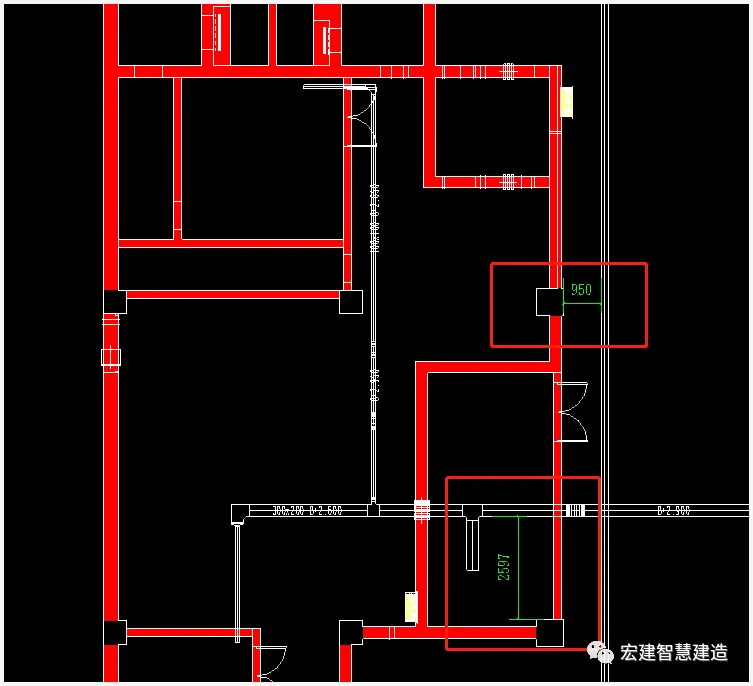
3. Export the model view as a DWG file for further use.
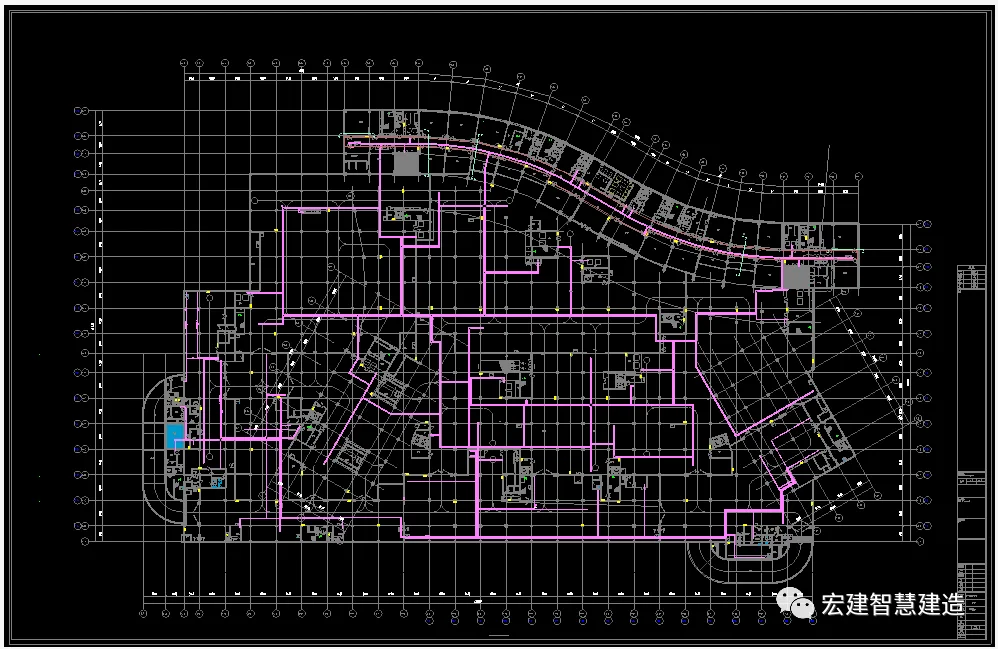
Summary
1. The first method is the most thorough but also the most time-consuming.
2. The second method is ideal when there are no curved pipes involved. It allows for easy positioning and annotation within the model, making the process faster. However, if pipes are not parallel, dimension annotations cannot be generated.
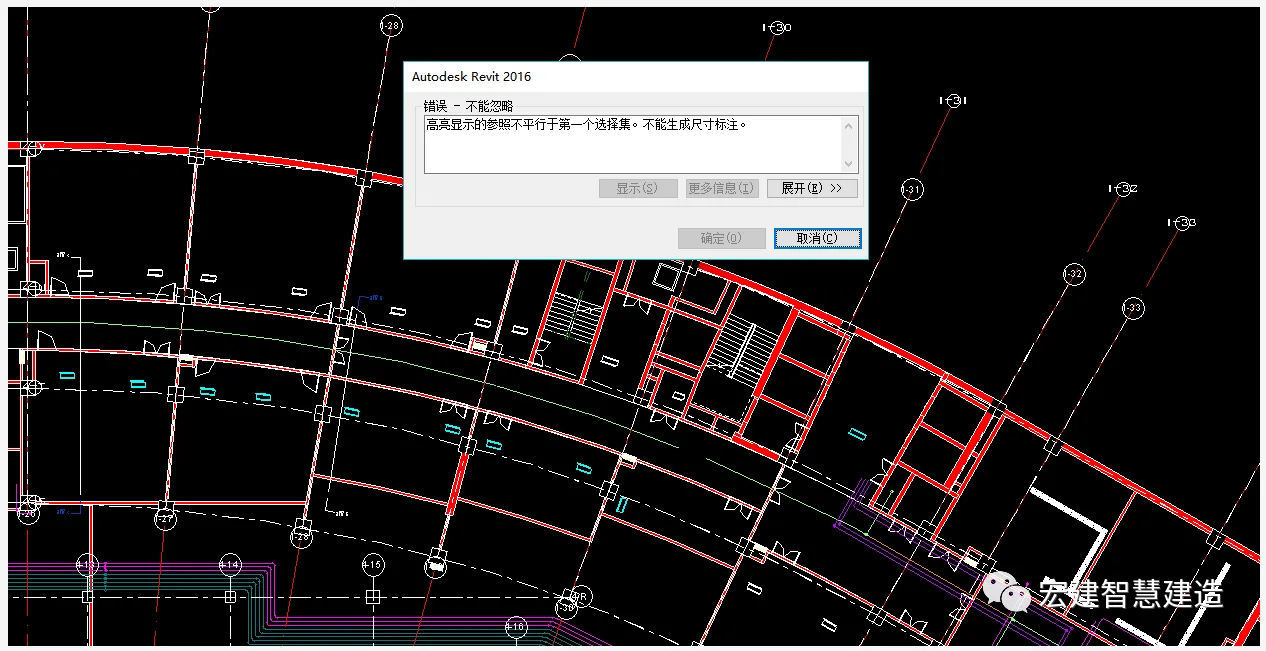
3. The third method does not require detailed construction drawings. It has lower modeling accuracy, minor errors in structural models, and positioning deviations. However, the original building base map contains detailed information, including annotations for room functions, doors, and windows.
















Must log in before commenting!
Sign Up