
T20 Tianzheng Structure V6.0 is a professional structural drawing software developed by Tianzheng. It is compatible with mainstream AutoCAD platforms and caters to the diverse drawing needs of engineers. The software supports 32-bit AutoCAD versions from 2010 to 2016, as well as 2018-2019, and 64-bit AutoCAD versions from 2010 to 2020.
The latest version, Tianzheng Structure V6.0, introduces several new features, including enhancements to the Building 6.0 base layer, a new “front” function that forces selected objects to appear above all others, a horizontal alignment tool to align the left ends of selected objects, and a new parallel arrangement feature that significantly boosts drawing efficiency. Download it now if you need these capabilities.
T20 Tianzheng Structure V6.0 Installation Guide
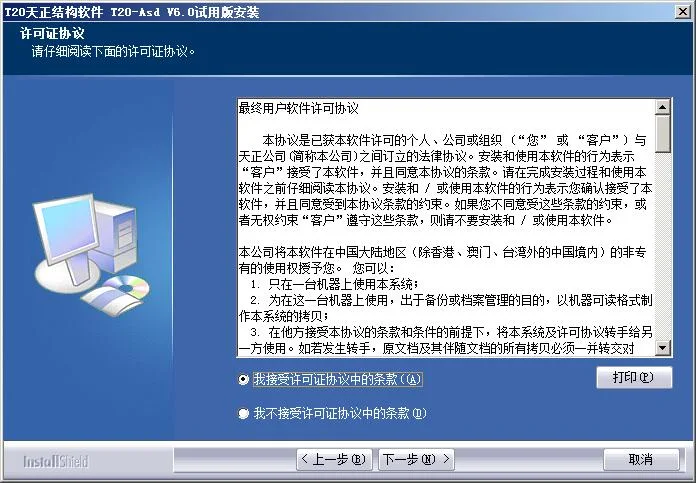
- Double-click ‘T20 day structure v6.0.exe’ to start the installation process. When prompted, select ‘I accept’ to agree to the terms.
- Select the installation directory for the software. By default, it is set to
C:TangentTAsdT20V6.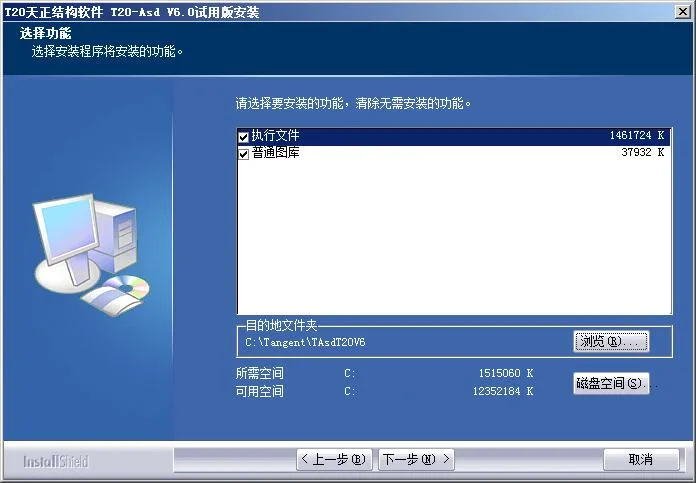
- Choose the folder name for the program’s start menu entry. The default is “T20 day structural software T20 Asd V6.0”.
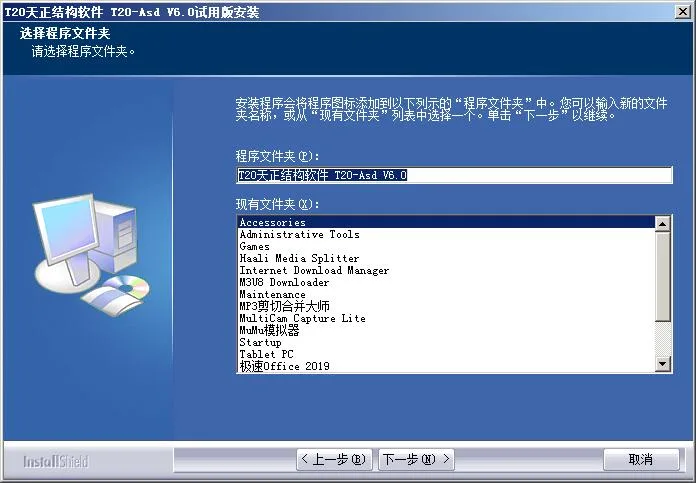
- Proceed to the next step to begin the installation of T20 Tianzheng Structure V6.0.
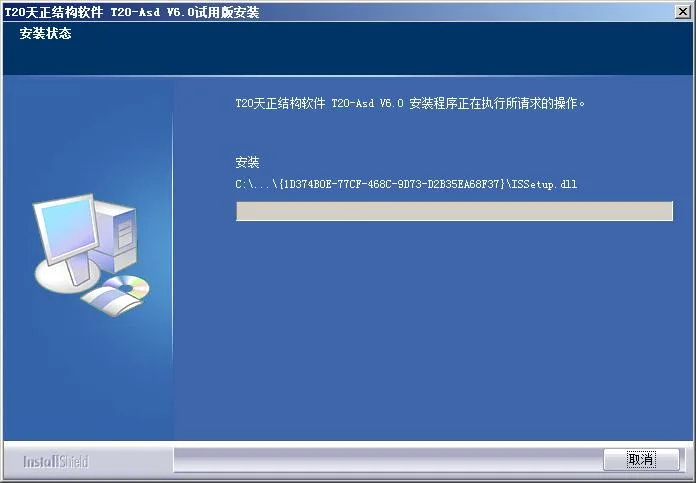
- Once the installation is complete as shown below, click ‘Finish’ to exit the setup.
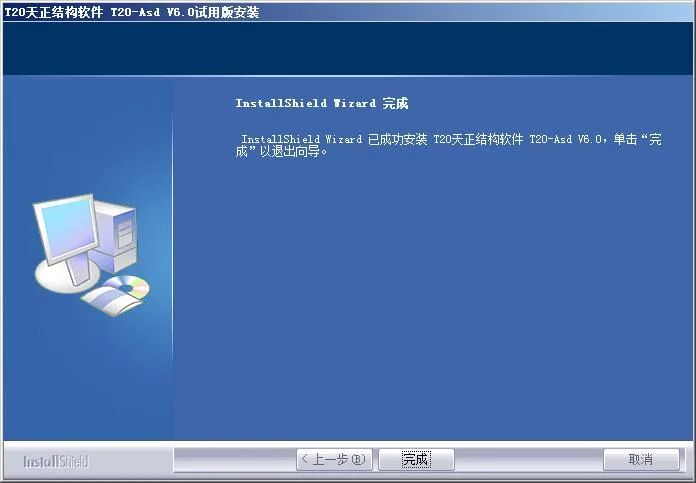
- After installation, do not launch the software immediately. Open the patch folder and double-click
"Registry Information.reg"to add the necessary registry entries. - Copy all patch files into the software installation directory, replacing existing files to activate the software.
- Finally, run T20 Tianzheng Structure V6.0 to complete the activation process.
Main Features
1. Modeling Section
- Beam Module: Used for drawing and editing beam components.
- Column Module: Focuses on drawing and editing column components.
- Shear Wall Module: Designed for drawing and editing shear wall components.
- Floor Module: Used to arrange and edit floor slabs, cantilever slabs, and slab openings.
- Building Import Module: Imports Tianzheng Building drawings into the structure diagram of Tianzheng Structure, allowing integration with Yingjianke Structure Software for result drawing.
2. Flat Drawing Section
Based on the latest atlas version, rebar drawings are manually created using methods such as beam leveling, column leveling, and wall leveling.
3. Component Calculation, Setup, Help, and Gallery
Component calculations cover independent foundations, strip foundations, beam staircases, and slab staircases.
4. Text, Tables, Symbols, Dimensions, Grids, and Tools
Features include text tables, symbol annotations, dimension annotations, grid systems, and other architectural referencing tools.











Must log in before commenting!
Sign Up