
To adjust the shape and size of the beam system, start by adding openings if needed.
Select the beam system you want to modify.
Navigate to the Modify | Structural Beam System tab, then go to the Mode panel and choose Edit Boundary.
Use the available sketch tools to make any necessary changes to the beam system.
Optional: Draw a closed loop inside the boundary to create an opening within the beam system.
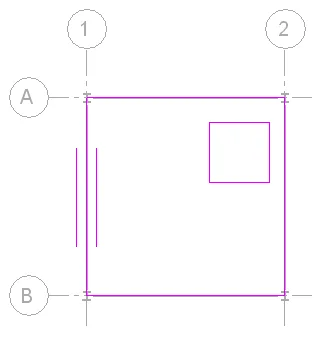
Optional: To reset the beam system to its default state, click Modify | Structural Beam System > Edit Boundaries tab, then go to the Adjust panel and select Reset System.
Resetting the beam system will apply uniform parameters to all beams and restore them to their original positions.
You can also return any moved beams to their initial locations, restore beams that were deleted from the system, and reset individual beam parameters such as beam type, offset, and angle.
After making your adjustments, click the Modify | Structural Beam System > Edit Boundary tab, then select Finish Edit Mode in the Mode panel to complete the editing process.
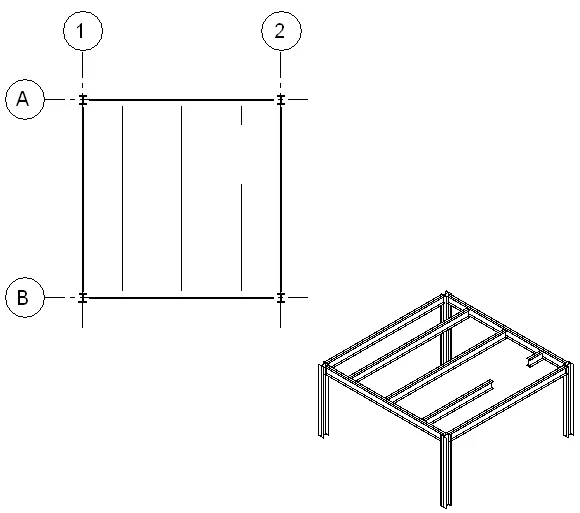
Note that beams will stay connected to their original supports until the beam system is reset.
















Must log in before commenting!
Sign Up