
Today, when people talk about BIM technology, Revit software often comes to mind. While Revit is the core modeling tool in BIM, its most valuable features extend beyond modeling to include clash detection of mechanical and electrical pipelines and advanced visualization. For example, after creating a model in Revit, you can import it into Lumion for animation and rendering or into Navisworks for construction simulation. But what other functions does Revit offer besides modeling? Let’s explore.
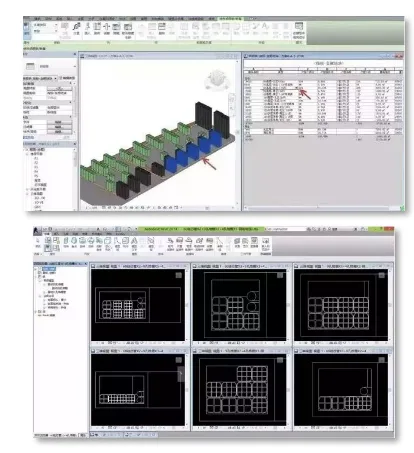
1. Engineering Quantity Calculation
Once a model is built in Revit, there are several ways to calculate quantities. The two main methods are:
1. Built-in Detailed List Function: This feature allows direct export of quantities from Revit by adding formulas, eliminating the need for data transfer. While convenient in theory, it requires managing the deduction relationships between models and components to accurately calculate composite quantities. Additionally, because Revit is foreign software, many default settings do not align with local standards, making the process somewhat complex. It demands not only proficiency in Revit but also a solid understanding of cost estimation.
2. Revit Quantity Calculation Plugins: Plugins like Chenxi, Bimuyun, and Swell simplify the process by handling component deduction relations directly. With these tools, once the model is completed, quantity calculations can be performed in just a few simple steps.
Although Revit’s quantity calculation capabilities are not yet fully comprehensive, they are sufficient for preliminary scheme development and basic calculations.
2. Three-Dimensional Visualization
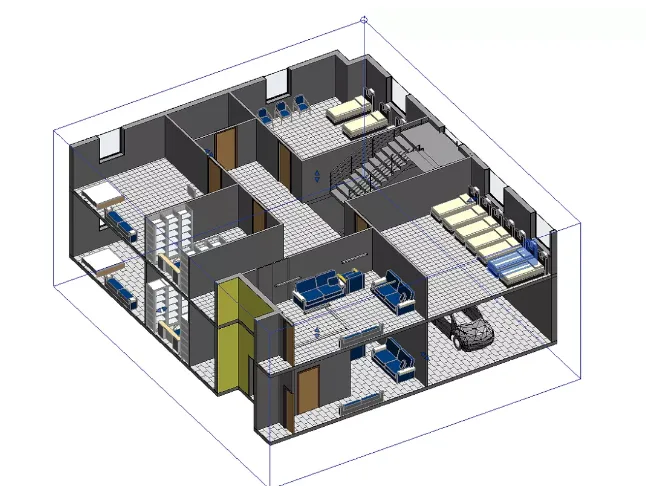
In the past, 2D construction drawings were the primary medium for design schemes and construction planning. Today, Revit’s robust 3D models let us view projects from every angle—360° without blind spots—eliminating reliance on imagination and allowing us to apply our mental capacity to practical tasks.
Even beginners unfamiliar with drawings can quickly become proficient. Moreover, Revit integrates seamlessly with other visual BIM software. For animation simulations, models can be imported into 3ds Max. For rendering or walkthroughs, Lumion is a common choice. Truly, Revit is a versatile powerhouse!
3. Model Correlation in Revit
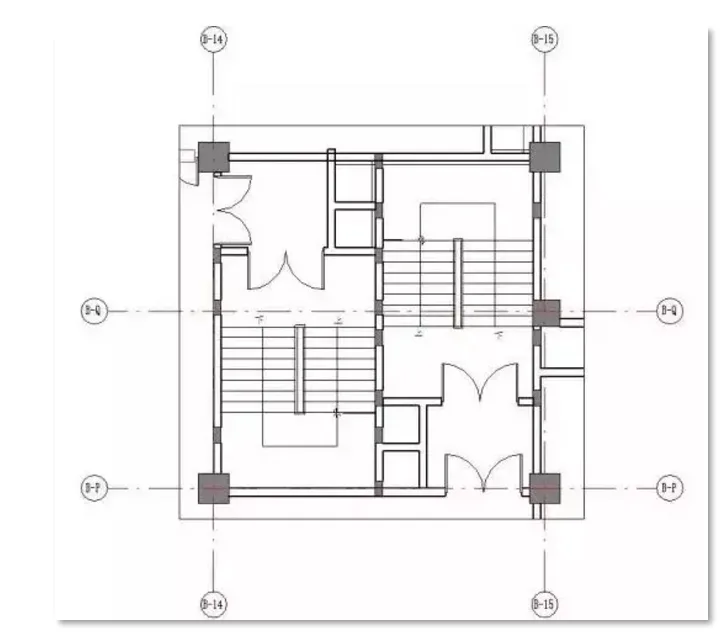
In Revit, components are not isolated; they are interconnected through parameterization, which is a core feature. For example, when modeling a concrete column, changing one parameter automatically updates its appearance and corresponding sectional views. This is the power of Revit’s associative design.
Traditional 2D drawing methods often cause headaches due to indirect representation of 3D information and multiple data sources, leading to mismatches between plans and sections. This creates additional work for engineers, and with frequent design changes and tight schedules, achieving full accuracy is nearly impossible. Errors, omissions, clashes, and inconsistencies are common, requiring many adjustments during construction.
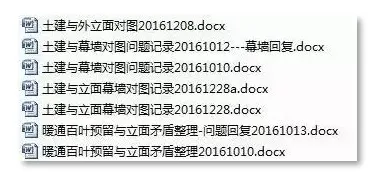
With Revit’s powerful 3D associative design, modifying one piece of data updates all related information automatically. This makes design revisions easier, shortens drawing review time, and prevents inconsistencies between disciplines, truly achieving integrated design coordination.
















Must log in before commenting!
Sign Up