
Question:
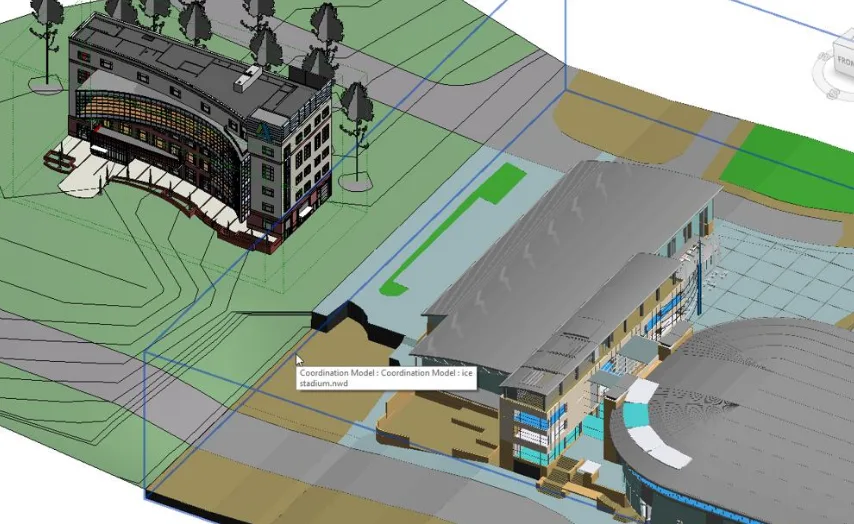
The DWG file linked to Revit is not properly aligned with the Revit model.
Reason:
DWG files and Revit models use different coordinate systems.
Solution:
It is best to establish shared model coordinates at the very beginning of the project. Without this setup, aligning multiple models and files after design elements are created becomes challenging.
To manually align a DWG file with a Revit model, follow these steps:
- Open your Revit model.
- Link the DWG file by clicking on the Insert tab and selecting Link CAD.
- Manually move the DWG file to the correct position.
- Use the Specify Coordinates at a Point tool to set the desired coordinate values.
- Remove the DWG link by navigating to Manage > Manage Projects > Manage Links. Select the DWG file and click Unload.
- Re-link the DWG file using the Shared Coordinates option to ensure it is positioned correctly.

xuebim
Follow the latest BIM developments in the architecture industry, explore innovative building technologies, and discover cutting-edge industry insights.
← Scan with WeChat















Must log in before commenting!
Sign Up