
When moving elements that are centered around walls, an error may occur if Revit cannot regenerate the geometry correctly.
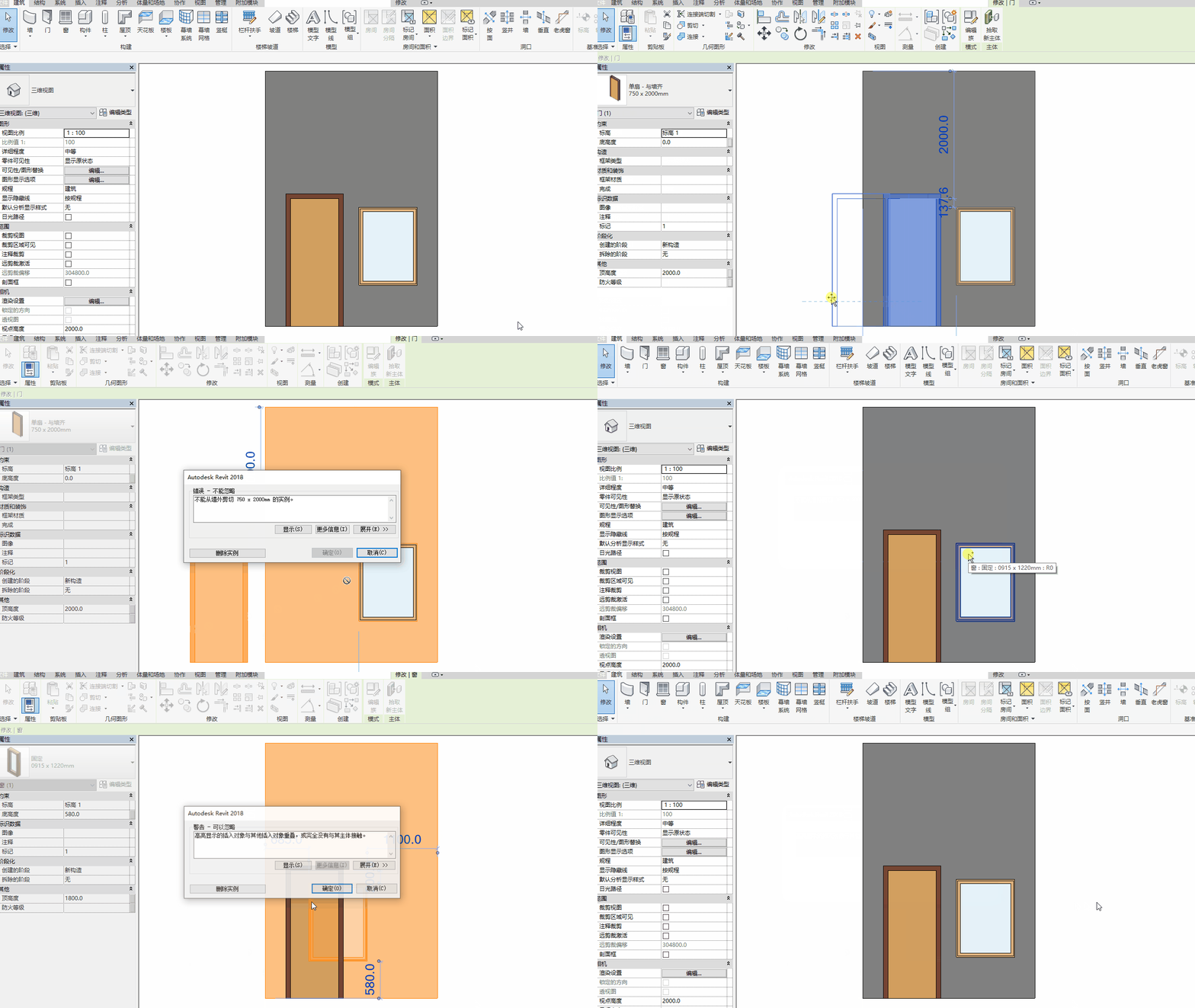
Error: Cannot cut from outside the wall
Issue: Revit fails to regenerate the geometry needed to display the moved model components.
This error typically appears when doors, windows, or other wall-based components are moved incorrectly. For example, if you drag a window onto a door in a plan view, Revit cannot simultaneously cut both door and window instances. Additionally, if a component is dragged or the wall is shortened so much that it no longer supports the component—effectively placing the component outside the wall—this error will also be triggered.
Solution: To resolve this, either cancel the changes or delete the conflicting instances.
















Must log in before commenting!
Sign Up