
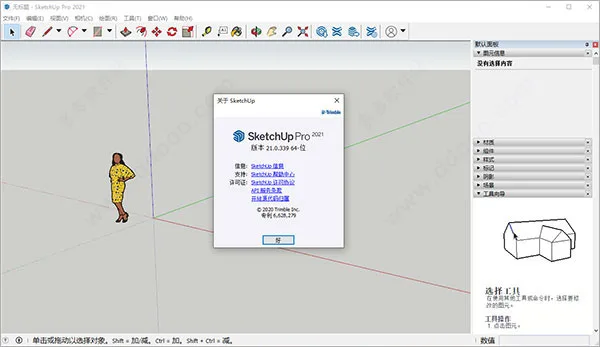
SketchUp 2021
SketchUp is a professional 3D modeling and design software highly favored by designers. The latest SketchUp 2021 version introduces powerful features and an extensive library of high-quality models. This release includes 3D scanning and 3D printing capabilities, an enhanced native rendering engine, and much more. Widely used in architecture, it stands out as an innovative tool for 3D modeling.
SketchUp streamlines the design process, allowing users to create, share, and showcase 3D models that clearly convey their ideas while enabling real-time communication with clients. Its user-friendly interface has made it popular among professionals.
The SketchUp 2021 update integrates smoothly with other design tools in your workflow. It provides multiple template choices, a vast 3D model library, and numerous video tutorials. Among its many customization options, it enables you to design 3D architectural models for various buildings and objects.
This version also features a redesigned icon set and launches a new building research tool called PreDesign. PreDesign helps users analyze the local environment surrounding their project, understand how climate impacts comfort and lighting, and explore effective design strategies before beginning 3D modeling. This represents a fresh approach to starting architectural projects.
Compared to previous versions, SketchUp 2021 offers extensive improvements and optimizations with enhanced functionality. For example, you can now group multiple tags into “tag folders” to efficiently manage visibility across scenes. These folders can be expanded or collapsed for easier navigation. Additionally, a new filtering feature in the “Tags” panel allows filtering by prefixes or naming conventions, simplifying label organization. Designers can also conceptualize ideas directly, making SketchUp an excellent tool for creating 3D architectural schemes.
Note: This post provides the SketchUp 2021 Chinese Pro version along with crack patches that fully activate the software, enabling unlimited access to all features. The package has been tested and verified, with detailed installation instructions included. Interested users can download and try it from this website.
Software Features
Focus on Drawing Without Distraction
An elegant design tool knows when to stay out of your way. The user interface remains hidden until you select a pencil, pen, marker, or brush, allowing you to unleash your creativity without distraction.
Experience a Painter’s Feel
Create boldly with a painting engine capable of handling canvases up to 100 million pixels, all while maintaining the magnified perspective of traditional painting. Professionals appreciate its accuracy and speed, but most importantly, it feels just right.
Instantly Transform Paper Art to Digital
Your device’s camera can act as a scanner. SketchUp can import line art on transparent backgrounds, letting you ink and color your sketches digitally.
Innovative Drawing Tools
Use traditional rulers and elliptical guides to draw precise lines. Take advantage of advanced features like 16-quadrant radial symmetry and stroke prediction, which smooth lines and automatically correct shapes.
SketchUp 2021 Chinese Installation Tutorial:
- Download and unzip the SketchUp 2021 Pro Chinese installation package and crack patch from this website.
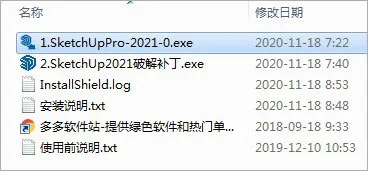
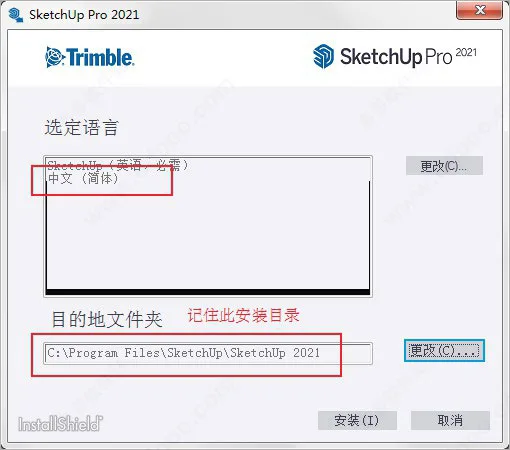
- Run the installer “1. SketchUpPro-2021-0.exe”, select Simplified Chinese as the language, and install it to the default directory:
Default directory:C:Program FilesSketchUpSketchUp 2021
Tip: If you change the directory, remember its path for the cracking step.
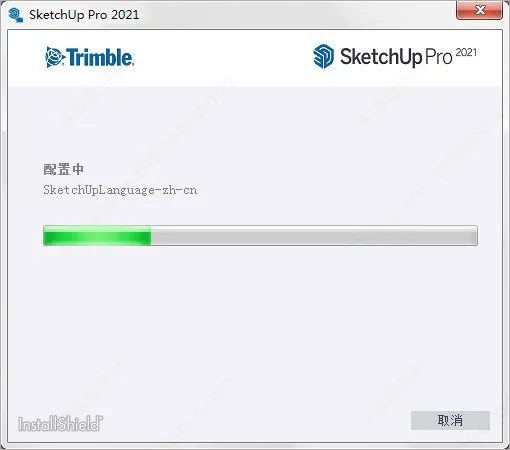
- Wait patiently for the software to complete installation.
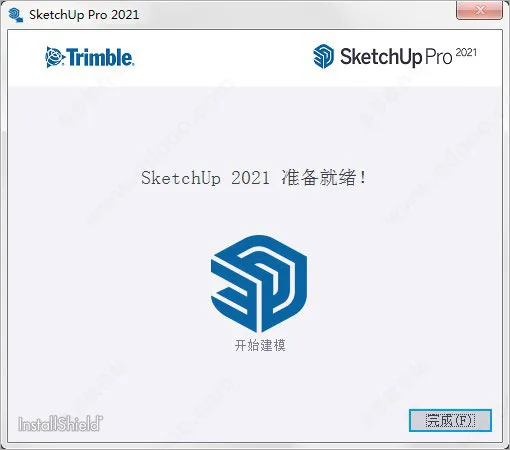
- Once installation finishes, do not launch the software yet. Click “Finish” to exit the installer.
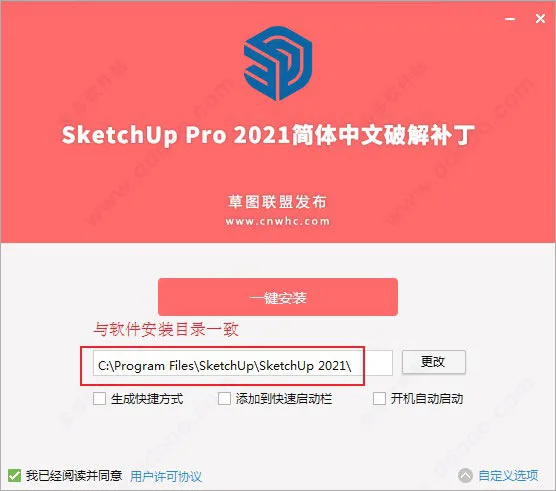
- Run the crack patch “2. SketchUp2021 cracked patch.exe” from the package, ensuring the installation directory matches your SketchUp installation.
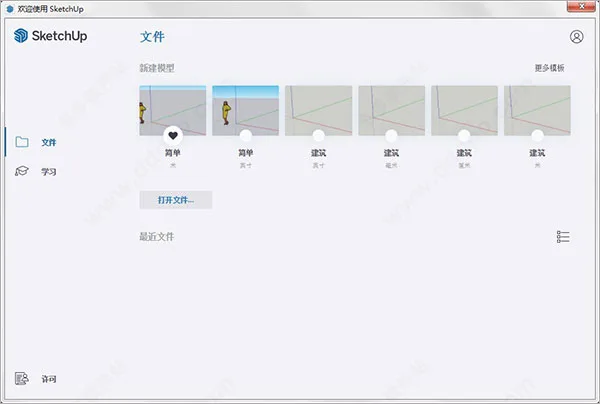
- After the crack is applied successfully, launch SketchUp. Enter the welcome wizard and select a model to get started.
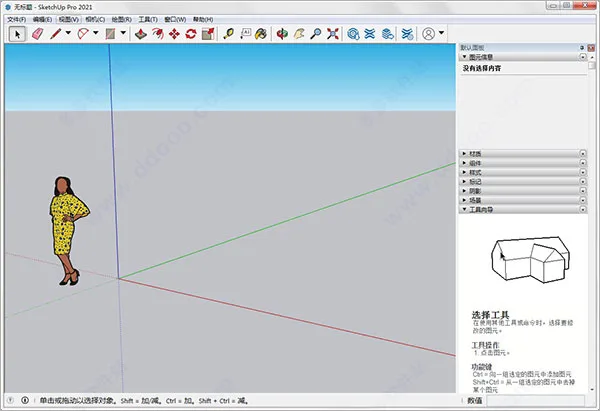
- The software is now fully activated with all features unlocked for unlimited use.
- This concludes the detailed SketchUp 2021 Pro Chinese installation tutorial. We hope it helps users get started effortlessly.
What’s New in SketchUp 2021
- Brand new icon design
- New character added
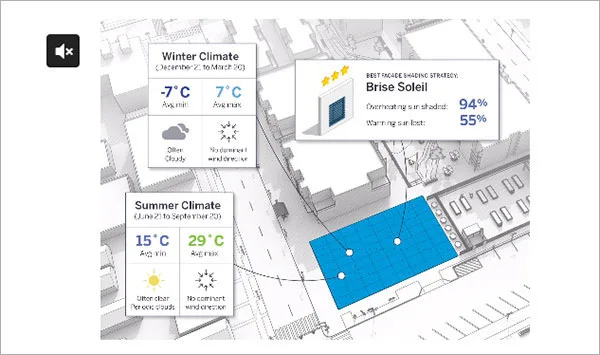
- PreDesign, the new climate research tool, helps you analyze your project’s environment before 3D design.
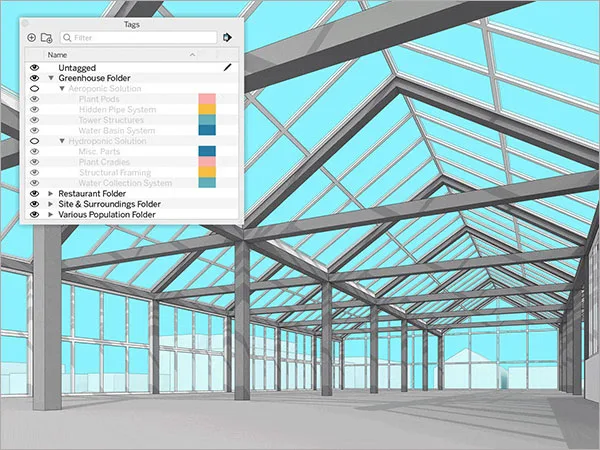
- Improved label management
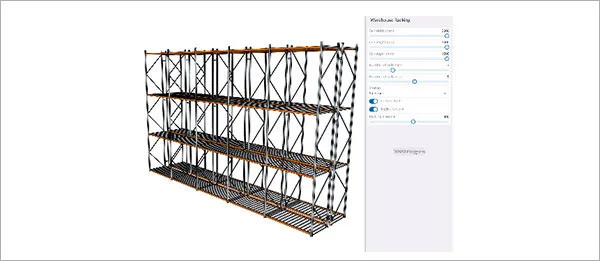
- Real-time component functionality marks SketchUp’s official entry into parametric modeling.
Key new features include:
- Tag Folders: Group multiple tags into folders and manage their visibility per scene. Folders can be expanded or collapsed for easier navigation.
- Tag Filtering: Filter tags by prefixes or naming conventions when creating tag folders.
- Real-time Components: Parametric objects controlled directly within SketchUp.
- PreDesign Integration: Access PreDesign from SketchUp’s File menu (Pro version) to analyze your project’s climate and environmental data via a web browser.
- Direct Update Downloads: Receive automatic downloads of the latest updates in your language without waiting for major version releases.
Software Highlights
- Easy Access to 3D Models: Whether you need a kitchen oven, a car, or a zoo animal, 3D Warehouse—the world’s largest free 3D model library—is integrated seamlessly into SketchUp.
- Convert Models into Documents: Use LayOut to present your models and create professional 2D drawings effortlessly.
- Customize with Extensions: Hundreds of plugins extend SketchUp’s capabilities to tackle complex modeling challenges.
- Dynamic Models and Documents: Insert live SketchUp model views in LayOut; any updates in the model reflect instantly in your drawings.
- Create Beautiful Blueprints: LayOut offers precise control over lines, shadows, textures, text, dimensions, and title blocks.
- Intuitive Vector Graphics: Drawings have vector intelligence, enabling precise scaling and rotation.
- Annotate and Dimension: Easily add dimensions and detailed notes linked to your SketchUp models.
- Reliable Manufacturer Models: Collaborations with brands like Herman Miller, Formica, and Thermador provide accurate and detailed models.
Additional Software Features
- Powerful 3D design tools.
- Easy to learn and use.
- Supports a wide range of plugins and models.
- Unique, streamlined interface for rapid mastery by designers.
- Applicable across various industries and fields.

Enhanced Section Tools
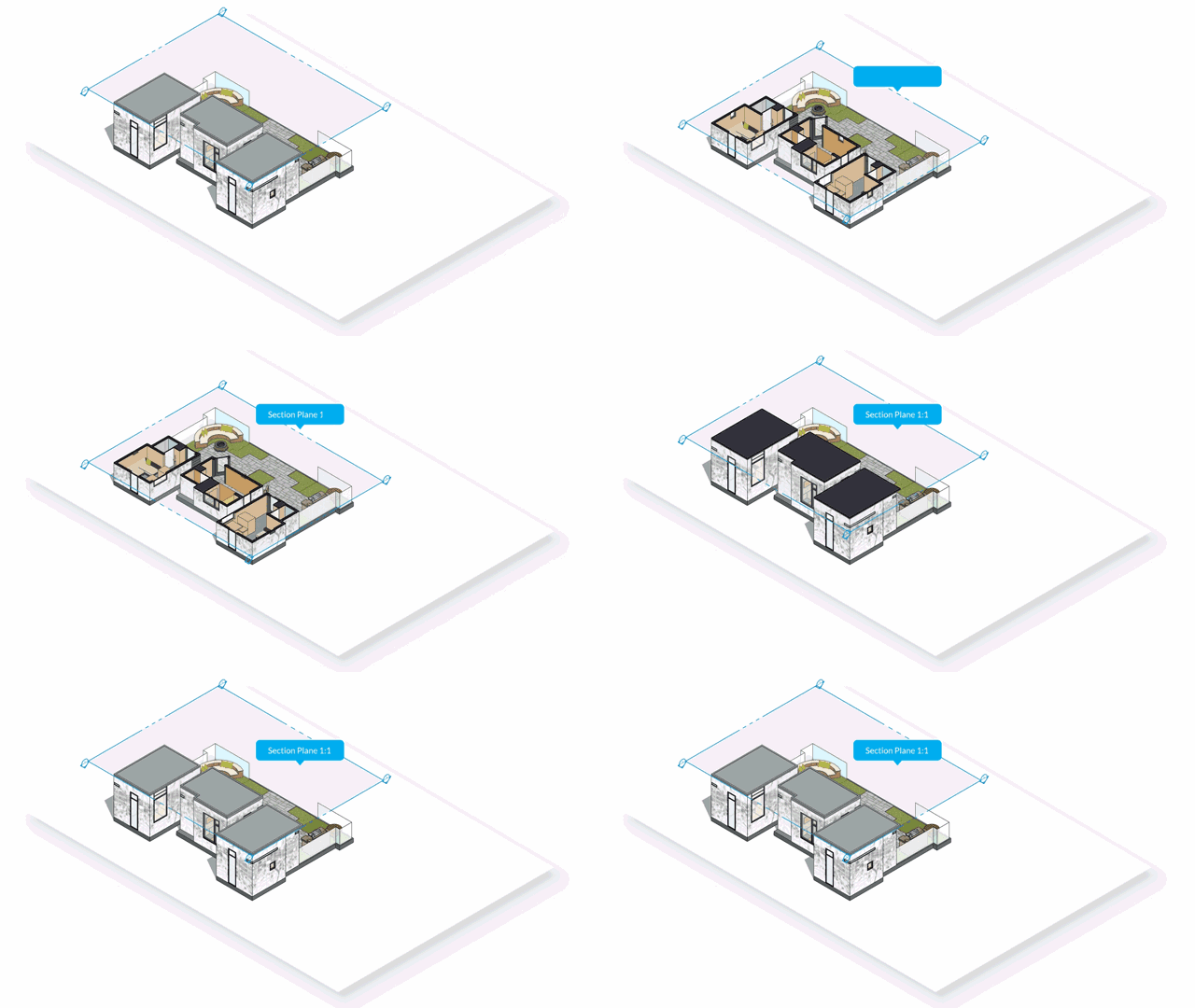
Named Sections for Easier Management:
Section cuts now behave like components—they can be named and labeled, making it simpler to find, organize, and edit parts of your model during design.
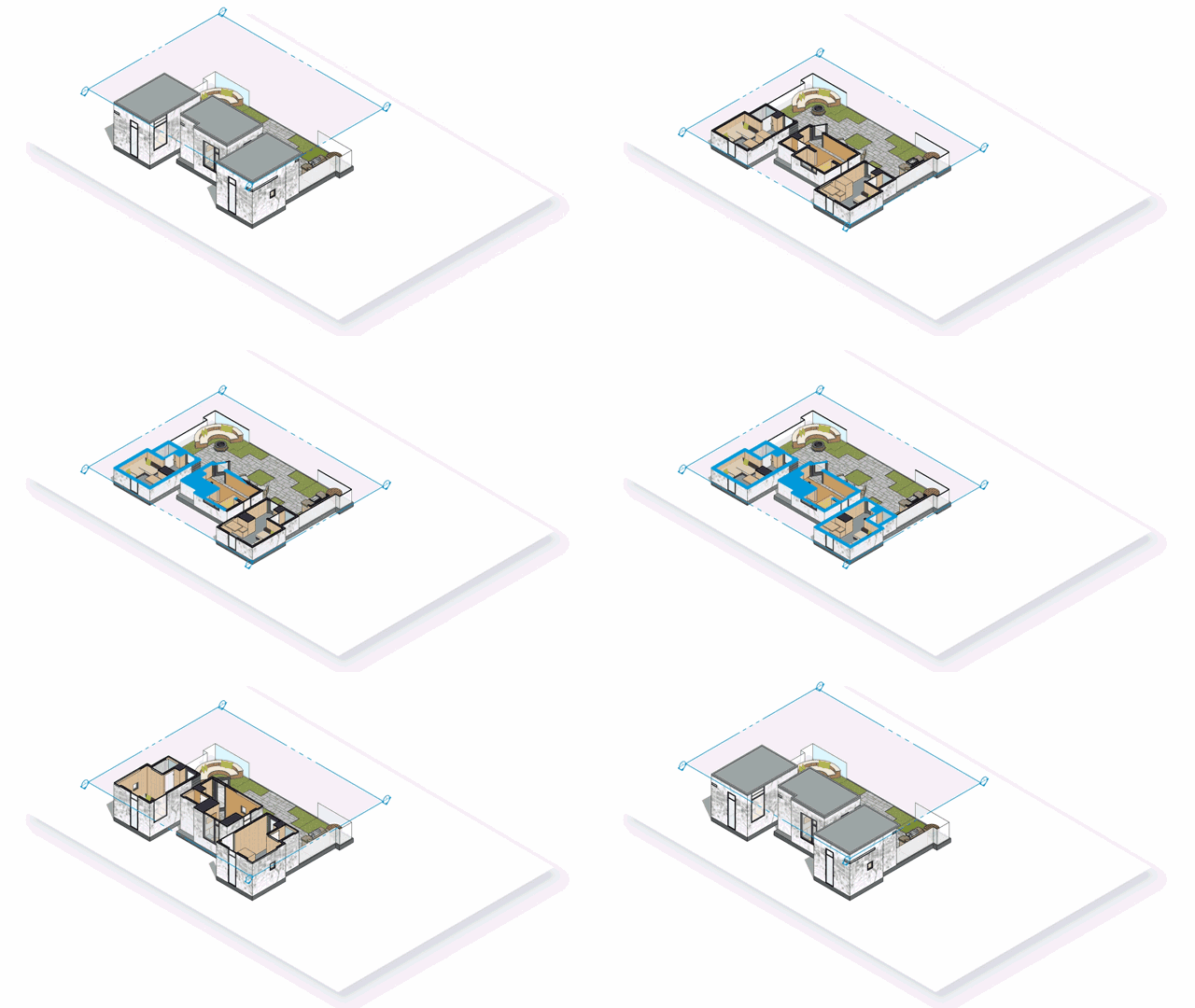
Filled Section Cuts:
Section cuts can now be filled with customizable colors and patterns directly from the style dialog box.
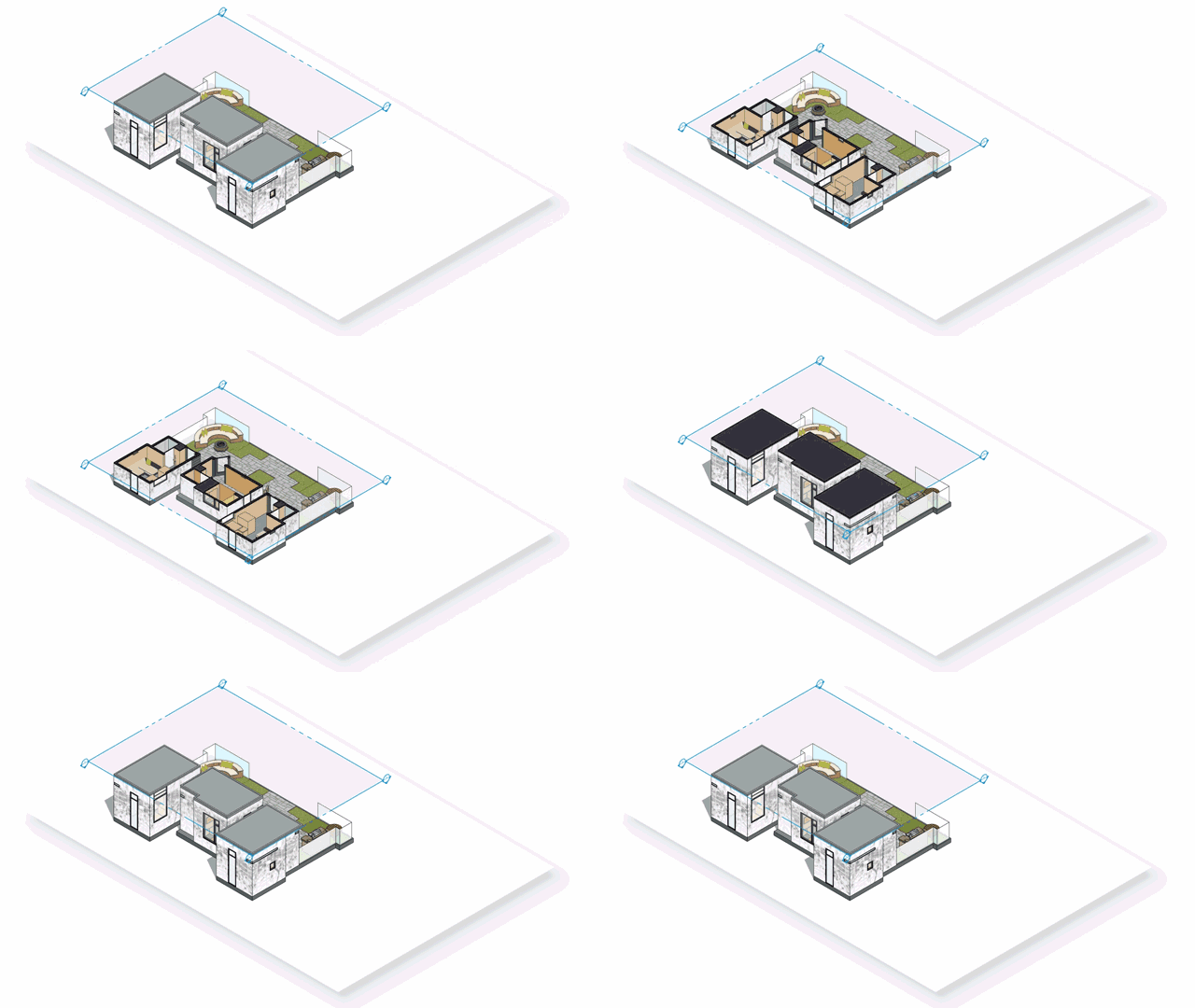
Faster Sections:
Significant performance improvements accelerate handling complex models and managing geometry visibility during section cuts, enhancing your workflow.
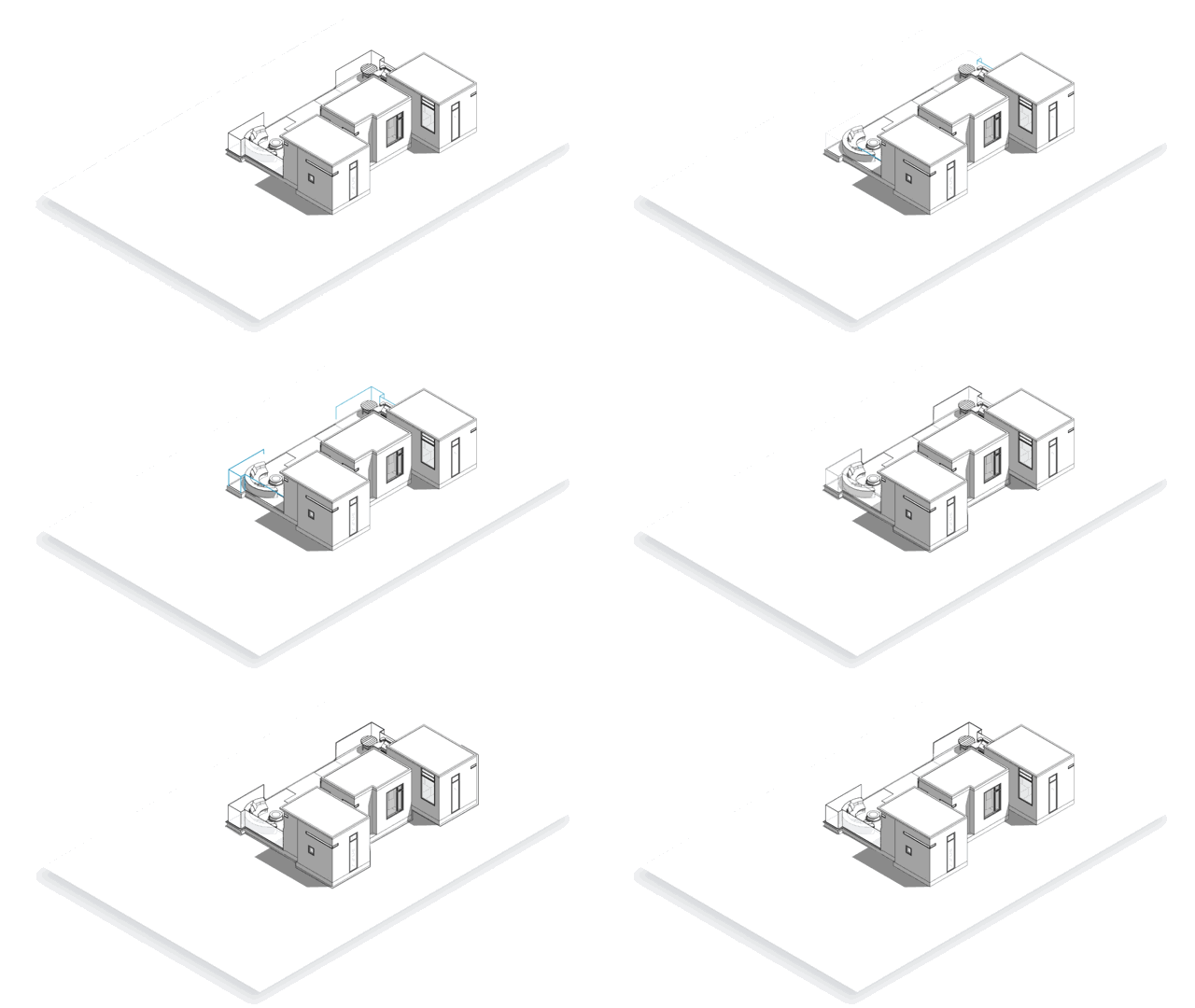
Improved Blueprint Drawing
Scaled Vector Drawing:
LayOut now supports inserting drawings at specific scales or creating scale-accurate details from scratch.
DWG Import:
Importing DWG files into LayOut now respects drawing scales, enabling seamless integration with CAD drawings.
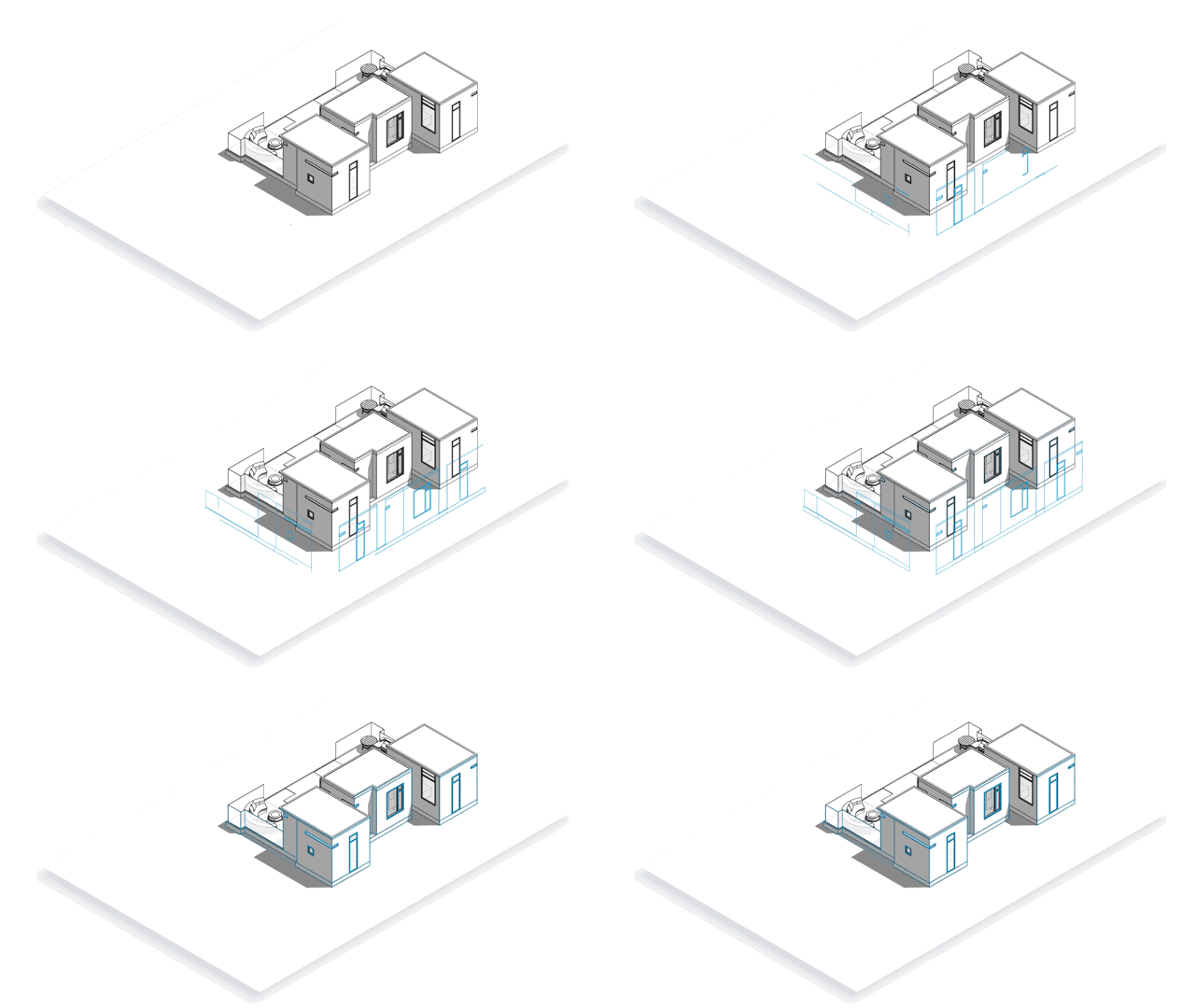
Enhanced Drawing Tools:
LayOut now offers improved reference guides, chamfer and fillet tools, arcs, offset arrays, and enhanced selection options—all designed to help you create beautiful, precisely proportioned drawings.
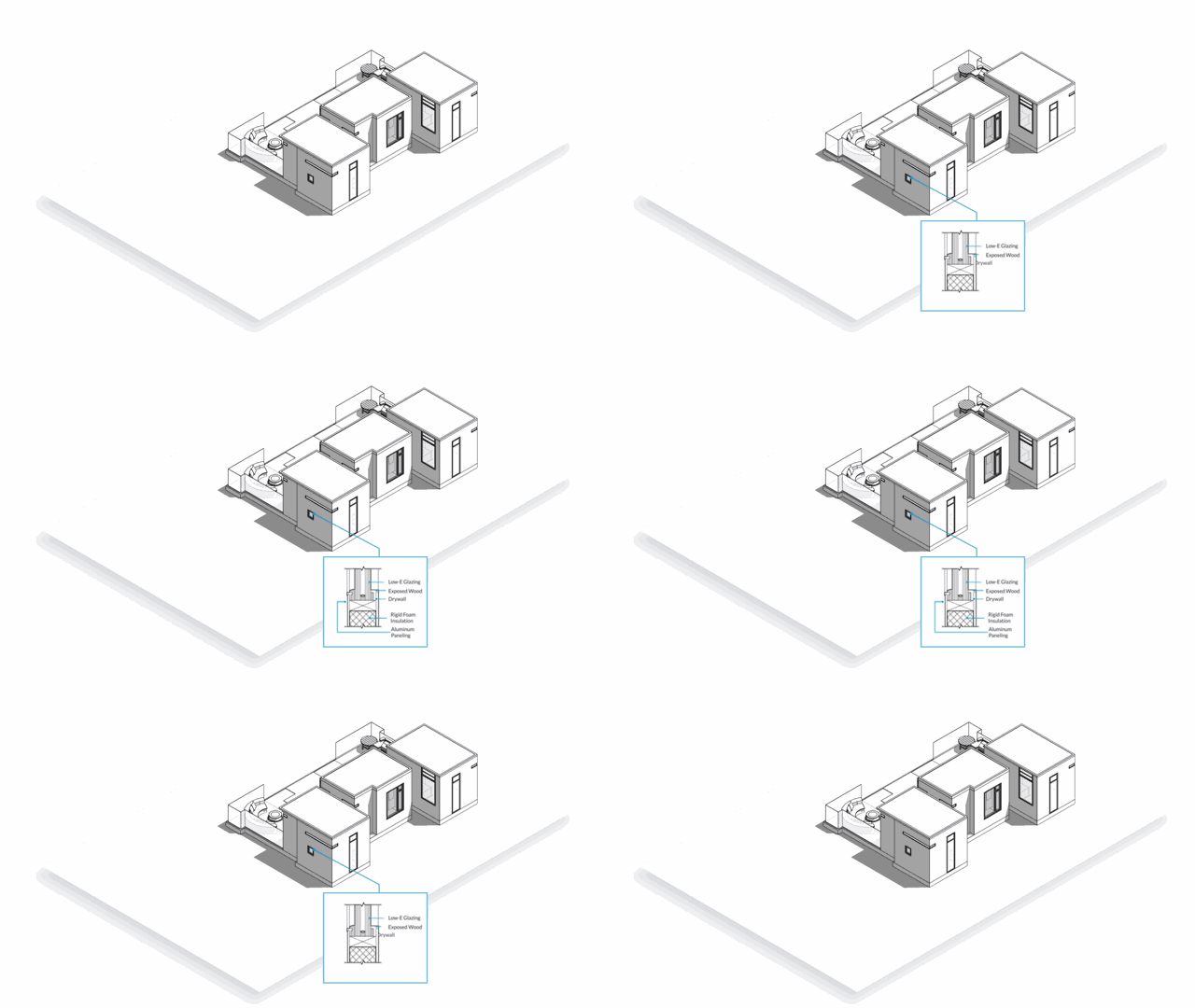
Advanced BIM Functionality
Advanced Attributes:
Add detailed properties to components such as price, size, URL, type, status, and vendor information. Embedding this data streamlines project management.
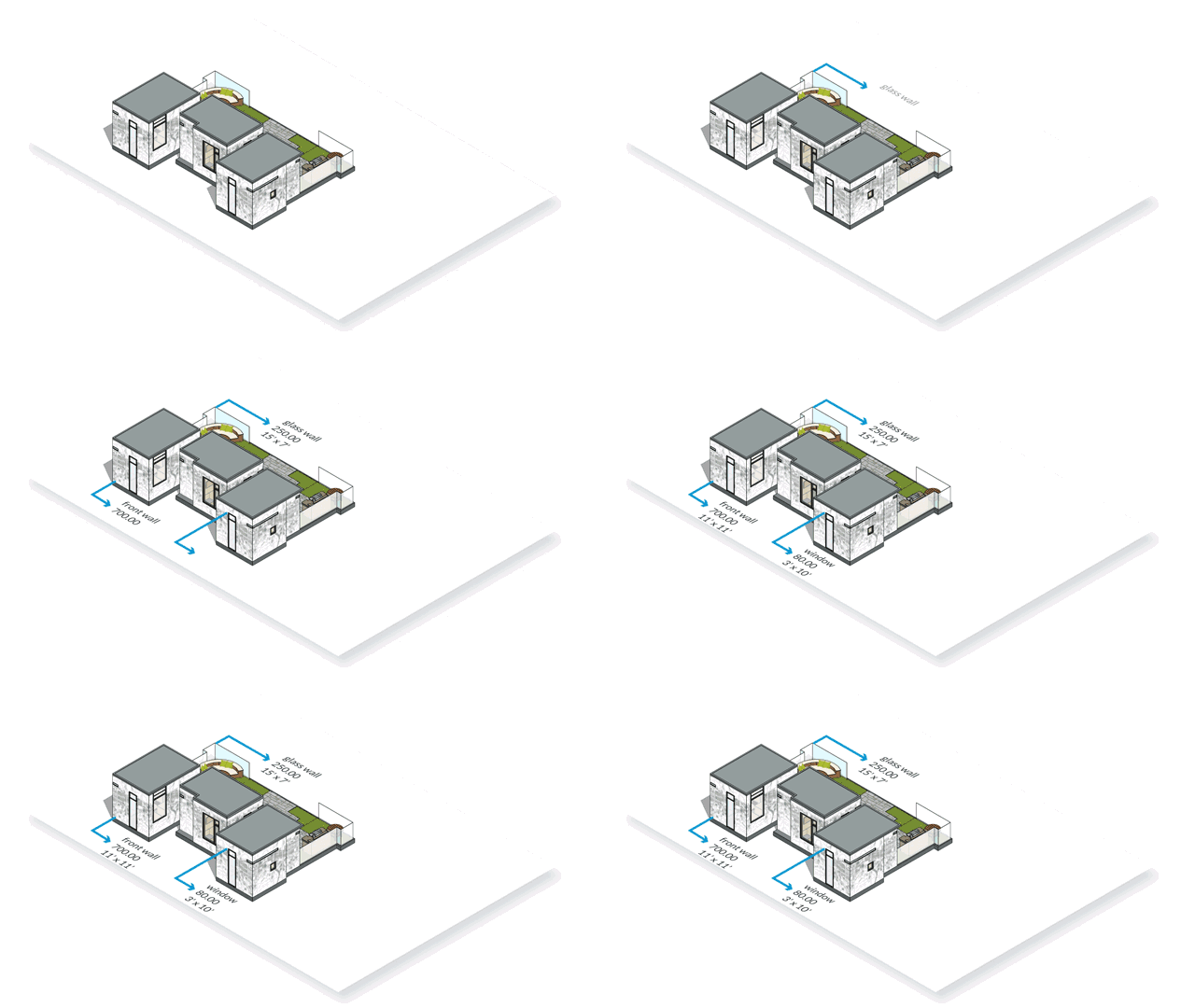
Aggregated Reports:
Generate comprehensive reports summarizing component data, parts lists, quantities, and cost estimates by aggregating price attributes.
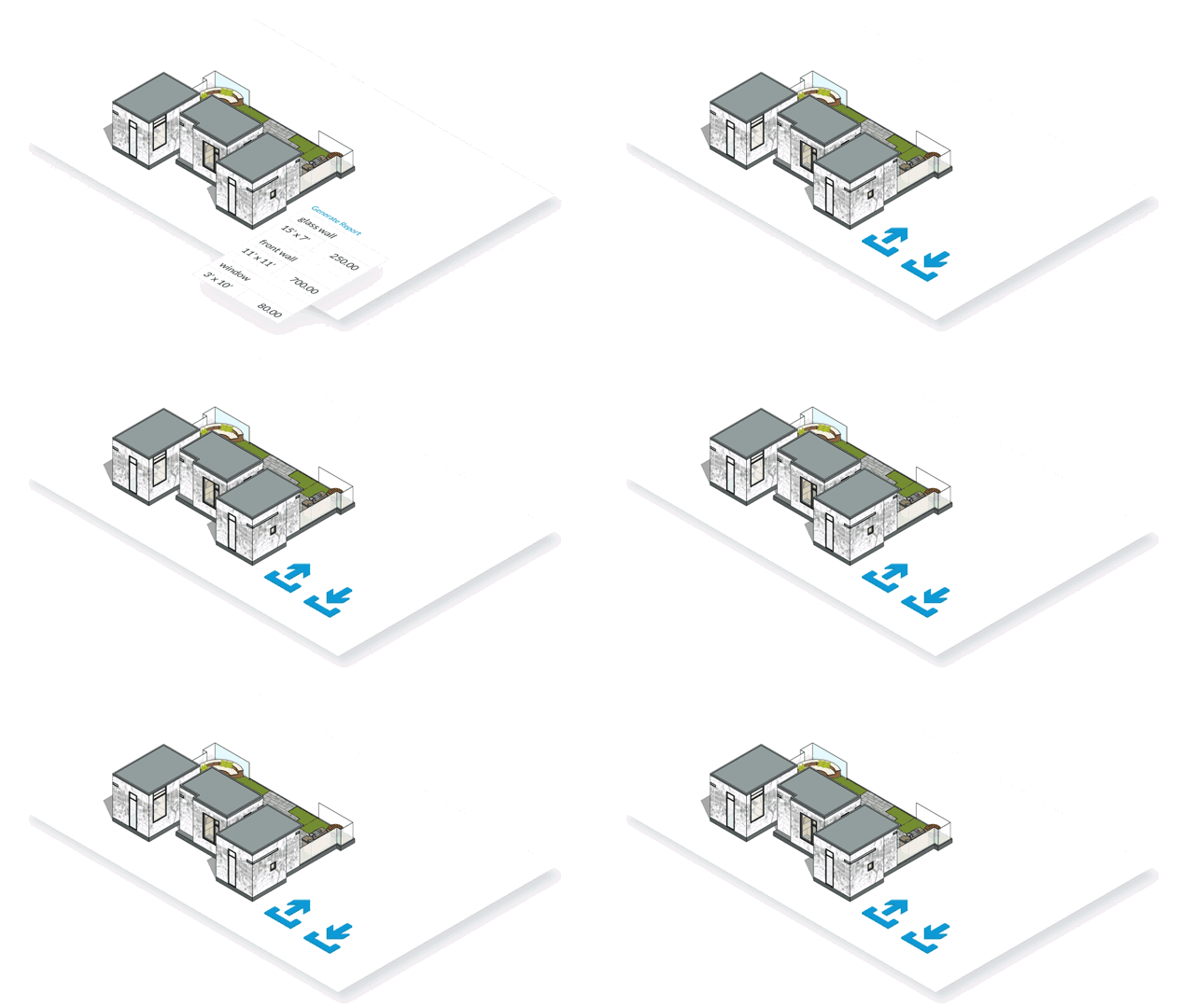
IFC Import/Export:
Support for IFC files enhances BIM workflows, allowing users to exchange files between applications and utilize embedded model properties for complex projects.
Usage Instructions
Simple Method for Creating Twisted Buildings with SketchUp Master
- Open the installed SketchUp software. This example features a pre-existing twisted building model.
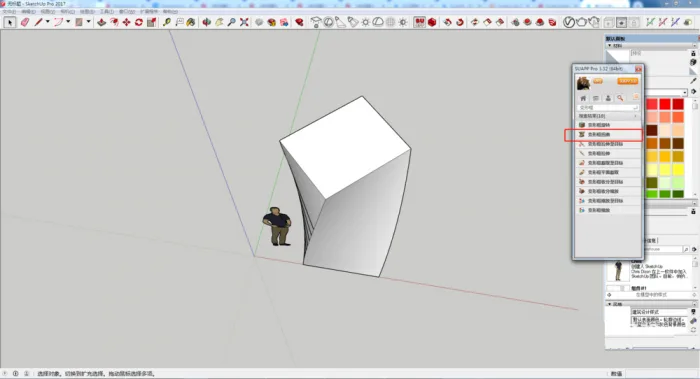
- Convert the shape you want to distort into a component, then click “Shape Box Distortion” directly.
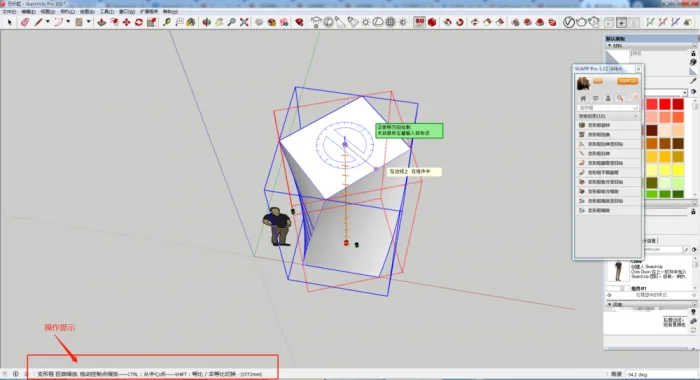
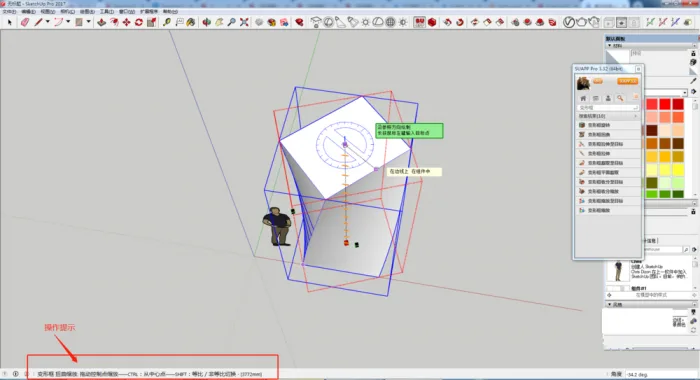
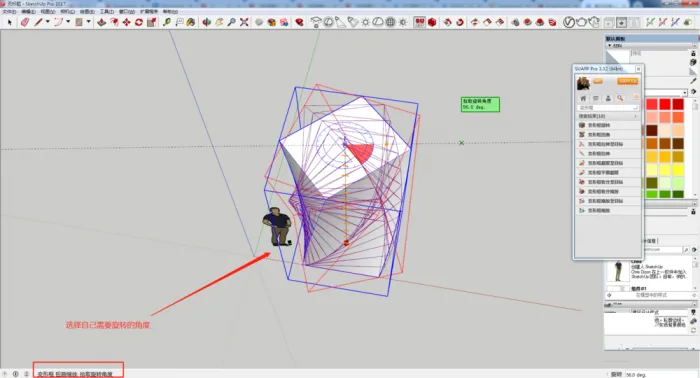
- Follow the on-screen prompts in SketchUp, select your desired rotation angle, and confirm. Your twisted shape will be created.
SketchUp 2021 Pro Chinese Software Overview
SketchUp 2021 Pro Chinese is a globally recognized 3D modeling software featuring powerful drawing tools, rendering capabilities, extension plugins, and thousands of renderer templates. It offers a vast 3D model library alongside advanced lighting and material rendering effects, enhancing your design experience. Interested users can download it here.
The software provides a rich collection of brushes, including thousands of pixel, dynamic, and vector brushes suitable for illustrations, sketches, animations, watercolor and oil paintings, photo collages, and more. Users can also import custom brushes, such as Photoshop brushes. SketchUp 2021 Pro Chinese combines the world’s largest vector and grid brush collections, delivering a natural painting experience powered by a robust Photoshop painting engine. Both professionals and beginners find it effective.
Key Features of SketchUp 2021 Pro Chinese
- New Outliner (Outline Manager): Organize large models efficiently by managing all components and groups within the Outliner, replacing layer-by-layer management. Quickly toggle visibility of major model parts like floor plans and furniture.
- New Capture Point for Bounding Box: When moving or rotating objects obstructed by others, the selected object automatically becomes transparent, improving placement accuracy in tight spaces.
- Improved Hidden Object Control: Hidden objects and hidden geometry are now managed separately, allowing more precise editing and visibility control in complex scenes.
- Updated Terminology: The term “object” now refers collectively to groups, components, and dynamic components, while “layer” has been renamed “label.” These changes simplify terminology without affecting workflows.
- LayOut 2021 File Control: Enhanced interaction between SketchUp and LayOut minimizes the need to update scenes constantly, saving time and improving drawing quality. More editing functions are now available directly within LayOut.
- Improved Model View Adjustments: LayOut automatically recognizes SketchUp model changes, allowing safe style and camera angle modifications without losing customizations. Overwritten views are clearly indicated and can be resynchronized as needed.
- Enhanced Drawing Customization: Supports linking views to multiple SketchUp models, switching label visibility within LayOut documents, and more, streamlining architectural drawing workflows.
Software Evaluation
This editor provides SketchUp 2021 Pro Chinese with an integrated automatic activation patch, unlocking all professional features without restrictions—no activation, license, or login required. It supports Simplified Chinese and offers a convenient, user-friendly experience free from language barriers. Download it now for a seamless professional 3D modeling workflow.

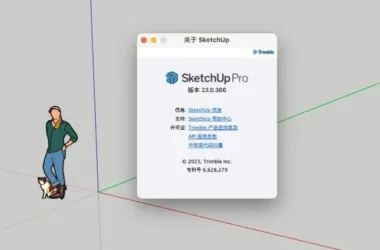













What should I do if I need to log in after installation and click to run? What should I do if it shows’ Login to view your subscription or trial ‘? solve
The installation is successful and can be tried or activated.