
Autodesk Navisworks Manage 2021 is a powerful construction project management tool designed for 5D simulation, coordination, analysis, quantification, and clear communication of design intent. It is ideal for architects, construction firms, engineers, and other professionals engaged in BIM workflows and construction management.
This software specializes in accurate error detection and clash management, enhanced by dynamic 4D project progress simulation and photorealistic visualization. Users can quickly identify errors, omissions, conflicts, and deficiencies while efficiently managing 4D scheduling, construction demonstrations, and technical disclosures. These capabilities reduce repetitive tasks and significantly increase overall work efficiency.
For best results, Autodesk Navisworks Manage 2021 is often used alongside Autodesk Navisworks Simulate 2021, which offers streamlined coordination, construction simulation, and comprehensive project analysis for integrated reviews.
Below is the Navisworks Manage 2021 Chinese Version package, including a detailed installation and activation guide tailored for beginners. Follow the step-by-step instructions and illustrations for an easy setup. A registration tool is also available for download on this site if needed.
Installation and Activation Guide for Autodesk Navisworks Manage 2021
- Download and extract the Autodesk Navisworks Manage 2021 installation package, registration tool, and AdskLicensing files from this site.
- Run Autodesk_Navisworks_manage_2021_Sultilingual-Win_64bit-dlm_001_002.sfx.exe to start the installation, choosing Simplified Chinese as the language.
- Select the installation directory and any required plugins (default settings usually suffice).
- Follow the prompts to complete the installation, but do not launch the software yet.
- Go to
C:Program Files (x86)Common FilesAutodesk SharedAdsk Licensingand rununinstall.exeto remove version 10 completely, then restart your computer. - Install AdskLicensing version 9 by running
AdskLicensing installer.exe. - Disconnect from the internet, open Navisworks Manage 2021, and enter the serial number.
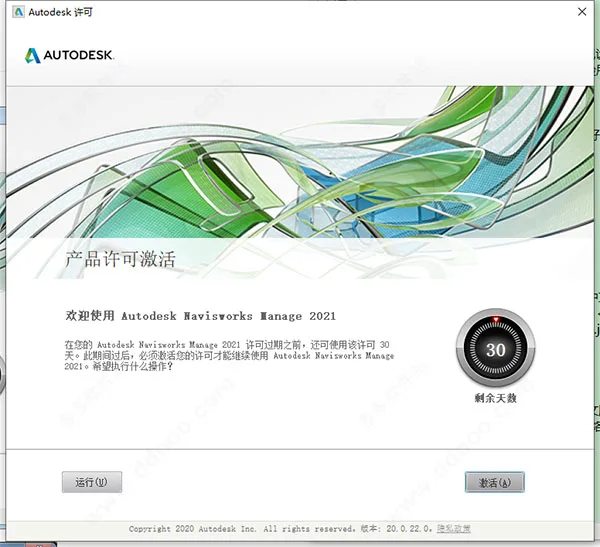
- When the 30-day trial prompt appears, click the activation button to proceed.
- Input serial number 666-69696969 and product key 507M1, then click Next.
- Choose “Apply for activation code using offline method” and click Next.
- Copy the application number displayed, then click Back twice to return to the registration screen.
- Reopen the registration interface and select “I have an activation code provided by Autodesk”.
- Run
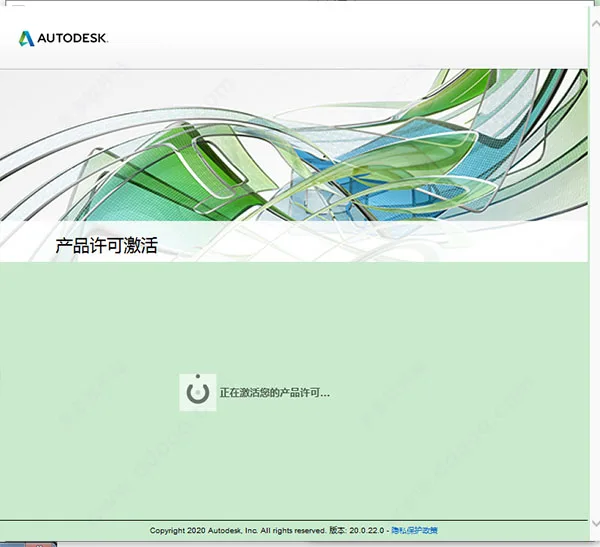
xf-desk20-v2.exeas administrator from the software package to launch the Navisworks Manage 2021 keygen. Click “Patch” first and wait for the “Successfully patched” message. - Paste the application number into the keygen, click Generate to get the activation code, copy it back into the registration box, and click Next to activate.
- After activation, Autodesk Navisworks Manage 2021 Chinese version is fully installed and ready for use.
Step-by-Step Installation Walkthrough
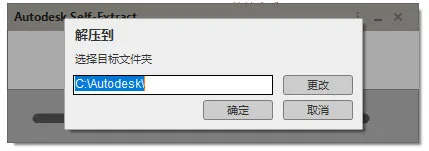
- Download and extract the original Autodesk Navisworks Manage 2021 Simplified Chinese version. Double-click the executable to decompress the installation files. This may take several minutes due to the software size.
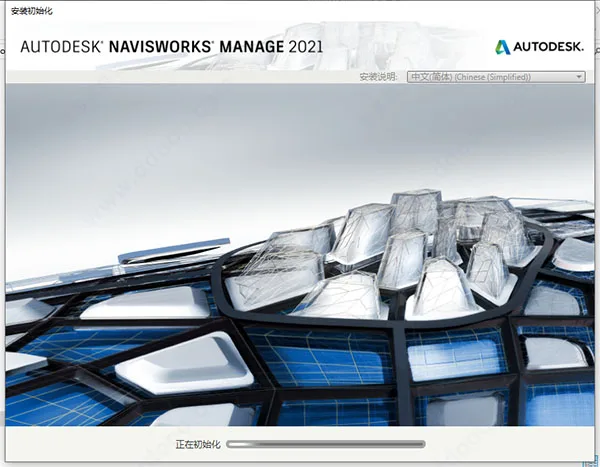
- Once decompression completes, the installer will launch automatically.
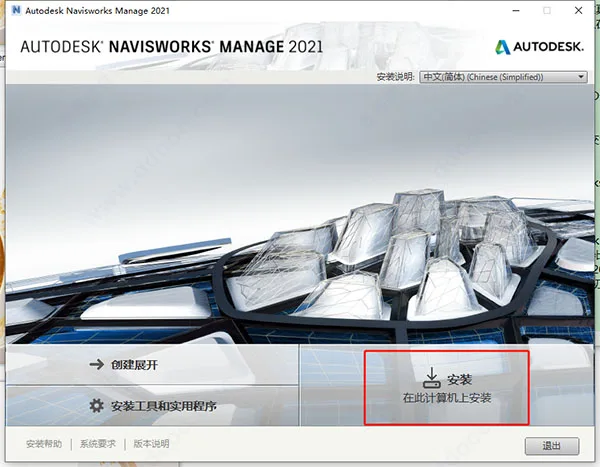
- Click Install to continue.
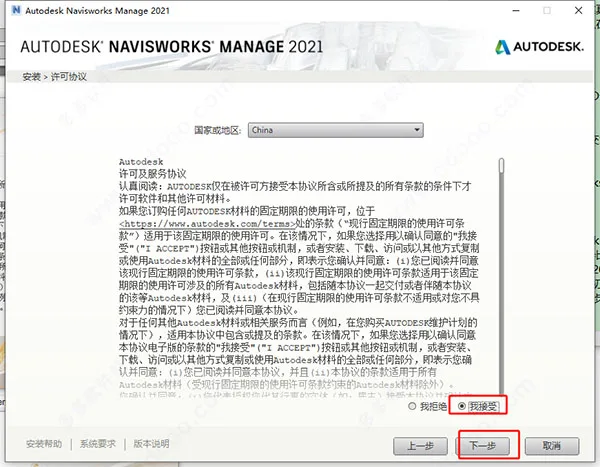
- Accept the software license agreement and click Next.
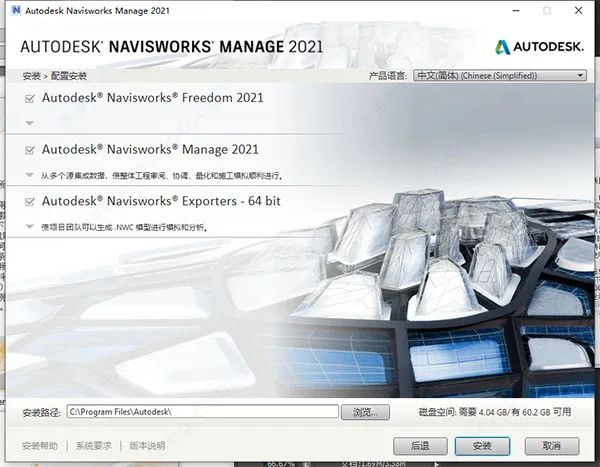
- Configure installation options and select the destination folder.
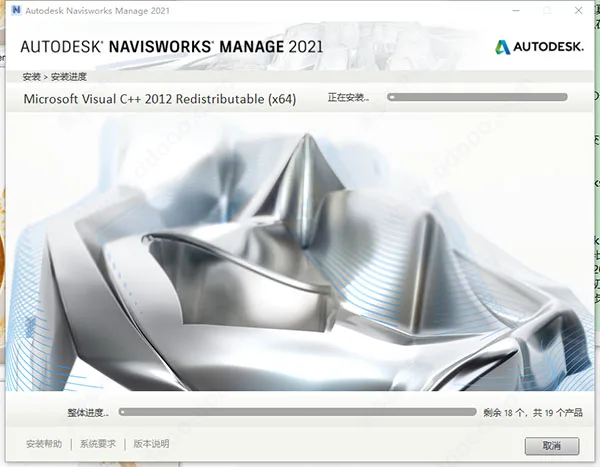
- Wait patiently while the installation progresses.
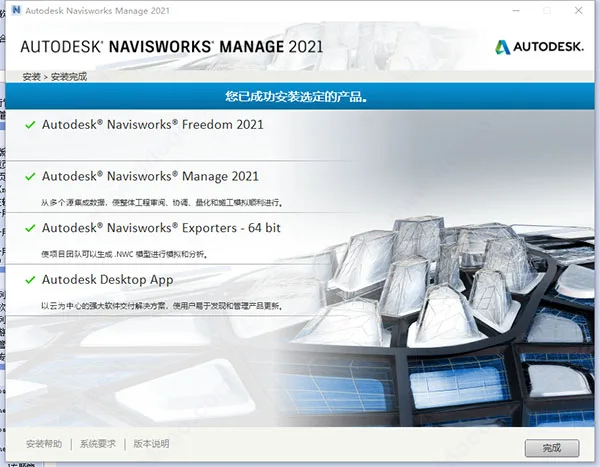
- When finished, the installation is complete.
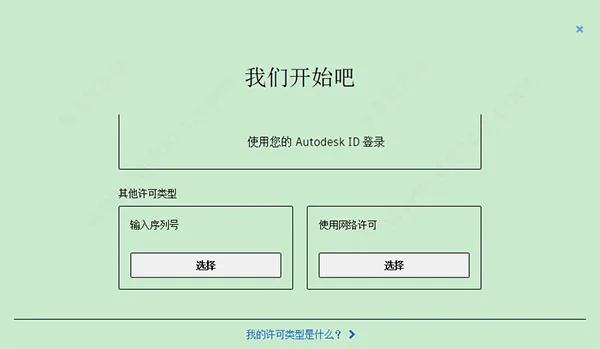
- Launch the software. It supports both serial number input and network licensing; this guide demonstrates serial number activation.
- The software offers a 30-day free trial period. Activation is required after this time.
- Enter your purchased serial number and product key to activate the software.
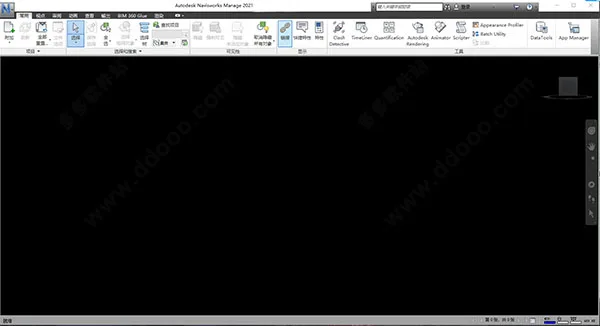
- After activation, the software is ready to use. If activation fails, ensure your serial key is valid.
Key Features
- Data Integration: Combines data from multiple sources to improve project control and results.
- BIM Coordination: Enables collaboration using Navisworks® Project Review software.
- Unified Model: Merges design and construction data into one comprehensive model, allowing early conflict detection and resolution before construction begins.
- 4D and 5D Simulations: Animate and interact with model elements, create schedules directly from the project model, and import external scheduling and cost data.
- Automated Quantity Takeoff: Measure lines, areas, and counts in 2D drawings and 3D models; synchronize views combining Revit and AutoCAD files; export quantity data to Excel.
- Project Visualization:
- Cloud Rendering: Generate and share project renderings via the cloud.
- Real-time Navigation: Explore integrated project models interactively.
- Section Highlighting: Easily visualize cross-sections using the section highlighting tool.
- Reality Capture: Enhanced support for point cloud data integration.
Capabilities of Autodesk Navisworks Manage 2021
- Conflict detection and interference checking
- Model and data integration
- Publishing NWD and DWF files
- 5D project scheduling
- Realistic model rendering
- BIM and AutoCAD coordination
- BIM 360 integration
- Integrated model and 2D blueprint quantity takeoff
Feature Summary of Autodesk Navisworks Manage 2021
- Data Aggregation: Simplifies BIM coordination by merging design and construction data into a single model to detect and resolve conflicts early.
- 4D & 5D Simulation: Animate models, develop project schedules, and import external scheduling and cost data.
- Material Quantification: Automatically calculate quantities from 2D or 3D designs and export data for further analysis.
- Project Visualization: Includes cloud rendering, real-time navigation, section visualization, and integration with reality capture tools.
Common Keyboard Shortcuts for Autodesk Navisworks Manage 2021 Chinese Version
- PgUp: Zoom to fit all objects in the scene.
- PgDn: Zoom in to enlarge all objects.
- Home: Return to the “Home View” (active only when the Scene View window is selected).
- Esc: Deselect all selected items.
- Shift, Ctrl: Modify middle mouse button actions.
- Alt: Toggle key prompts on or off.
- Alt+F4: Close the active window or exit the application.
- Ctrl+0 to Ctrl+9: Switch between navigation and selection modes.
- Ctrl+A: Open the ‘Attach’ dialog.
- Ctrl+D: Toggle ‘Collision’ mode (available in Roaming or Flying navigation).
- Ctrl+F: Open the ‘Quick Find’ dialog.
- Ctrl+G: Toggle Gravity mode.
- Ctrl+H: Toggle hide mode for selected items.
- Ctrl+I: Insert from file.
- Ctrl+M: Merge files.
- Ctrl+N: Reset the program and create a new file.
- Ctrl+O: Open file dialog.
- Ctrl+P: Print.
- Ctrl+R: Toggle ‘Force Visible’ mode.
- Ctrl+S: Save the current file.
- Ctrl+T: Toggle third-person mode.
- Ctrl+Y: Redo the last undone action.
- Ctrl+Z: Undo the last action.
- Ctrl+PgUp / PgDn: Navigate between drawings.
- Ctrl+F1 to Ctrl+F12: Open various tools and windows such as Help, Clash Detective, TimeLiner, Animation Maker, and more.
- Ctrl+Home: Pan the camera to view the entire model.
- Ctrl + Arrow Keys: Control animation playback and recording.
- Ctrl+Shift + Letters/Keys: Open export dialogs, set views, and navigate redline annotations.
- F1–F12, Shift+F1–F11: Access help, rename items, refresh the scene, toggle full screen, open options, and other functions.
System Requirements
- Operating System: Windows® 10, 8.1, 8 (64-bit), or 7 (64-bit) with Service Pack 1. Recommended editions include Home Standard, Home Premium, Professional, Enterprise, or Ultimate.
- Processor: Intel Pentium 4 or AMD Athlon with SSE2 technology, 3.0 GHz or higher.
- RAM: Minimum 2 GB.
- Disk Space: At least 15 GB of free space required for installation.
- Graphics: Direct3D9® and OpenGL® compatible graphics card supporting Shader Model 2 or above.
- Display: 1280 x 800 VGA display with true color; 1920 x 1080 resolution monitor and 32-bit video adapter recommended.















What is the Navisworks 2021 Chinese official version download (cracked version+registration machine), installation tutorial with key and activation code, and Navisworks Manage offline installation package extraction code
What is the extraction code
There is already an extracted crack folder in the installation package, there is no need to extract Crack.rar again