
BIM Q&A | How to Retract Extracted Components in BIM
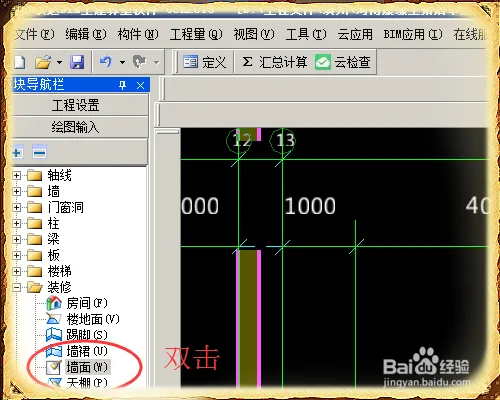
To begin, double-click on the wall surface within the drawing input located in the module navigation bar.
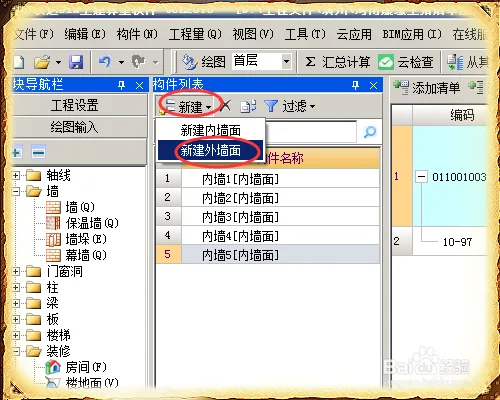
In the pop-up component list, click on New Wall to create a new exterior wall.
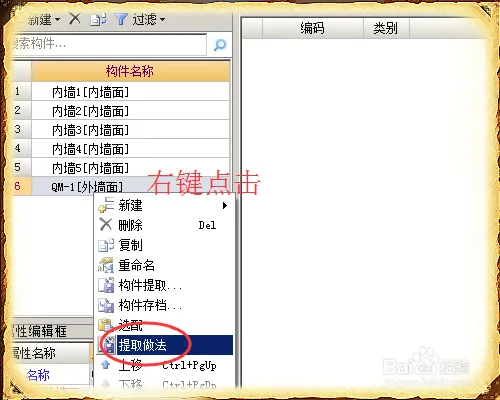
Once the new exterior wall is created, you will notice that no method is assigned yet. Right-click on the exterior wall and choose Extract Method from the context menu.
In the pop-up window, select the method file you wish to use for the extraction process.
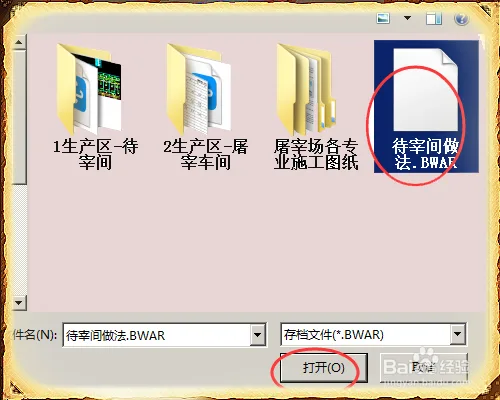
Choose the extraction method you need from the options provided, then click OK to proceed.
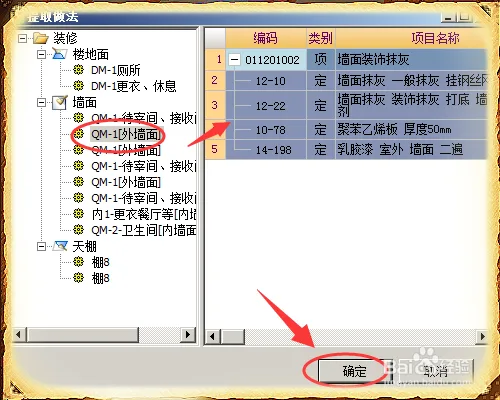
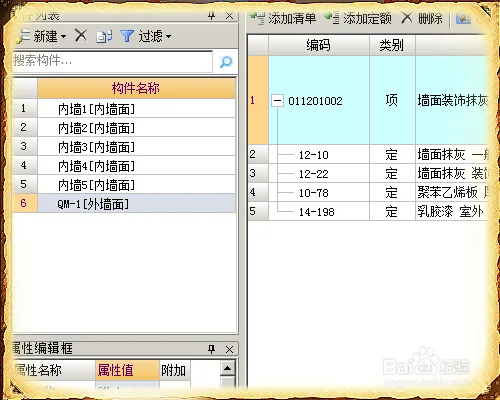
After confirming, the import process will begin, as shown below.

xuebim
Follow the latest BIM developments in the architecture industry, explore innovative building technologies, and discover cutting-edge industry insights.
← Scan with WeChat















Must log in before commenting!
Sign Up