
BIM Q&A | Question about Rhino Plugin Grasshopper
Can’t find the Graph Mapper in Grasshopper version 0.9.75.0? Where was it moved?
Originally, the Graph Mapper was part of the special components under Input and TIL.
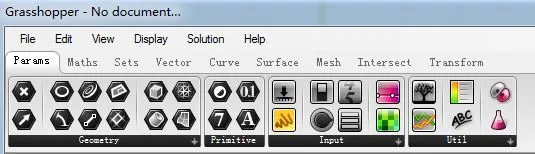
You can quickly add a Graph Mapper by double-clicking anywhere in the workspace and typing its name. Just enter part of the name to filter and find it in the list.
In my version, the Graph Mapper is located under the Input category. Click the downward arrow on the right side of Input to expand the options, as shown below:
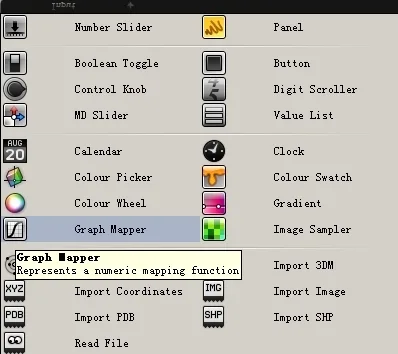

xuebim
Follow the latest BIM developments in the architecture industry, explore innovative building technologies, and discover cutting-edge industry insights.
← Scan with WeChat















Must log in before commenting!
Sign Up