
BIM Q&A | How to Fix the Issue When Revit 2016 Fails to Start
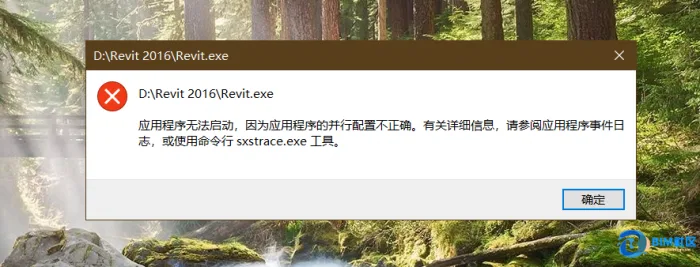
This problem is related to your software activation. To resolve it, navigate to the following folder on your computer:
C:ProgramDataFLEXnet
Once there, delete the .data file found in this directory. After deleting the file, restart Revit and proceed with the registration process again. This should allow the application to start properly.

xuebim
Follow the latest BIM developments in the architecture industry, explore innovative building technologies, and discover cutting-edge industry insights.
← Scan with WeChat















Must log in before commenting!
Sign Up