
BIM Q&A | How to Combine Multiple UEL Node Files into a Single ULE File in Tekla Software
Loading many nodes every time can be quite tedious. To improve loading speed, it’s beneficial to merge commonly used nodes into one file.
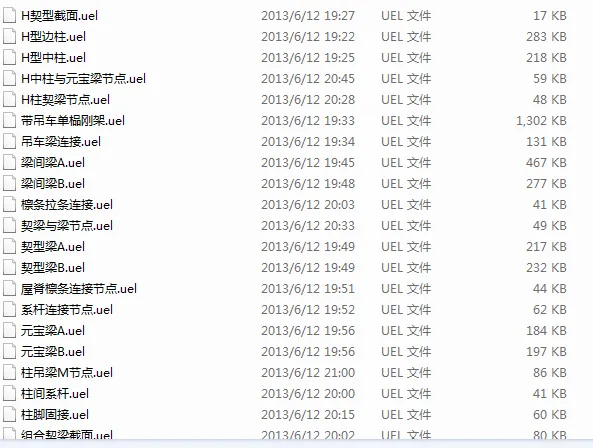
Press Ctrl+F to open the node directory. Then, right-click inside the node box to bring up a dialog and select Enter.
Make sure to save the node first with the desired name. The file extension should be .uel.

xuebim
Follow the latest BIM developments in the architecture industry, explore innovative building technologies, and discover cutting-edge industry insights.
← Scan with WeChat















Must log in before commenting!
Sign Up