
BIM Q&A | How to Control the Length of Unequal Edge Fillets in Rhino?
In the image above, I didn’t want such a long fillet on the corner. Ideally, the fillet length should match the length of the edge. However, I couldn’t control it, and the software displayed the error message “Failed to create corner.”
What causes this issue?
How can it be resolved?
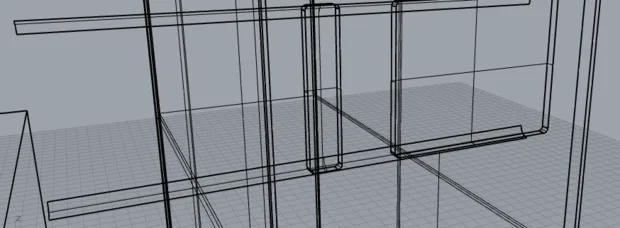
In Rhino, you can only control the radius of the fillets and the selection path. When applying unequal fillets to multiple edges, this limitation often leads to errors like the one shown.
To address this, you can use a method involving circular tube segmentation to blend the edges more effectively and achieve the desired fillet length.

xuebim
Follow the latest BIM developments in the architecture industry, explore innovative building technologies, and discover cutting-edge industry insights.
← Scan with WeChat















Must log in before commenting!
Sign Up