
BIM Q&A | Who Can Provide a Copy of ArchiCAD 22 in Chinese (Including Registration Machine Serial Number)?
Installation Guide
1. Download and extract the ArchiCAD 22 Chinese installation package. Then, double-click ARCHICAD-22-CHI-4005-1.1.exe to launch the installation wizard.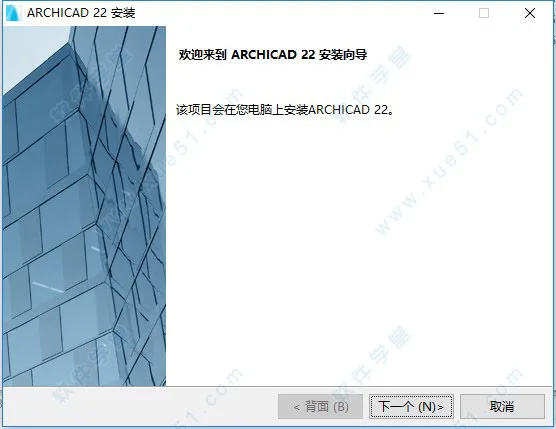
2. Read and accept the software license agreement by clicking I Accept.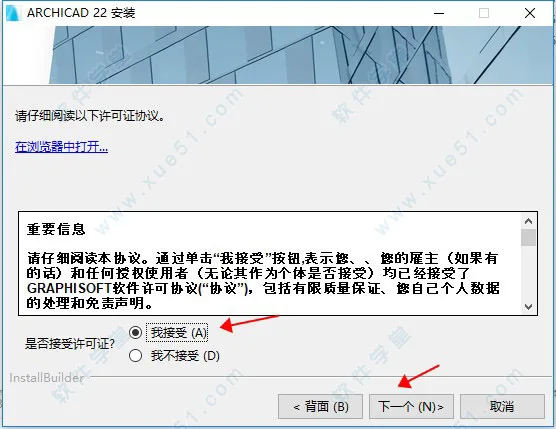
3. Select the installation type. It is recommended to choose the Typical installation.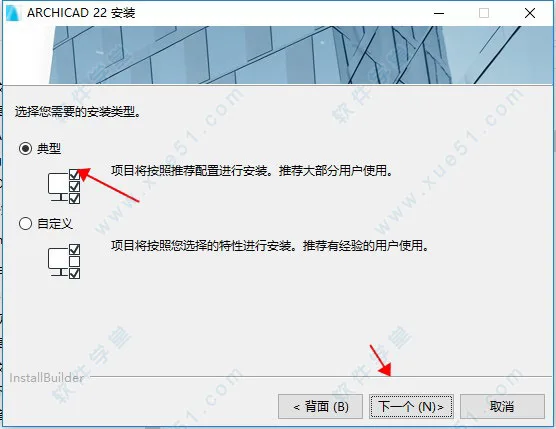
4. Confirm that all settings are correct, then click Install to begin the installation process.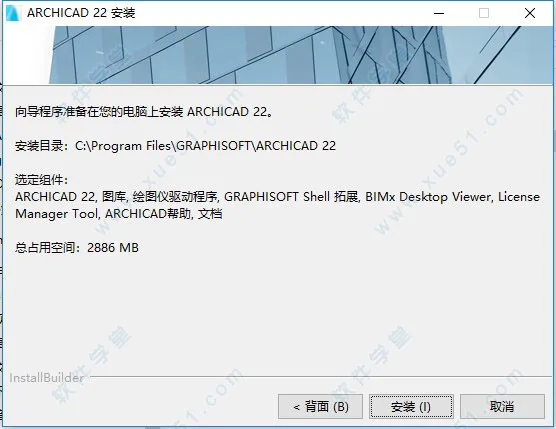
5. The installation will start. This process may take some time—please be patient until ArchiCAD 22 is fully installed.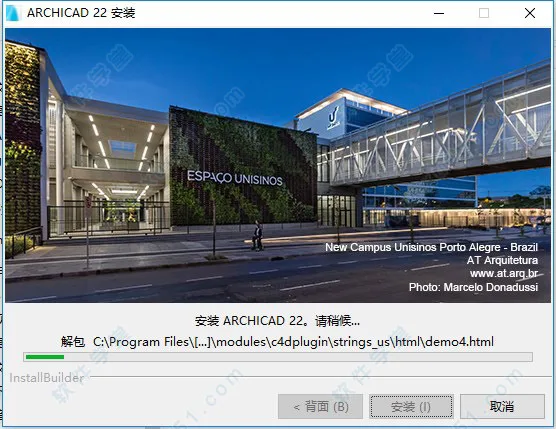
ArchiCAD 22 Chinese version (includes registration machine serial number and tutorial).

xuebim
Follow the latest BIM developments in the architecture industry, explore innovative building technologies, and discover cutting-edge industry insights.
← Scan with WeChat















Must log in before commenting!
Sign Up