
BIM Q&A | How to Create Columns and Beams for Non-Rectangular Curtain Walls in Revit
The curtain wall style shown in the images cannot be created with hollow columns using Revit’s curtain wall mullion tool. After applying curtain wall panels, I discovered that they cannot be replaced. Is there any alternative method to achieve this design?
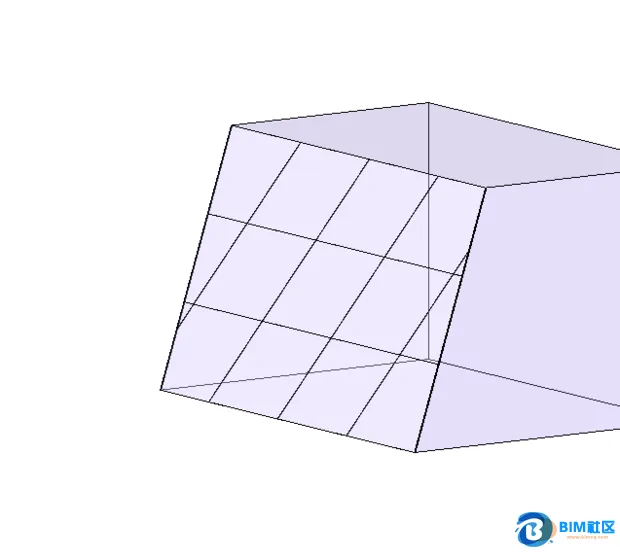

One solution is to search for specialized curtain wall plugins. Alternatively, you can address this challenge by using components or by creating a custom family.

xuebim
Follow the latest BIM developments in the architecture industry, explore innovative building technologies, and discover cutting-edge industry insights.
← Scan with WeChat















Must log in before commenting!
Sign Up