
BIM Q&A | Issues with Revit Linked CAD Drawings
What is the problem? Is there a solution? The blueprint includes an outer frame that remains unusually large. What is causing this, and how can it be fixed?
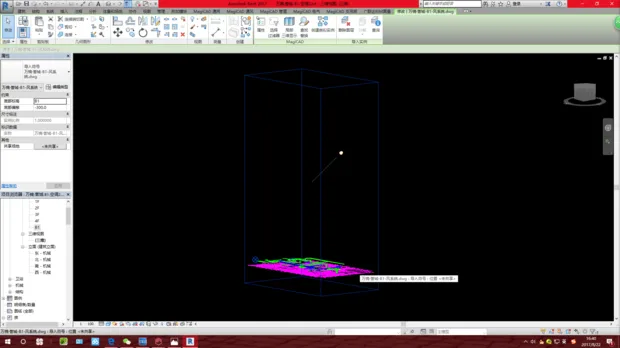
Here are the steps to address the issue:
1. Select the outer frame box and review its properties.
2. If the box’s attributes are not relevant, you can safely delete it.

xuebim
Follow the latest BIM developments in the architecture industry, explore innovative building technologies, and discover cutting-edge industry insights.
← Scan with WeChat















Must log in before commenting!
Sign Up