
BIM Q&A | How to Create Revit Views: Plan, Elevation, and Section Views
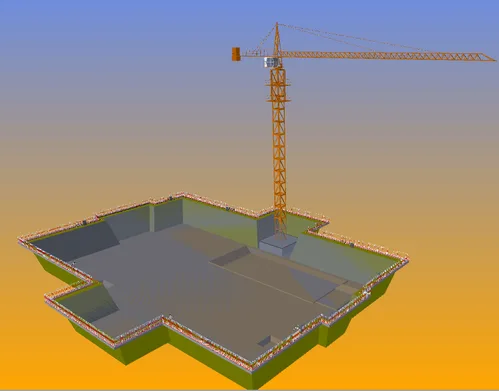
Take a closer look at the Project Browser. If you don’t see the Project Browser, click on the View tab at the top. Then, locate the User Interface option and make sure the Project Browser checkbox is selected. This should make the Project Browser visible in your workspace. I hope this helps you get started.

xuebim
Follow the latest BIM developments in the architecture industry, explore innovative building technologies, and discover cutting-edge industry insights.
← Scan with WeChat















Must log in before commenting!
Sign Up