
BIM Q&A | Revit to Lumion 2017 Installation Issue
After installing Lumion 2017, I clicked the Lumion desktop icon to launch the program. However, when I opened Revit, the Lumion icon under the “Add Attachment” section was grayed out, preventing me from importing. Why is this happening?
I installed the Revit to Lumion plugin and clicked to install it. The installation seemed to complete successfully, but it actually did not work.
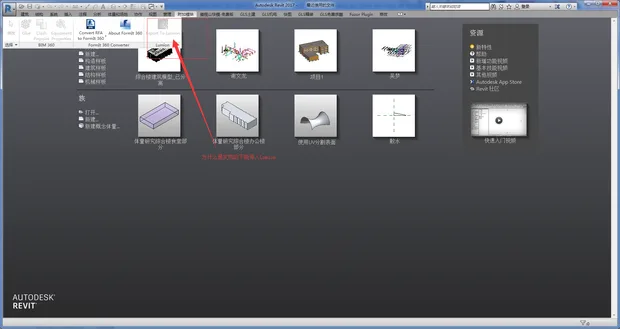
To resolve this, use the Revittolumbridge plugin, ensuring it matches your Revit version. After installing, export your model via the “Add-ons” menu in the DAO format, then import it into Lumion. This method will retain the materials correctly.

xuebim
Follow the latest BIM developments in the architecture industry, explore innovative building technologies, and discover cutting-edge industry insights.
← Scan with WeChat















Must log in before commenting!
Sign Up