
BIM Q&A | How to Fix Revit When Family Loading Appears Like This?
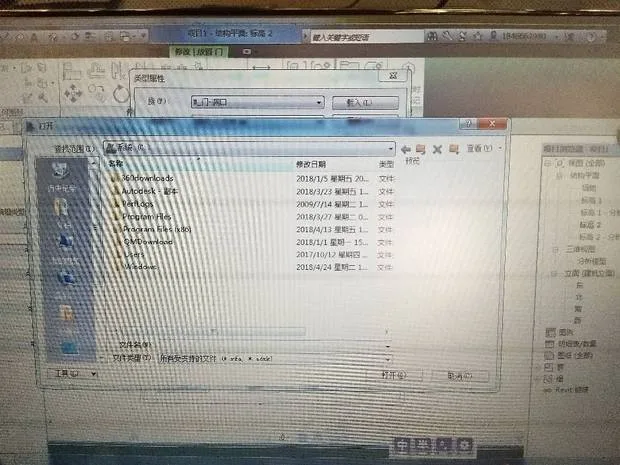
If you encounter issues with Revit family loading appearing abnormal, the problem may stem from software incompatibility or system errors.
Start by uninstalling the software and then reinstalling it. If the issue persists, consider reinstalling your operating system.
Should the problem continue after these steps, it might be related to hardware or other system configurations.
In case it’s a settings issue, try accessing your computer’s Control Panel to locate and adjust the relevant settings.
If you’re unsure how to proceed, running a reputable antivirus software can help, as many include repair functions for system settings.
When all else fails, it’s best to seek assistance from a qualified professional who can diagnose and fix the problem effectively.
















Must log in before commenting!
Sign Up