
BIM Q&A | How to Fix GH Dimension Annotation Issues in RHINO?
As the title suggests, this question addresses the problem shown in the image below.
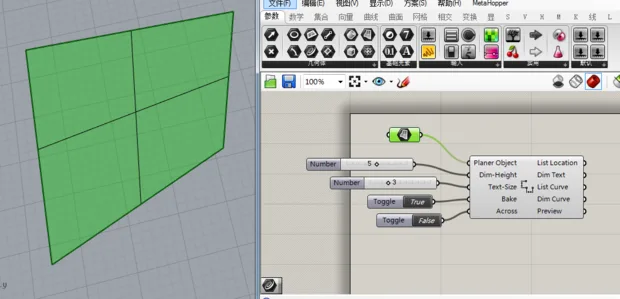
Dimension annotations must include visible text. In your case, the annotations appear too large overall, but the text itself is too small to read. To fix this, try increasing the global scale setting within the annotation style options.
If you’re still unsure how to proceed, I recommend visiting the software’s official learning website. There, you can find detailed video tutorials that explain annotation settings step by step.

xuebim
Follow the latest BIM developments in the architecture industry, explore innovative building technologies, and discover cutting-edge industry insights.
← Scan with WeChat















Must log in before commenting!
Sign Up