
BIM Q&A | Revit Black Thin Lines Between Upper and Lower Walls
As illustrated in the image, there are no thin lines visible between the first and second floors, but such lines appear above. The walls on the third, fourth, and fifth floors are copies of those on the second floor.
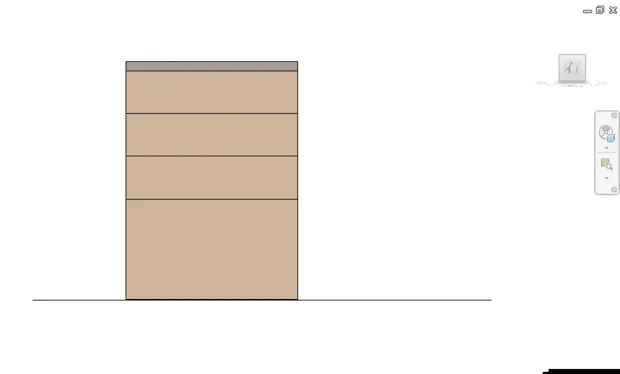
If you render the model or apply materials to the surfaces, these thin lines will disappear. This happens because the walls are copied, resulting in no default connection between the layers. Therefore, it’s normal that the lines do not show up in the drawing.

xuebim
Follow the latest BIM developments in the architecture industry, explore innovative building technologies, and discover cutting-edge industry insights.
← Scan with WeChat















Must log in before commenting!
Sign Up