
BIM Q&A | Issues with Revit Operations
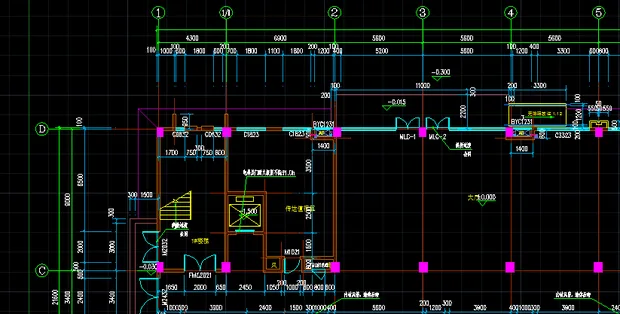
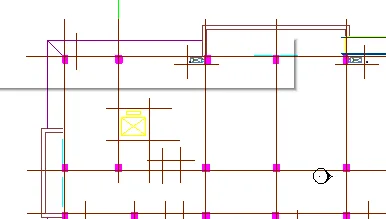
When opening a CAD file, the image shown in Figure 1 is linked to Revit, but it transforms into what is shown in Figure 2. I am unsure how to resolve this issue or obtain expert guidance. I am seeking help from experienced users.
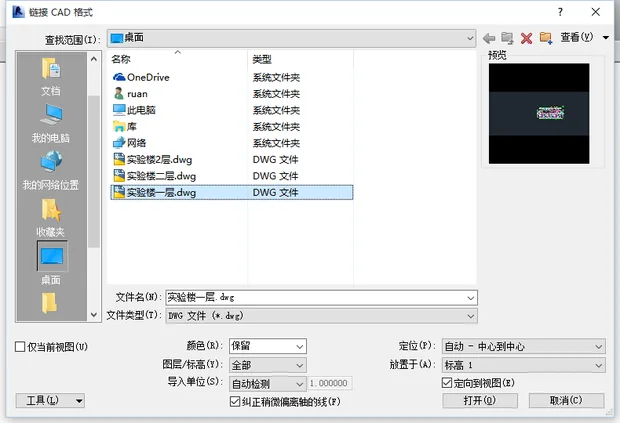
To properly process the base map, please follow these steps:
1. Unlock all layers.
2. Use the X command three to four times to explode all elements.
3. Press Ctrl+A to select everything, then copy and paste into a new AutoCAD file.
4. Save this as a new file, and then link it to Revit.

xuebim
Follow the latest BIM developments in the architecture industry, explore innovative building technologies, and discover cutting-edge industry insights.
← Scan with WeChat















Must log in before commenting!
Sign Up