
BIM Q&A | Why Is There a Large Shadow Around the Line When Creating a Family in Revit? And My Revit’s …
If you place your mouse over the area, the text will be displayed. Please help resolve this Revit issue urgently, as I am about to take an exam. The shadow effect around the line is causing problems. Kindly assist with this Revit issue as soon as possible.
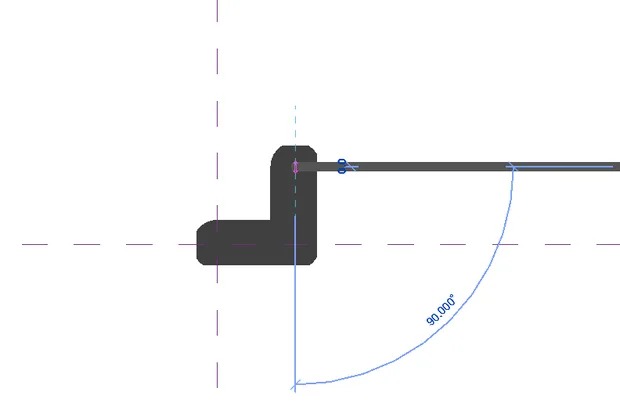
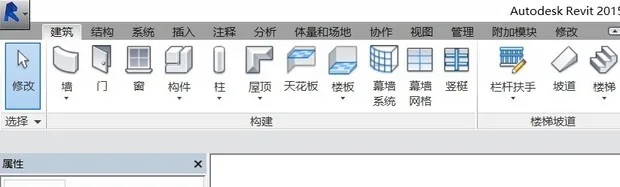
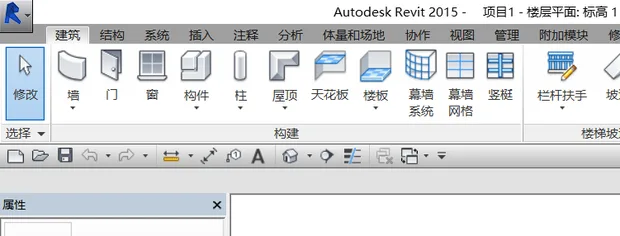
To better observe the issue, first switch the display mode to Thin Lines. Next, hover your mouse near the shadowed area to check the model properties displayed in the status bar at the bottom left corner.

xuebim
Follow the latest BIM developments in the architecture industry, explore innovative building technologies, and discover cutting-edge industry insights.
← Scan with WeChat















Must log in before commenting!
Sign Up