
BIM Q&A | How to Use the Autodesk Revit 2016 Family Library After Downloading
Open Revit 2016 or a later version. When you need to use a downloaded local RFA file for your project, locate the file and either click the “Load Project” tab or simply drag the file into your project environment.
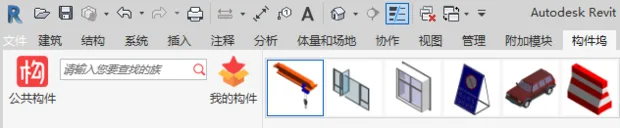
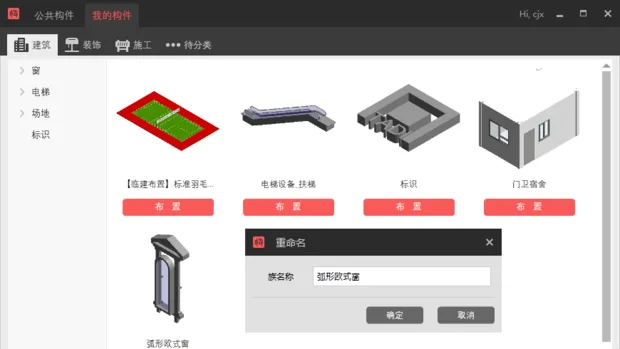
If dragging and dropping files individually becomes cumbersome, consider installing a plugin to help search and manage your family libraries. I currently use the Guanglian Da component dock, which allows you to search for families and add them to your project with a single click. You can also save your own custom families. Best of all, this tool is free and eliminates unnecessary hassle.

xuebim
Follow the latest BIM developments in the architecture industry, explore innovative building technologies, and discover cutting-edge industry insights.
← Scan with WeChat















Must log in before commenting!
Sign Up