
BIM Q&A | How to Fix the Issue of AutoCAD 2016 Not Opening After Installation
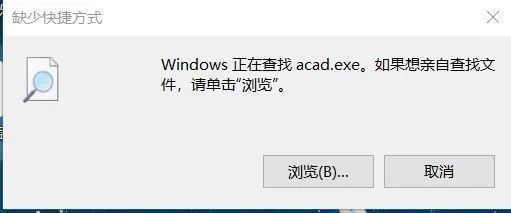
As shown in the images, after clicking “Repair,” a third dialog box appears. I have previously downloaded and uninstalled AutoCAD. Then, I tried downloading different installation packages from various websites and reinstalled multiple times. However, the program still fails to open. When I double-click the desktop AutoCAD icon, the first dialog box pops up, as shown below.
Double-clicking the desktop AutoCAD icon triggers the initial dialog box.

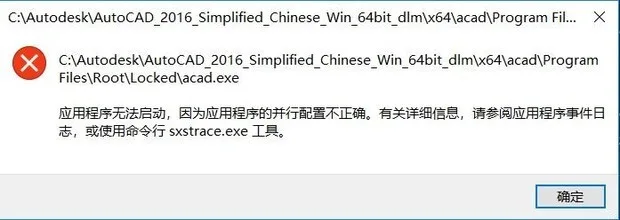
My recommendation is to reinstall your operating system. I have experienced this issue before, and once AutoCAD is installed, the system registry retains records. If these are not completely cleaned during uninstallation, reinstalling similar software won’t allow it to open properly. After reinstalling your OS, install the version of AutoCAD you prefer, and in the future, update it using your company’s licensed version. Avoid uninstalling and reinstalling repeatedly.
















Must log in before commenting!
Sign Up