
BIM Q&A | AutoCAD 2014: Dashed Line Segment Scale Too Large
In AutoCAD 2014, the scale of the dashed line segments can sometimes appear too large. For example, a line segment with an actual length of 30 units may look like a solid line because the dash pattern scale is not properly set. This issue is common for beginners who want to know how to adjust the scale of dashed lines effectively.
How can you modify the dashed line scale? If you adjust the scale for one drawing, will you need to readjust it when working on larger drawings in the future? Is there a way to automatically scale the dashed line pattern in proportion to the drawing size?
Thank you for any advice on how to manage the dashed line display in AutoCAD 2014.
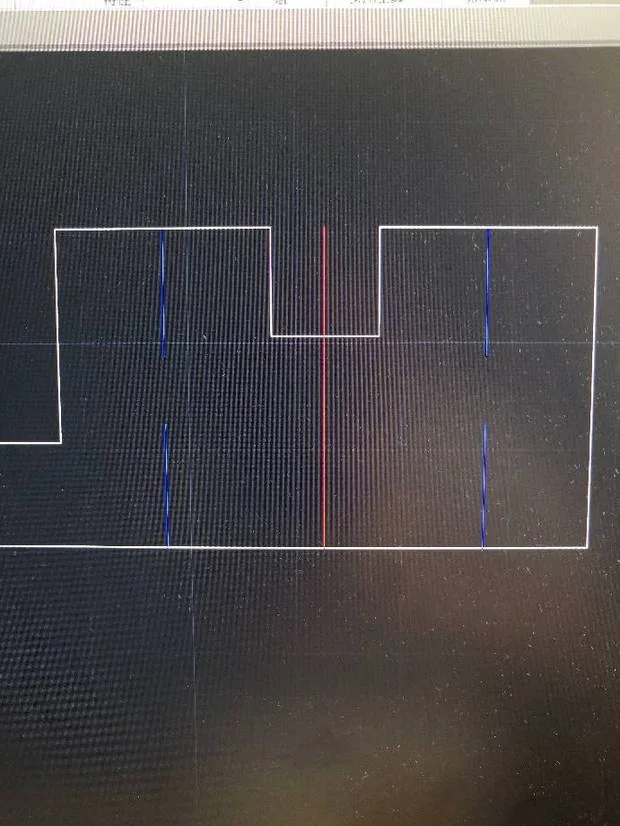
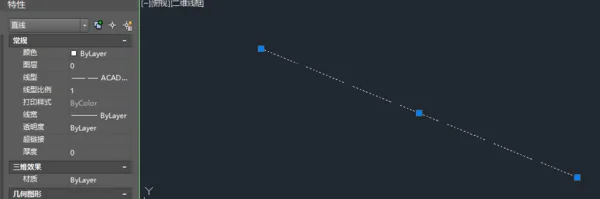
As illustrated in the image above, adjusting the line type scale affects only the selected object and does not apply to other objects in the drawing.
















Must log in before commenting!
Sign Up