
BIM Q&A | Revit Does Not Display After Importing CAD Drawings
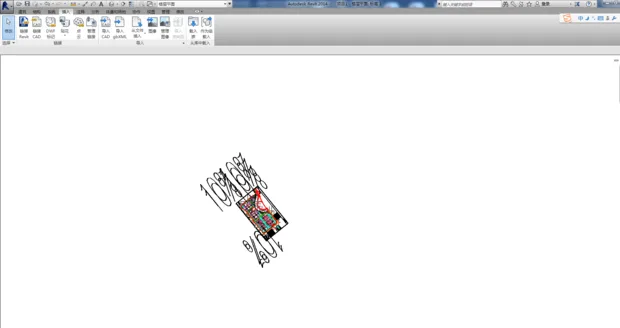
Could you please clarify which setting has not been configured yet?
The issue usually arises from incorrect scale settings. CAD files typically include units, so when importing them into Revit, make sure to set the correct scale. Additionally, remove any unnecessary elements from the drawing to avoid complications. Following these steps should prevent display problems. Lastly, always import using the T3 version for best compatibility.

xuebim
Follow the latest BIM developments in the architecture industry, explore innovative building technologies, and discover cutting-edge industry insights.
← Scan with WeChat















Must log in before commenting!
Sign Up