
BIM Q&A | Issue: After Installing TSpline 4.0 on Rhino 5.0, Pressing the Middle Mouse Button Does Not Bring Up the Default Toolbar
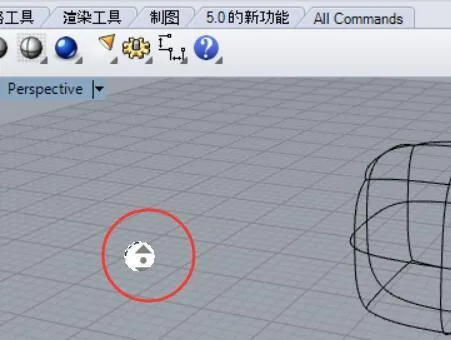
Before installing TSpline 4.0, Rhino 5.0’s middle mouse button worked normally. After successfully cracking and installing TSpline 4.0, all its functions worked fine. However, the problem is that pressing the middle mouse button now triggers TSpline’s custom popup menu (as shown in the image below) instead of Rhino’s default toolbar. Once TSpline 4.0 is uninstalled, the middle mouse button returns to its normal Rhino behavior.
How can this issue be resolved? I need to use TSpline!
For context, my current computer runs Windows 10. On my previous computer with Windows 7, this setup worked perfectly after installation.
This issue often arises from compatibility problems between TSpline 4.0 and Rhino 5.0. First, verify that your Rhino version is SR3 or later. Then, access the configuration toolbar, locate the settings for the middle mouse button, and adjust them accordingly to restore default behavior.
















Must log in before commenting!
Sign Up