
BIM Q&A | AutoCAD 2016 Interface Stays Black
No matter what you try, the interface remains black and is completely unresponsive. The mouse cursor appears normal but you can’t see anything on the screen. Here’s how to fix this issue.
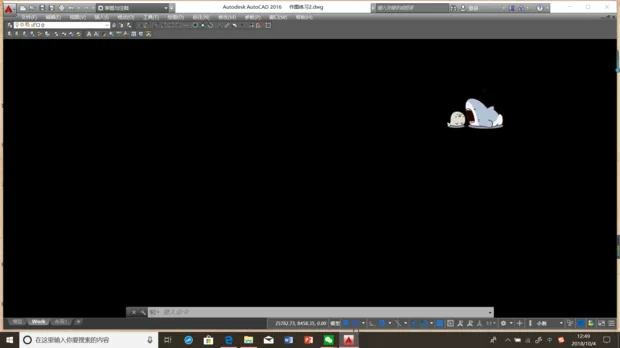
This problem is usually caused by hardware acceleration not being enabled or a malfunctioning graphics card driver.
To resolve it, run the 3dconfig command in AutoCAD.
Then, go to Performance and select Manual. Make sure to enable Hardware Acceleration.
If you cannot check the option, try reinstalling your graphics card driver.
If the issue persists, consider switching to a different version of AutoCAD.

xuebim
Follow the latest BIM developments in the architecture industry, explore innovative building technologies, and discover cutting-edge industry insights.
← Scan with WeChat















Must log in before commenting!
Sign Up