
BIM Q&A | Highlighted Wall Overlap in Revit
When walls are highlighted and overlap in Revit, the software may ignore one of them while searching for room boundaries. To resolve this, use the ‘Cut Geometry’ tool to embed one wall into the other.
If you’re unsure how to proceed, feel free to ask for expert guidance.
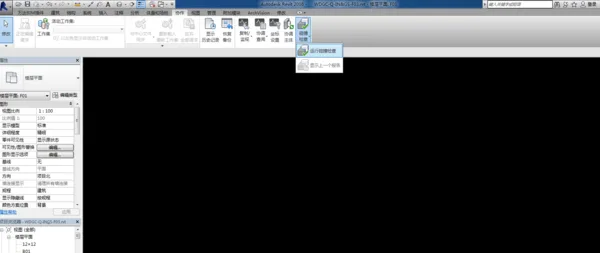
In most cases, manual modeling avoids significant overlaps. You can rely on collaboration tools, collision detection, and wall-to-wall clash checks to identify any overlapping walls, then adjust them manually.

xuebim
Follow the latest BIM developments in the architecture industry, explore innovative building technologies, and discover cutting-edge industry insights.
← Scan with WeChat















Must log in before commenting!
Sign Up