
BIM Q&A | Revit 2016 Installation Stuck at Step Eight: What Should I Do?
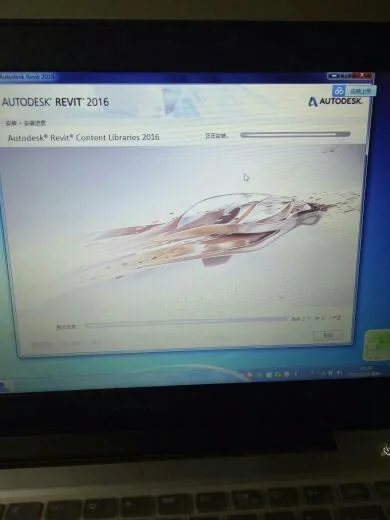
This is a common situation and it is generally advised not to close the installation program, as the duration depends on your internet speed.
During installation, Revit automatically downloads essential components such as family libraries, family templates, project templates, and material libraries. This process can cause the installation progress to appear stuck.
If you choose to install Revit offline, this issue won’t occur. However, the offline installation does not include the components mentioned above, which are very important for proper functionality.
If you already have an offline family library, you can proceed with the offline installation. Keep in mind that you will need to manually set the file path for the offline family library later, which can be somewhat inconvenient.
Instructions on how to set the file path are available; you can search for them on Baidu for more details.
















Must log in before commenting!
Sign Up