
BIM Q&A | How to Export DWG Files from Revit
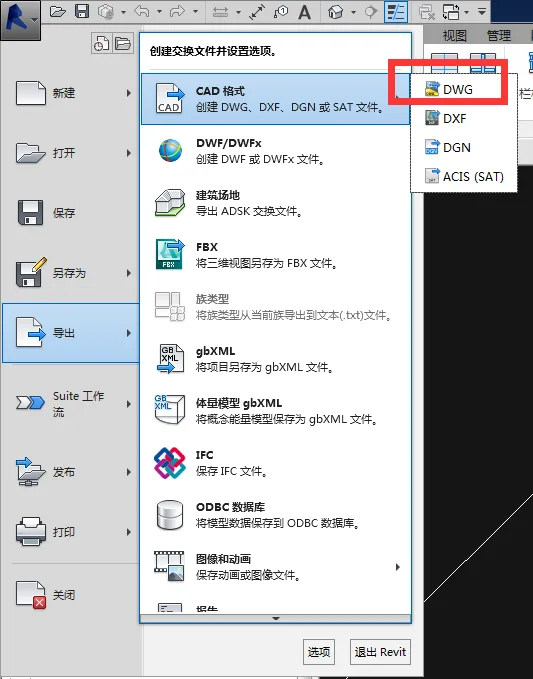
To export a DWG file from Revit, first open the plan, elevation, section, or 3D view you wish to export. Then, click on the application menu located in the upper left corner. From there, select Export > CAD Formats > DWG. Follow the prompts to complete the export process.

xuebim
Follow the latest BIM developments in the architecture industry, explore innovative building technologies, and discover cutting-edge industry insights.
← Scan with WeChat















Must log in before commenting!
Sign Up