
BIM Q&A | How to Convert AutoCAD Drawings to Word Format
First, change the background color of the AutoCAD drawing area to white. This setting can be adjusted in the Options menu.
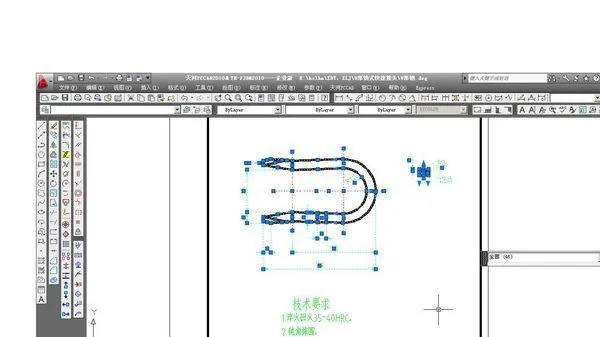
Next, select the graphic you want to copy and press Ctrl + C to copy it.
Then, open your Word document and paste the graphic by pressing Ctrl + V.
This completes the conversion process.
Alternatively, you can also insert the drawing as an object into your Word document. Follow the steps below:


xuebim
Follow the latest BIM developments in the architecture industry, explore innovative building technologies, and discover cutting-edge industry insights.
← Scan with WeChat















Must log in before commenting!
Sign Up