
BIM Q&A | How to Draw This Ramp in Revit 2016
Currently, the CAD drawings are available for reference.
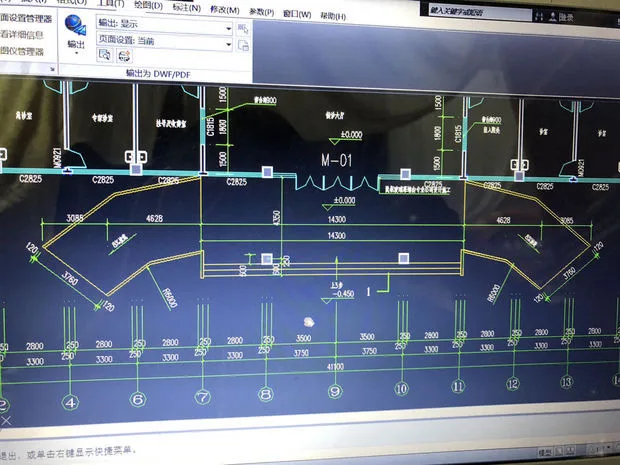
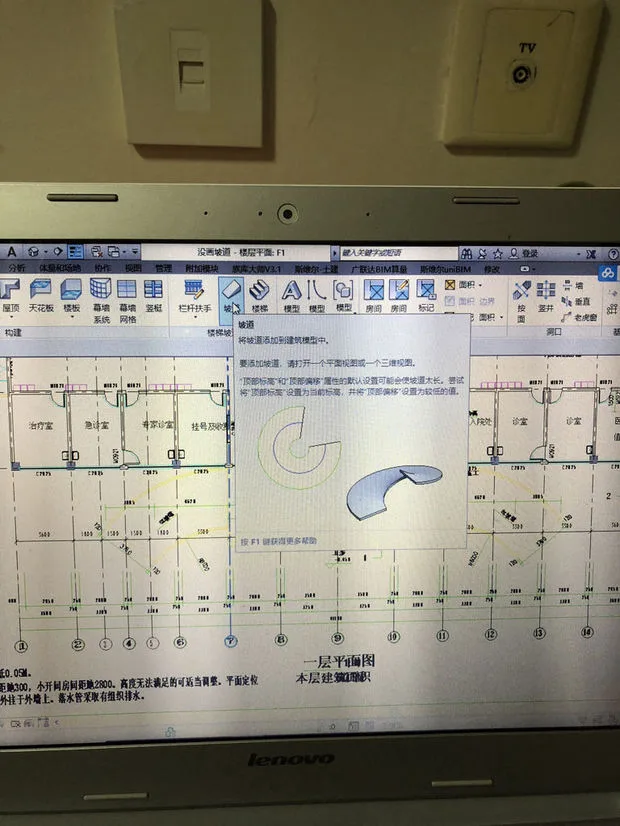
To make the most of Revit’s capabilities, it’s important to note that the Ramp tool is designed primarily for simple ramps. For more complex or irregular ramps, like the one shown in your images, the Ramp command alone might not suffice.
However, you can explore alternative approaches, such as using floor slabs or creating a custom family to model the ramp. Both methods can effectively produce the desired shape.
Additionally, if you want to categorize your created ramp properly within Revit’s system, you should use the built-in classification methods to assign the ramp to the appropriate category.

xuebim
Follow the latest BIM developments in the architecture industry, explore innovative building technologies, and discover cutting-edge industry insights.
← Scan with WeChat















Must log in before commenting!
Sign Up