
BIM Q&A | Revit Dimension Annotation Too Large
Is it possible to reduce the font size of the dimension annotation? Many users find the default text size too large for their needs.
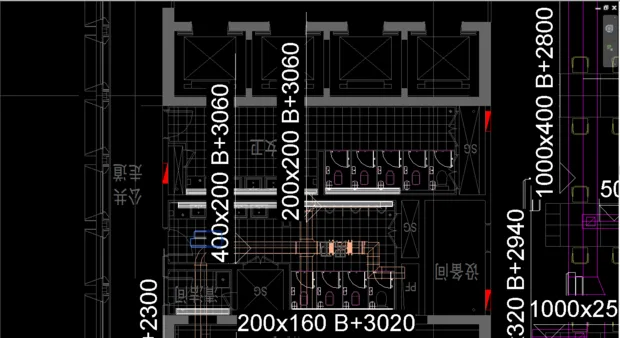
To adjust the font size, edit the ‘Annotation Family’ for each dimension annotation. Resize the font proportionally within the family, then save and reload it into your project to replace the original annotation family.

xuebim
Follow the latest BIM developments in the architecture industry, explore innovative building technologies, and discover cutting-edge industry insights.
← Scan with WeChat















Must log in before commenting!
Sign Up