
BIM Q&A | Why Are Materials Lost in Multiple Revit Linked Models?
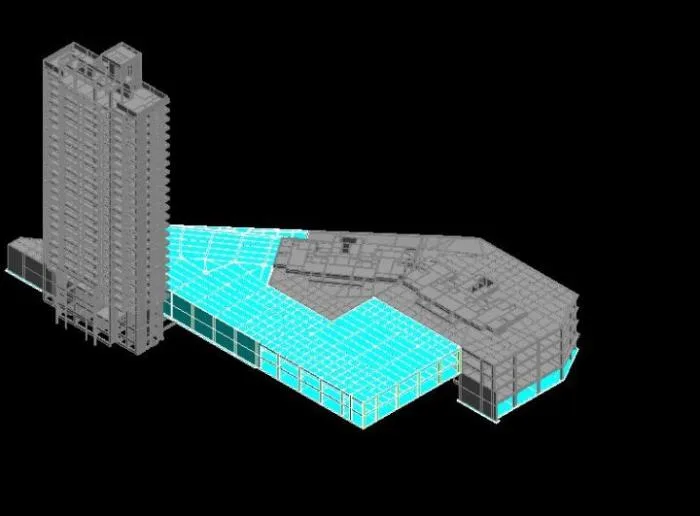
I linked three separate structural Revit models into a single Revit project, as shown in the images below. However, when viewing the combined model in 3D, the actual materials are not displayed correctly. Instead, all linked elements appear with the same color, making it impossible to distinguish the real materials.
How can I ensure that the true materials of each linked model are properly displayed in the 3D view?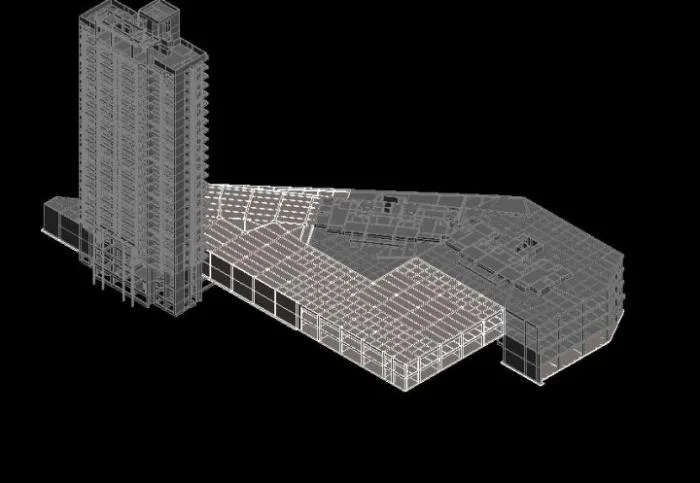

xuebim
Follow the latest BIM developments in the architecture industry, explore innovative building technologies, and discover cutting-edge industry insights.
← Scan with WeChat















Must log in before commenting!
Sign Up