
BIM Q&A | How to Separate Multiple Built-In Models in Revit?
When modeling internally, I used the stretch command to create several irregular columns. However, when I click on one column with the mouse, all columns created at that time get selected simultaneously. How can I split these elements so that I can select only the individual column I want?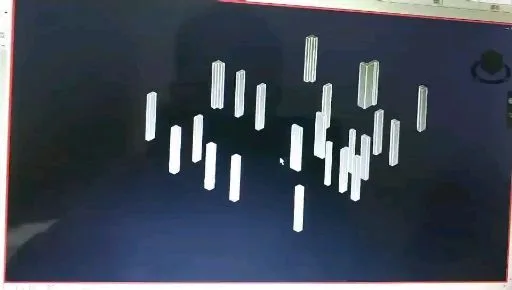
Watch the related video here

xuebim
Follow the latest BIM developments in the architecture industry, explore innovative building technologies, and discover cutting-edge industry insights.
← Scan with WeChat















Must log in before commenting!
Sign Up