
BIM Q&A | How to Generate Steel Structure Beam-Column Nodes for Curved Beams in Revit?
When modeling steel structures in Revit 2018, users may encounter issues generating beam-column nodes if the beam is curved. The software displays the message: “Connections on non-linear elements are not supported.” This prevents the creation of nodes on curved beams. Is there a solution to this problem?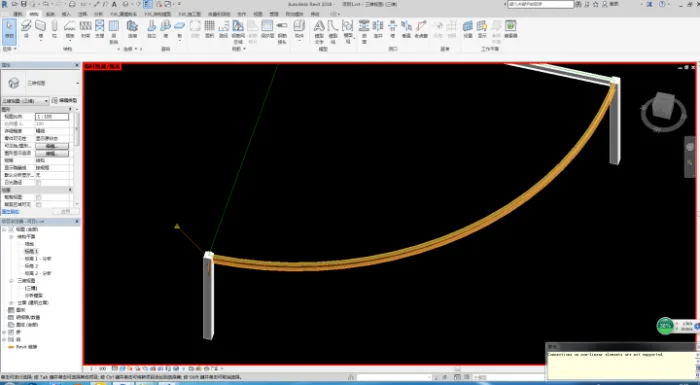

xuebim
Follow the latest BIM developments in the architecture industry, explore innovative building technologies, and discover cutting-edge industry insights.
← Scan with WeChat















Must log in before commenting!
Sign Up