
BIM Q&A | How to Configure Rhino for Photo Matching Like SketchUp?
Is there a way to set up Rhino so it can match photos as easily as SketchUp (SU) does? I have explored Rhino’s options, including the background pattern settings in the viewport properties and camera adjustments to align with the background. However, after multiple attempts, I encountered several issues:
-
I tried repeatedly to align the background pattern in Rhino, but I couldn’t get the 3D model’s perspective to match the background pattern exactly. In contrast, SketchUp achieves photo matching in a single step. Why is this difference?
-
In SketchUp, when you zoom in or out, the matched photo scales along with the view’s translation and zoom operations. Importantly, this scaling only adjusts the view’s detail level without altering the perspective angle.
Rhino behaves differently: no matter how I translate or zoom, the background pattern remains fixed, and even slight translation or scaling changes the 3D model’s perspective angle, causing it to no longer align with the background. How can Rhino be set up to mimic SketchUp’s behavior?
Additional Notes: To illustrate the second point, I have included a series of screenshots demonstrating the behavior in SketchUp.
Initial view manipulation in SketchUp:
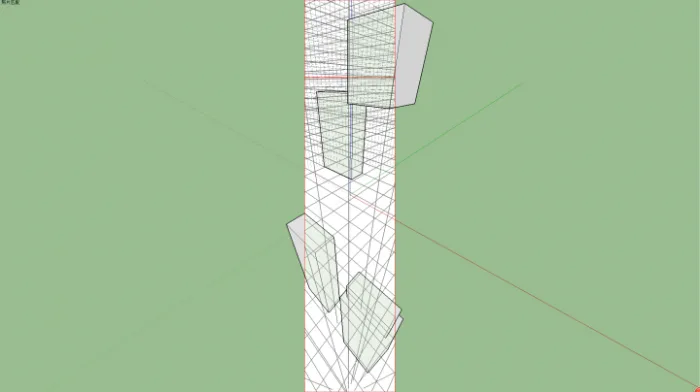
After translation:
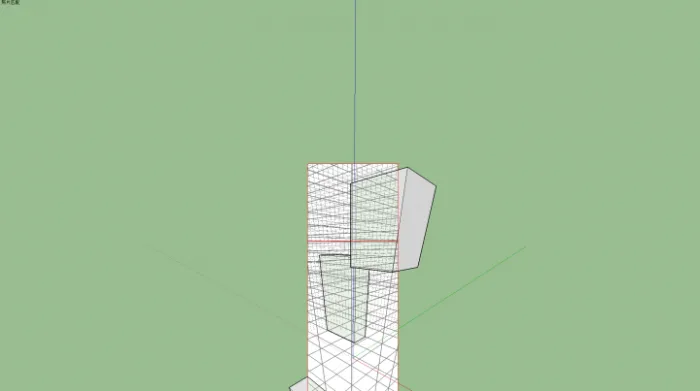
After scaling:
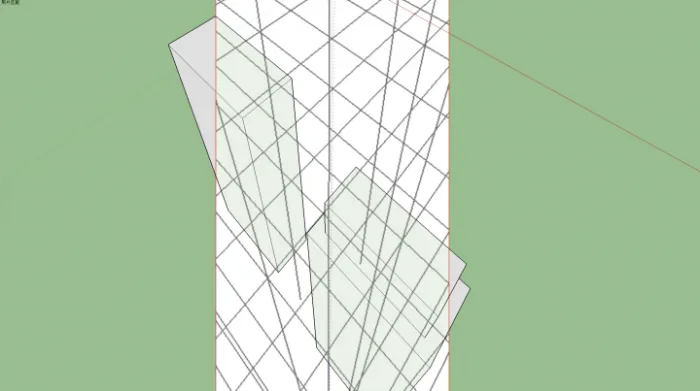
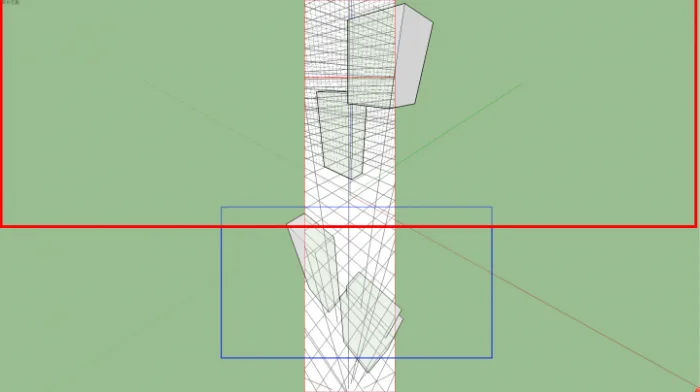
The perspective angles in all three images above perfectly overlap, as shown here:
Now, let’s review the Rhino viewport, where I did not use the “background pattern” method but instead applied the picture frame technique suggested by @ __AI_S_SC0_ persimmon jun__AI_S_SC_1_:
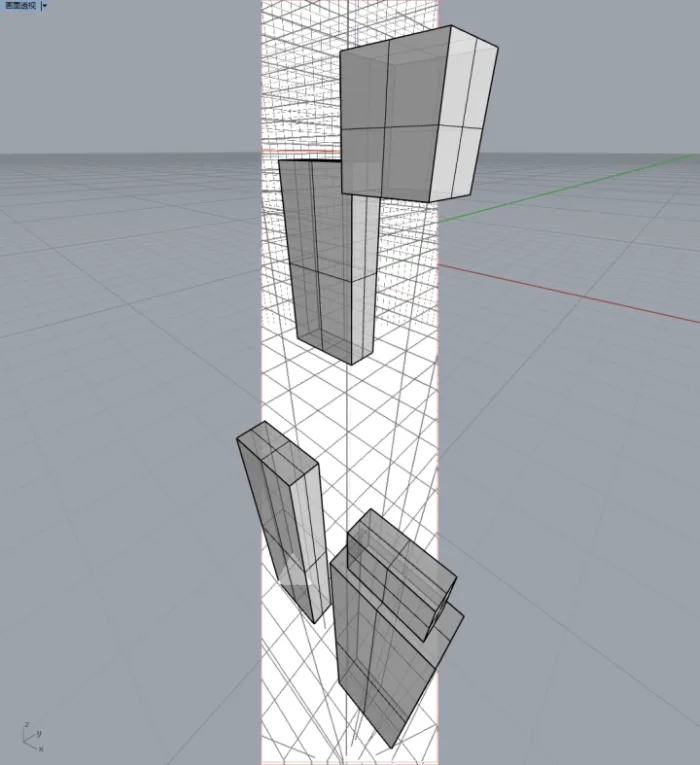
After translation:
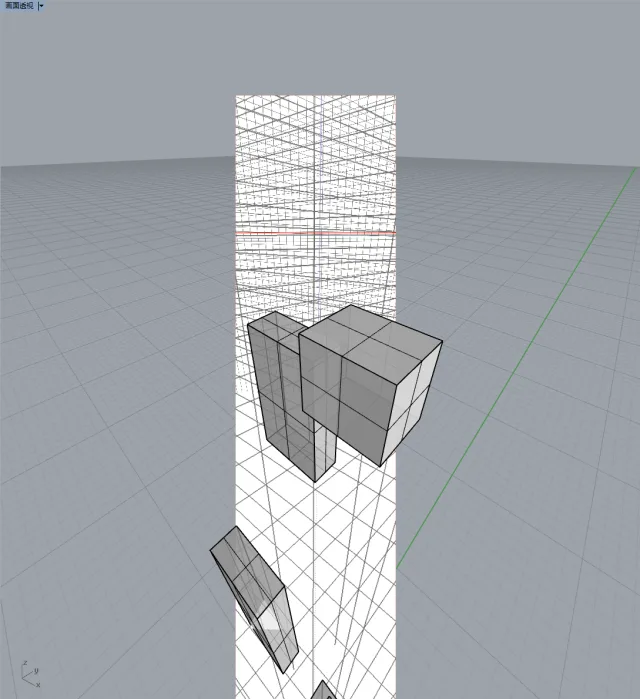
After scaling:
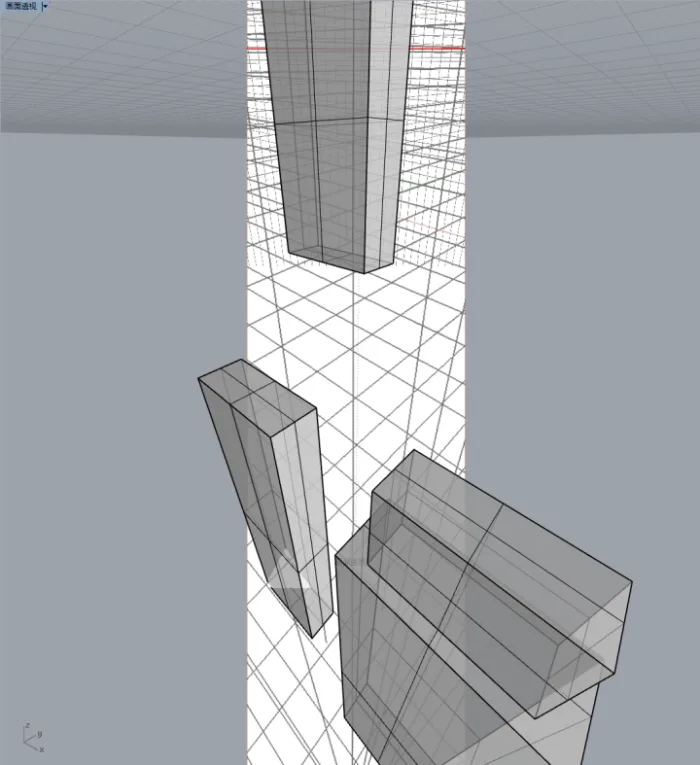
Unlike SketchUp, the perspective angles in these three Rhino images differ significantly, as shown here:
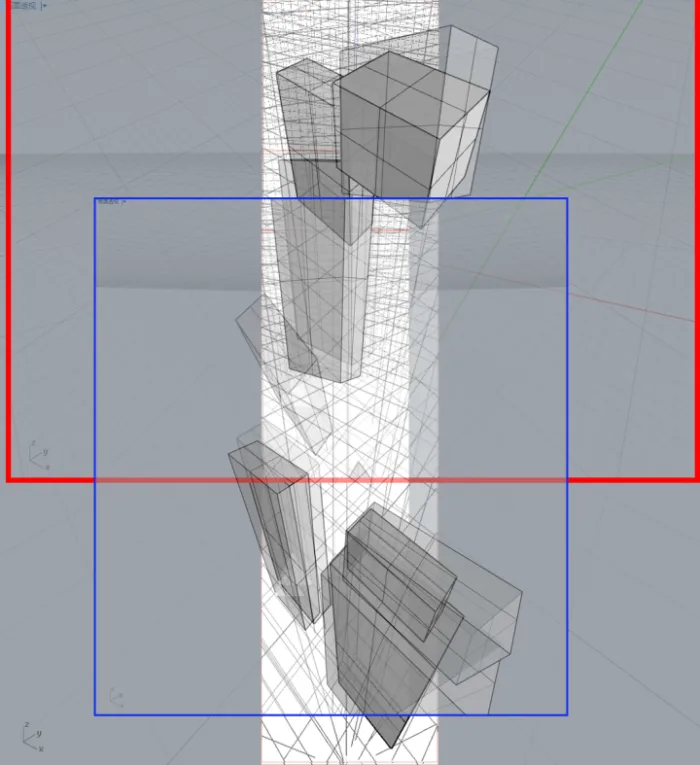
How can Rhino be configured to enable translation and scaling effects similar to SketchUp’s photo matching?
















Must log in before commenting!
Sign Up