
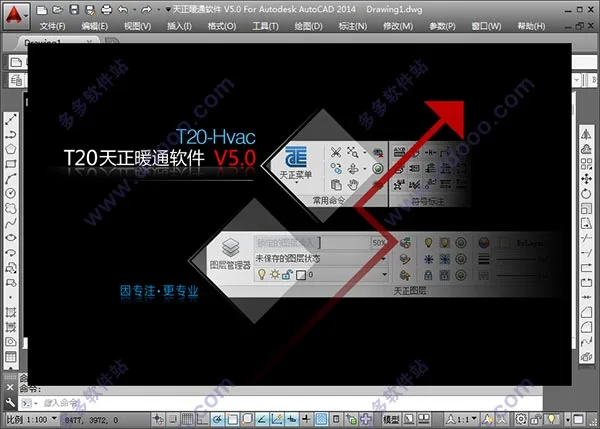
T20 Tianzheng HVAC v5.0 is the latest release in the Tianzheng HVAC software series. The free trial version allows usage for up to 300 hours and expires on April 1st. However, by using the accompanying T20v5.0 full series patches to crack and activate the software, this time limitation can be removed, enabling full access at no cost. Detailed installation instructions are provided below to assist users.
The new Tianzheng HVAC T20v5.0 supports both 32-bit AutoCAD versions 2007-2016, 2018, and 64-bit AutoCAD versions 2010-2018. This update focuses on enhancing professionalism and stability based on extensive user feedback, with improvements closely aligned to design needs. For example, the newly added smoke control module includes calculation software that works according to building conditions and relevant technical standards. New features include smoke prevention zones, support for multiple drawing methods, new line types, updates to commands such as adding break lines, and differentiating between polyline drawing and double break line drawing. Feel free to download and bookmark it for free.
T20 Tianzheng HVAC v5.0 Installation Tutorial:
- Download and unzip the package to obtain the Tianzheng HVAC T20v5.0 Q1 version along with the registration cracking files.
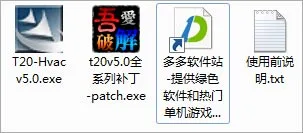
- Run
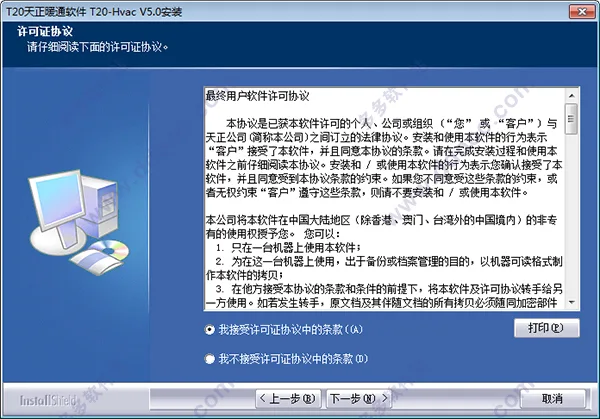
TT20 Hvac v5.0.exeto install the original program, then select “Accept Software Protocol.”
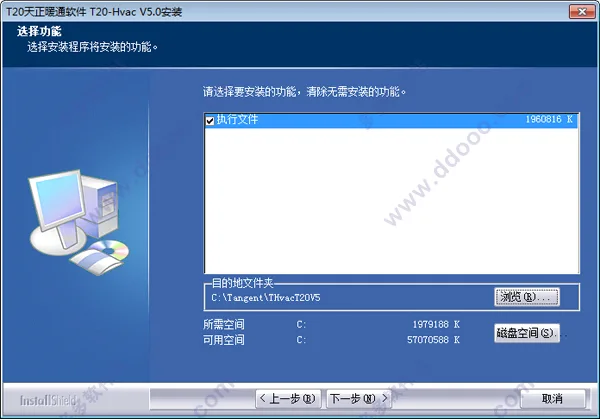
- The default installation directory is
C:TangentTHvacT20V5, but you can choose a different location if preferred.
- The software installation is in progress; please wait patiently.
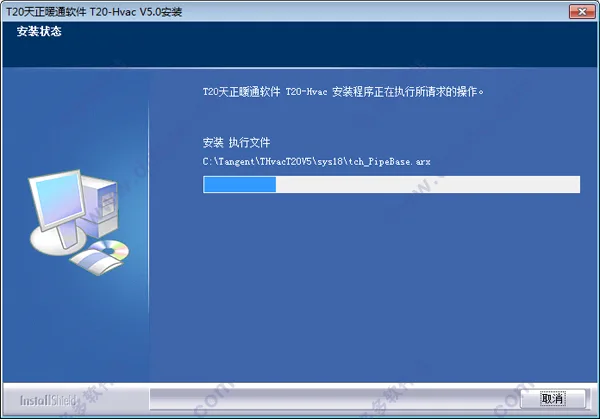
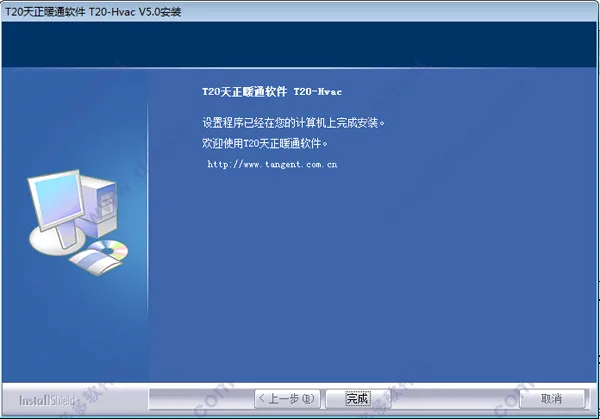
- Once installed successfully, note that T20 Tianzheng HVAC v5.0 is not yet activated.
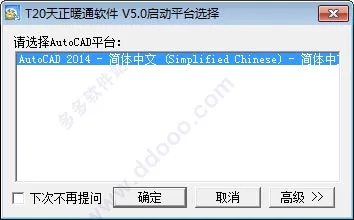
- Open the software and select the appropriate CAD platform; here, CAD2014 is used as an example.
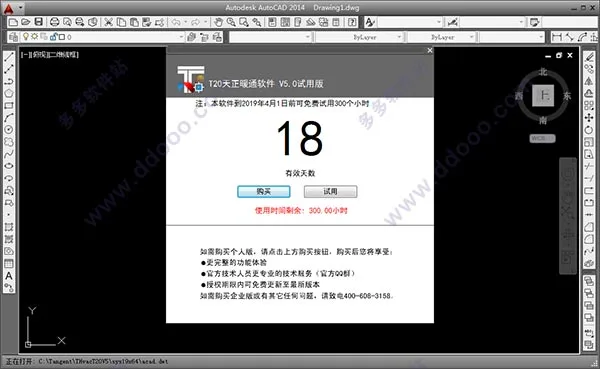
- The trial version allows 300 hours of free use and will expire before April 1st.
- To unlock full functionality, copy the patch file to the software installation directory to crack the software.
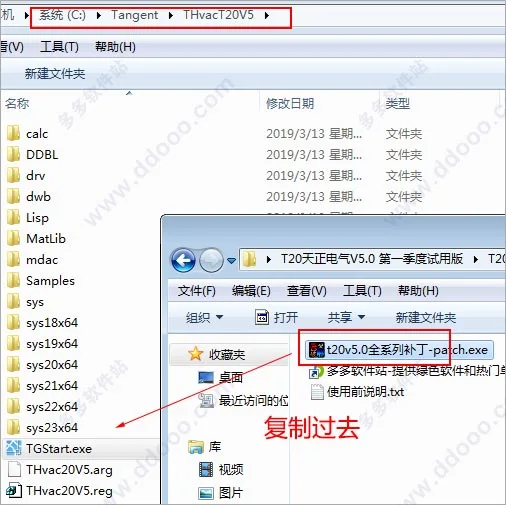
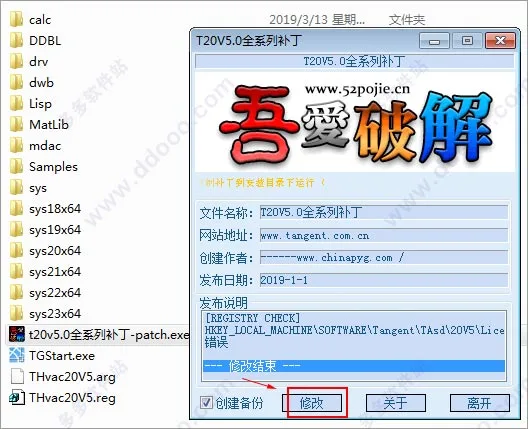
- Open the full series patch included in the package, check the backup box, then click “Modify” to apply the crack.
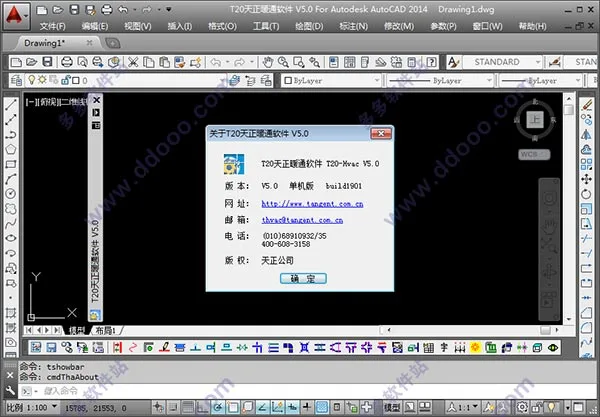
- Reopen the software; there will be no trial period popup. Checking the help information will confirm it is a standalone version, indicating successful activation.
Note: Many users ask how to restore the Tianzheng HVAC toolbar if it disappears from the left sidebar of the Tianzheng Building Software. To display the toolbar again, enter the command TmnLoad in the CAD command line and press Enter.
New Features in T20 Tianzheng HVAC v5.0:
- Added [Calculation 1.0]: Calculation software in the smoke control module that performs calculations based on building conditions and relevant technical standards.
- Added [Calculation 2.0]: Supports calculation software compliant with the “Technical Standard for Building Smoke Control and Exhaust Systems GB51251-2017,” using building parameters for precise calculations.
- Introduced ‘Smoke Prevention Zone’ functionality to draw zones, supporting multiple drawing methods and new line types.
- Added ‘Smoke Barrier Wall’ feature allowing users to draw and select types of smoke barrier walls with various drawing options.
- Added [System Diagram]: Allows input of building smoke exhaust system information to customize system diagrams.
- Introduced ‘Positioning Annotation’ to mark and annotate water or air pipes, displayed on a dedicated point-by-point annotation layer.
- Added command ‘Convert Image to Monochrome’ to unify the color display of flat images across different layers.
- Added ‘Color Restoration’ command to revert floor plans back to their original colors after being converted to monochrome.
- Introduced ‘Bind Reference’ command to link graphics to their corresponding external references, preventing loss of content when copying or transferring files.
- Updated ‘Add Break Line’ command to distinguish between drawing polylines and double break lines.
- Improved ‘Break Merge’ command for air ducts: when breaking or merging, a break line is added at the end of the duct, with customizable length either fixed or proportional.











Must log in before commenting!
Sign Up