
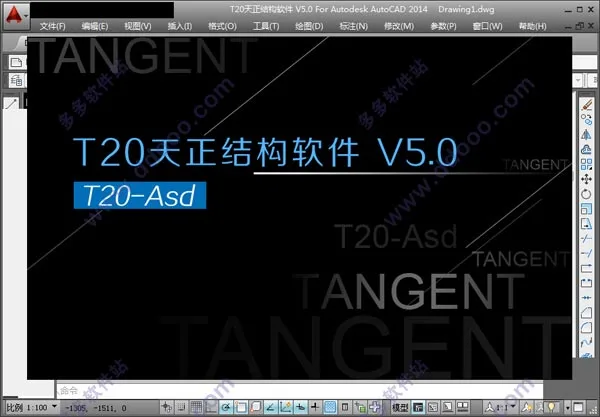
T20 Tianzheng Structure Software v5.0 is the latest version of the Tianzheng Structure series, enhanced and upgraded based on extensive user feedback. It supports 32-bit AutoCAD versions 2007 to 2016, 208 to 2019, and 64-bit AutoCAD versions 2010 to 2019 graphic platforms. This release introduces new commands for generating coordinate tables and printing pen chart files, fixes bugs related to inaccurate spacing between steel bar points in linear layouts, and resolves layer issues in symbol and text annotations. These improvements provide users with a more stable and reliable environment, enabling better management of structural design drawings.
Tianzheng Structure T20v5.0 strictly follows current national structural design codes and drawing standards, allowing users to quickly and easily produce construction drawings that meet official requirements. It significantly enhances AutoCAD’s functionality for structural design and construction drawings, boosting design and drafting efficiency. This software frees structural engineers from tedious, repetitive tasks, allowing them to focus on more technically demanding design work. Additionally, users benefit from AutoCAD’s latest features, which improve human-computer interaction, ensure high reliability, and support advanced graphical element extensions — making parametric drawing and data management seamless.
Note: The editor provides T20 Tianzheng Structure Software v5.0 along with a registration patch file that has been personally tested and fully activates the software. This is not clickbait. A detailed installation guide follows below.
T20 Tianzheng Structure Software v5.0 Installation Guide:
1. Download and unzip the package to obtain the trial version of Tianzheng Structure T20v5.0 and the crack registration files.
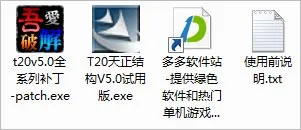
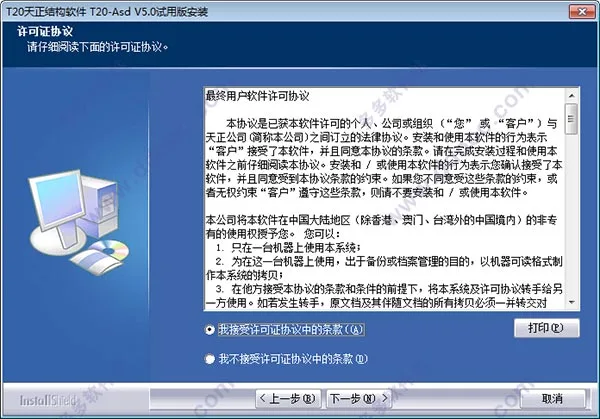
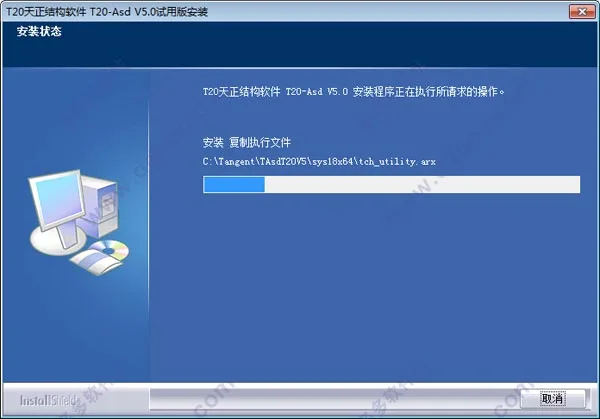
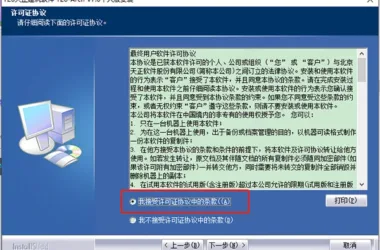
2. Run setup.exe to install the original program and accept the software agreement.
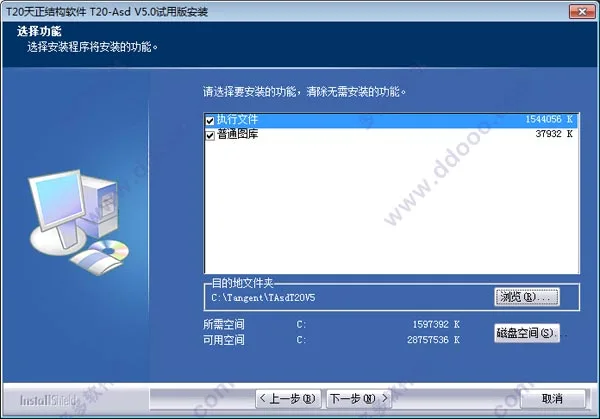
3. The default installation path is C:TangentTAsdT20V5. Make sure to select the executable file and standard library options.
4. Wait patiently for the installation process to complete.
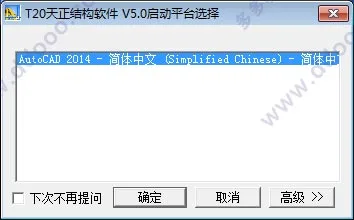
5. Once installed, open the software and select a compatible CAD platform to run. Here, the editor uses CAD2014. Currently, T20 Tianzheng Structure Software v5.0 supports 32-bit AutoCAD 2007–2016 and 64-bit AutoCAD 2010–2019.
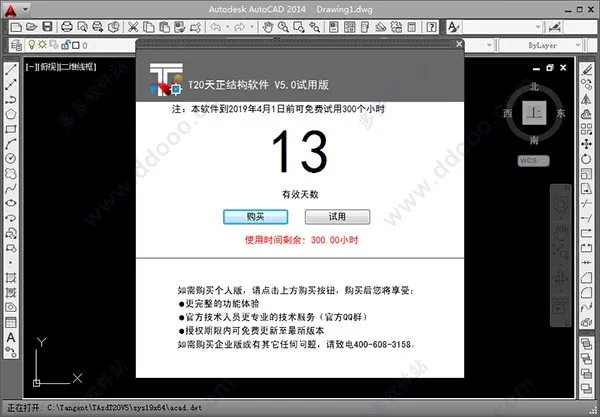
6. Note that the trial version of Tianzheng Structure T20v5.0 is limited to 300 hours and will expire before April 1st.
7. To activate the software, copy the patch file to the installation directory.
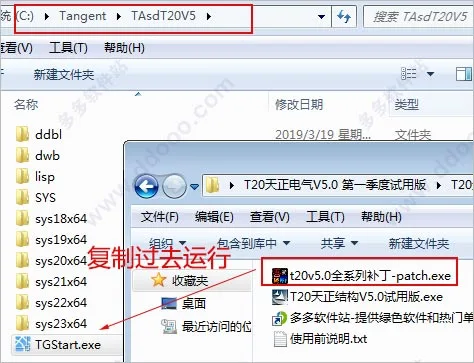
8. Open the full series patch for T20v5.0 included in the software package, check the backup box, then click ‘Modify’ to apply the crack.
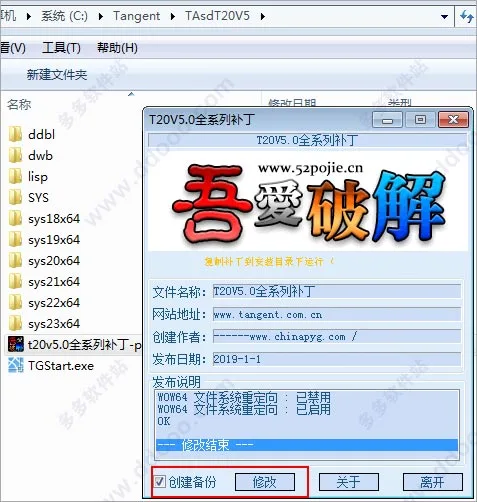
9. Restart the software. If no trial period prompt appears and the help information shows it is a standalone version, the activation was successful.
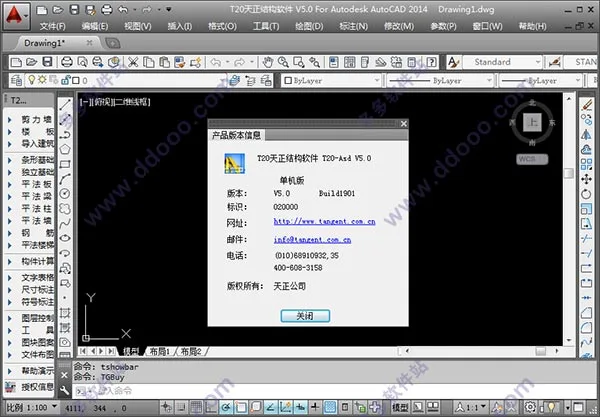
Note: Many users ask how to restore the Tianzheng toolbar if it disappears from the left panel. Simply enter the command TmnLoad in the CAD command line and press Enter to display the Tianzheng Structure T20v5.0 toolbar again.
Key Features of T20 Tianzheng Structure Software v5.0:
- Flexible and Convenient Concrete Structure Design
T20v5.0 supports drawing beams, columns, and walls using an integrated reinforced concrete plane representation method, fully compliant with national standards. It can calculate reinforcement for small components like single/double directional slabs and embedded parts. It also offers reinforcement calculation for shallow foundations (compatible with PKPM calculations), parametric detailed drawings, pile bearing capacity, composite foundation, and settlement calculations for individual foundations. The software efficiently calculates and draws reinforcement for slabs, stairs, and embedded parts, with flexible editing functions for steel reinforcement. - Robust Steel Structure Design
The software provides tools for drawing steel sections, marking welds, and arranging purlins (wall beams). It includes cross-sectional drawing tools that automatically compute key sectional properties. Numerous parametric node drawing functions allow users to create detailed node diagrams by simply setting parameters. It also offers tools for calculating and querying cross-sectional and material properties without needing reference books. Parametric support drawing functions enable completing work that once took hours with simple parameter inputs. Additionally, it enhances crane beam calculation and drawing. - Convenient and Efficient Common Tools
Includes functions for drawing common symbols in structural drawings, editing text and dimensions, grouping entities, and managing layers to simplify construction drawing editing. It supports interfaces with other software like PKPM and Tianzheng Architecture, enabling integrated building structure workflows. - Extensive and Complete Structural Image Library
Features a comprehensive library management system with modules based on real engineering cases. Users can easily adjust and directly reference these modules, as well as add, update, or modify library content to suit their needs.
New Features in T20 Tianzheng Structure Software v5.0:
- Added a new command to Generate Coordinate Tables.
- Introduced printing of pen chart files.
- Adjusted column flat numbering to comply with the latest atlas standards.
- Added masonry and hollow brick materials to the wall drawing command.
- Fixed layer issues in symbol and text annotations.
- Resolved bug related to changing the steel bar offset layer to the current layer.
- Fixed error in modifying cross-shaped steel bar stretching.
- Corrected issues with custom settings modification and restoring default parameters in Tianzheng options.
- Added brick materials to non-reinforced strip foundations.
- Fixed inaccurate spacing between reinforcement points in straight-line layouts.
- Resolved bug where numbering modification during independent base insertion did not take effect.
- Added constraint edge components and construction edge components to the image library.











Why isn’t there the cracking software in the tutorial
The corresponding files are already included.
All Tianzheng 5.0 versions do not have a download link
The download link has been updated and is now available for download.