
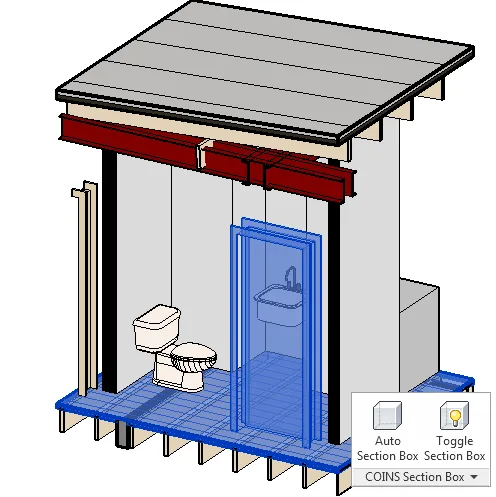
Usage:
1. Click on the Auto Section Box under the add-on module, then select the desired range.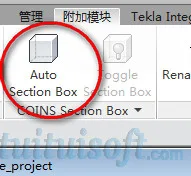
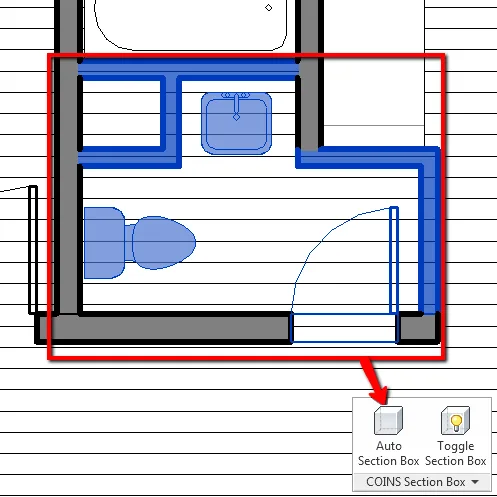
2. After selecting the area, click the Finish button located at the top.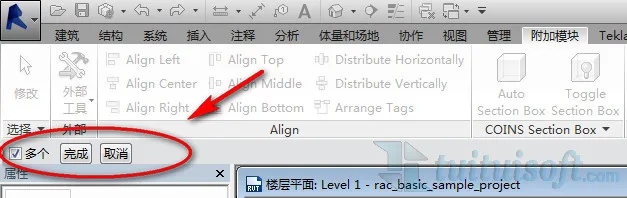
3. In the pop-up dialog box, you can name your 3D view and adjust its range settings.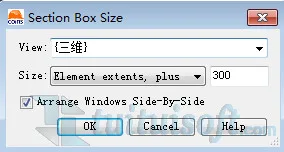
4. Rendering process begins.












Must log in before commenting!
Sign Up