
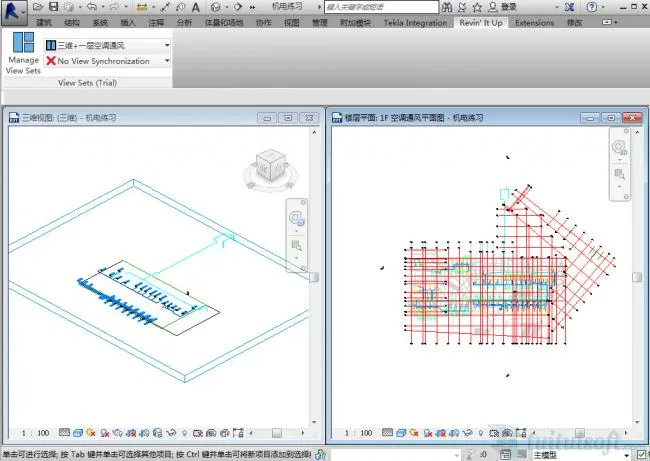
Usage Instructions:
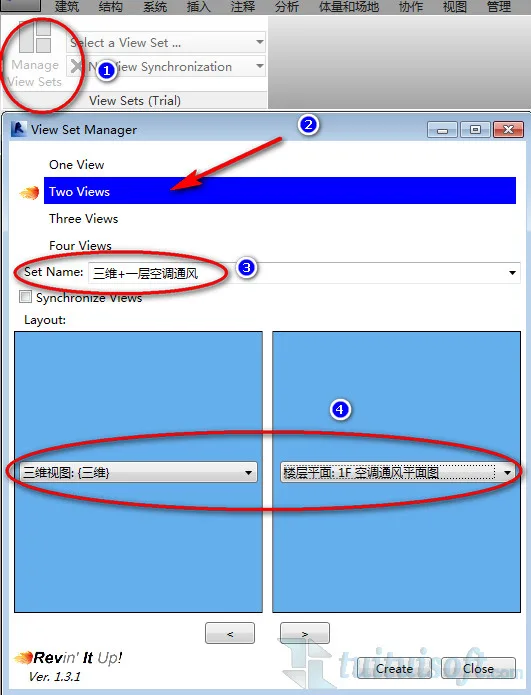
- Click on Manage View Sets to open the settings panel.
- Select the number of views you want to configure.
- Enter a name for your View Set.
- Choose the views and click Create to complete the setup.
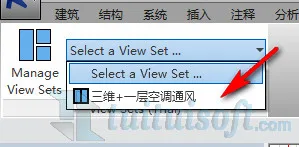
- In the plugin interface, click on Select a View Set and locate the view set you just created.
- Once selected, the view set will automatically appear and be tiled on your screen.
Note: You can create and save multiple view sets for different purposes!












Must log in before commenting!
Sign Up