
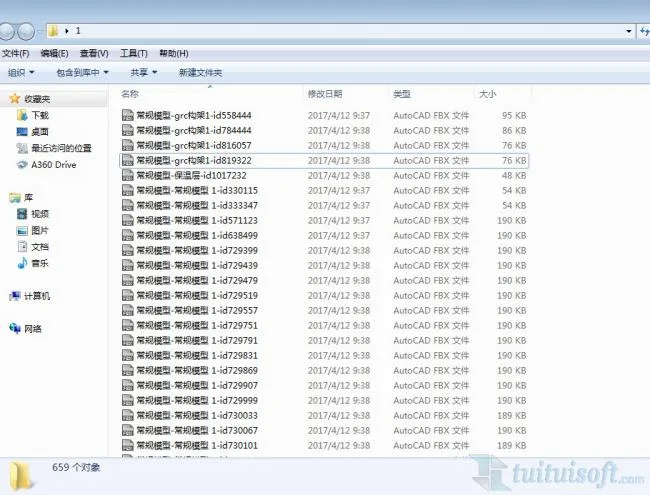
Usage Method: Simply click on “FBX Exporter” under the add-ons menu in the 3D view, then choose the destination folder for the exported file.
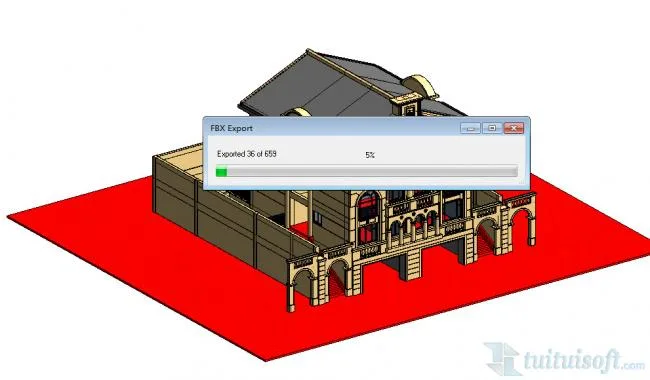
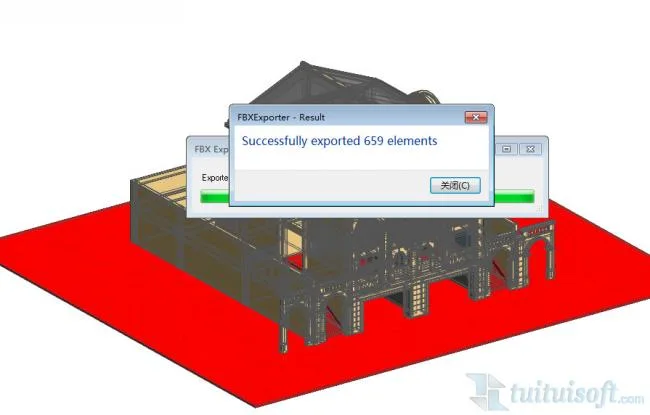
Exported File Preview:
Usage Method: Simply click on “FBX Exporter” under the add-ons menu in the 3D view, then choose the destination folder for the exported file.
Exported File Preview:
 Revit Quick Modeling: Automatically Partition and Generate Floor Slabs from Beam and Column Enclosures
 Revit Quick Modeling: Efficient Wall Creation with Linked CAD Drawings for Door and Window Placement
 Revit Quick Modeling: Automatically Generate Beams from Linked CAD Layers
 Revit Quick Modeling: Rapid Column Creation from Linked CAD Layers
Follow the latest BIM trends in the construction industry, with BIM insights, practical tips, and real-world skills on a professional BIM learning platform.
 Designing a Secluded Home with a 2.5-Meter Narrow Space and a Captivating Staircase Linking Diverse Lifestyles2025-04-29
 The Wabi Sabi Experience: Designing a Natural Villa Beneath an Inverted Roof in a Poetic Forest2025-04-29
 Layered Light and Shadow: A Slope-Side Vacation Home Inspiring Endless Imagination2025-04-28
 Embracing Tranquil Poetry and Natural Textures in a Dreamy Home Design2025-04-27
 A Villa Nestled in Urban Alleyways: A Timeless Home Filled with Family Love2025-04-26
 A Tranquil Vacation Home Nestled Amidst Lush Surroundings with Hidden Red Gemstones2025-04-25
 A Unique Blend of Concrete and Wood for a Serene Residential Retreat2025-04-24
 Vacation Home Designs Inspired by Natural Wells and Caves, Capturing Time Through Light and Shadow2025-04-24

Must log in before commenting!
Sign Up