
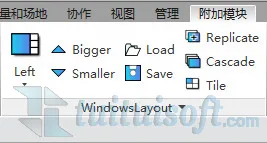
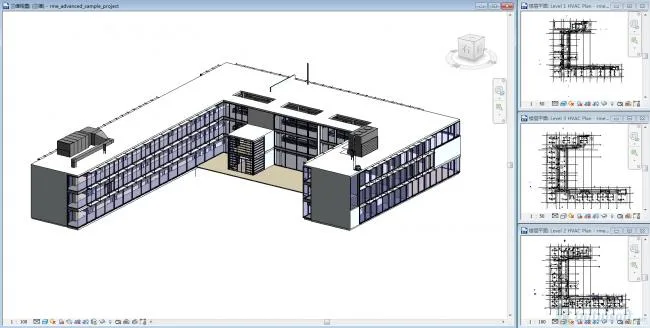
1. The Windows Layout plugin enables quick tiling of views at an optimal size, featuring a larger main view for better focus.
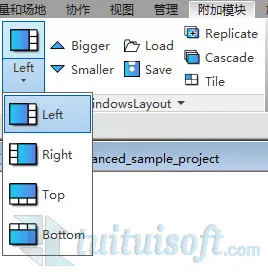
2. You can easily adjust the position of the main view within the layout, placing it at the top, bottom, left, or right according to your preference.
3. To emphasize a specific view, select it and click the “Bigger” button in the plugin to adjust it to the main view size.
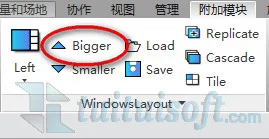
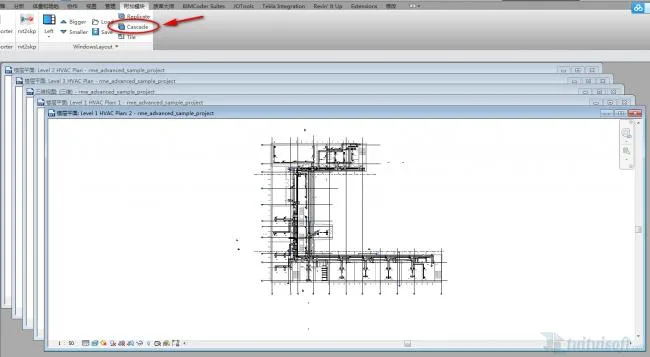
4. Use the “Cascade” feature in the plugin to arrange all open views neatly, making it easier to select and switch between them.












Must log in before commenting!
Sign Up