
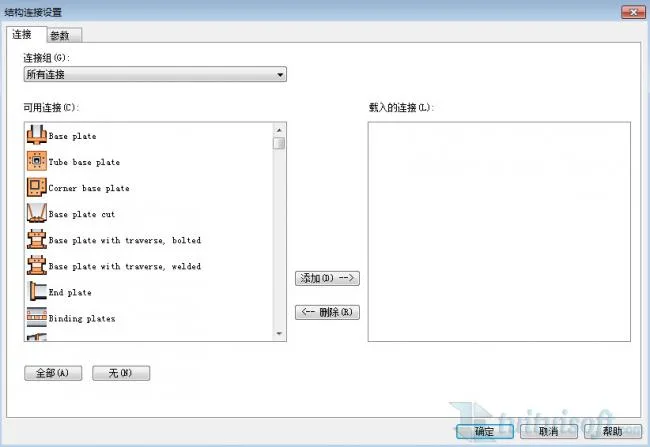
Only by installing the steel structure node plugin can you access the connection types in your project.
Usage:
1. Click the arrow in the connection panel located under the Structure tab.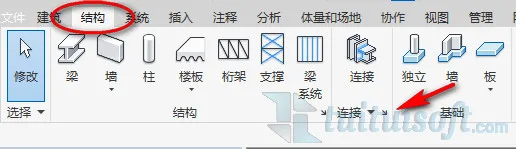
2. Choose the desired connection type from the pop-up settings.
3. How to place the connection? First, click on the connection option under the Structure tab.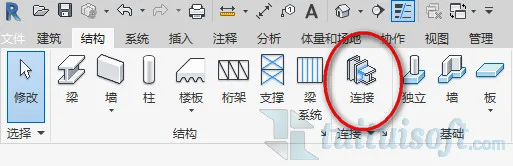
4. In the instance properties panel, select the node, then pick the element you want to connect.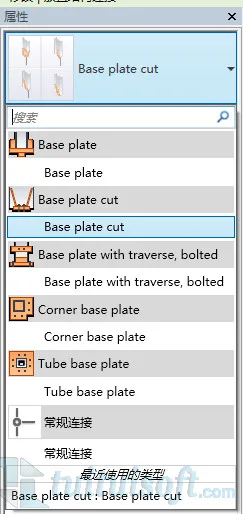












Must log in before commenting!
Sign Up