
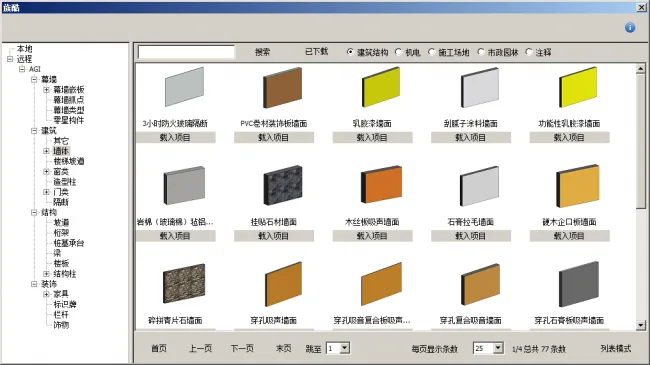
Introduction to AGI Model Box: AGI Mold Box is a practical Revit plugin developed by Beijing Xiantu Technology Co., Ltd., designed to quickly and accurately create and modify 3D models of buildings, structures, and electromechanical systems. It intelligently flips molds based on AutoCAD drawings and offers an online family library manager for engineers to download.
The plugin’s professional features enable rapid modeling and generation of models that comply with construction standards, allowing designers to maximize their creative time by automating mechanized tasks. The intelligent flipping function supports buildings, structures, and electromechanical systems. It exports Revit files from AutoCAD drawings, which can then be further modified and refined.
Powered by the cloud, the online family manager hosts over 3,000 commonly used, high-quality professional family files. The AGI module box appears as the “AGI” Ribbon page in Revit’s top bar, containing more than 50 enhancement commands. Main functions include floor grid, components, batch modification, fully automatic flipping, dimension annotation, text, rooms, views, data statistics, selection, detail lists, documentation, help, and other modules.
Functions are grouped by type, such as “grid elevation” and “building structure.” Due to the extensive features, the Ribbon Bar length is limited, so a sliding panel below the function panel houses buttons of the same category for easier access.
Main Features
AGI offers nearly 50 BIM modeling enhancement tools, most of which are free. The toolkit covers a wide range of BIM modeling aspects including grid elevation, building structure, mechanical and electrical systems, automatic flipping, annotation, family library files, view management, statistical analysis, and tool options. Its powerful, well-organized features significantly boost BIM modeling efficiency.

Strong Electromechanical Modeling Capabilities
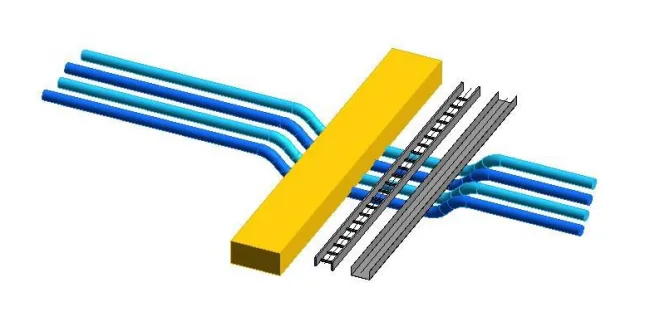
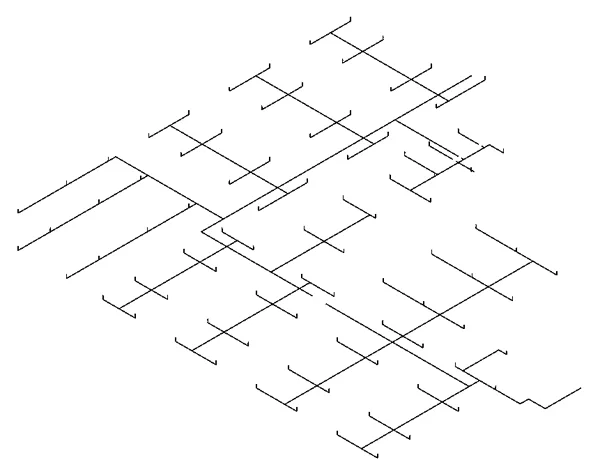
AGI Mold Box offers powerful electromechanical modeling features including wall drilling, automatic pipe bending at specified angles and directions, and pipeline segmentation based on predefined distances and rules. These features dramatically enhance the efficiency of electromechanical engineers.
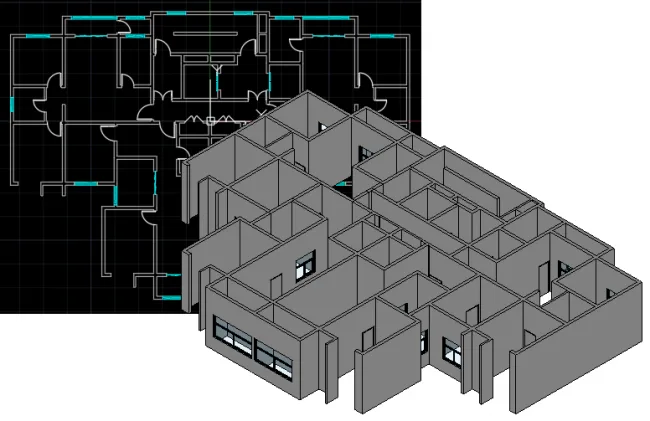
Automated Mold Flipping Tool – Architecture
This tool automatically analyzes and recognizes 2D lines, text, fills, and annotation objects in DWG files, converting them rapidly into Revit building model objects with high accuracy and speed.
Axis Mesh, Walls, Doors, Windows, and Building Columns
Automated Mold Flipping Tool – Structure
This feature automates the analysis and recognition of 2D lines, text, fills, and annotation objects within DWG files, quickly converting them into Revit structural model objects with fast flipping speed and high accuracy.
- Grid and Grid Text
- Structural Walls
- Structural Columns
- Structural Beams
- Structural Foundations
- Rooms and Areas
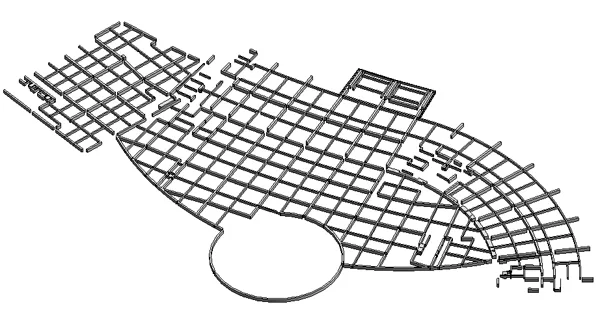
Automated Mold Flipping Tool – Electromechanical
This tool efficiently analyzes and recognizes 2D lines, text, fills, and annotation objects in DWG files, transforming them into Revit electromechanical model objects with speed and precision.
- Grid and Grid Text
- HVAC: Duct centerlines, contour lines, and annotations
- Pipeline System: Pipelines, labeling, upper and lower nozzles
- Electrical System: Bridge centerlines, indicator lights, fluorescent lights, switches, and more
Cloud-Based Family Manager
The online family manager, based on cloud technology, provides access to over 3,000 commonly used, high-quality professional family files, making it an invaluable resource for BIM professionals.












Must log in before commenting!
Sign Up