
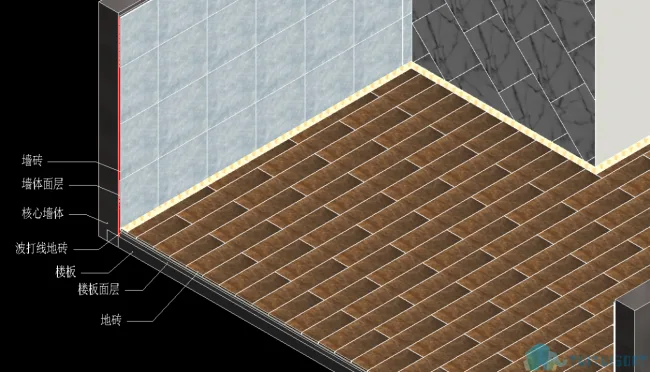
The Olive Mountain Fine Decoration module offers essential tools for creating model surface layers and arranging tiles. It is designed to streamline the complex and tedious process of surface layer creation during modeling, as well as to simplify the labor-intensive task of tile layout and calculation.
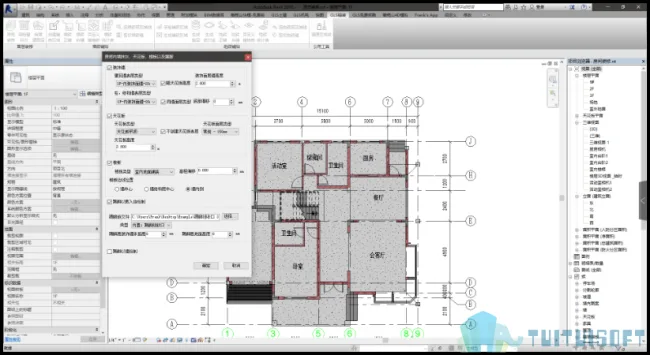
The Fine Decoration module provides the following key functions:
Surface Decoration
To ensure maximum accuracy in model calculations, surface models are often drawn separately for surface analysis—walls serve as vertical components and floors as horizontal components. However, this process involves a heavy workload due to continuous adjustments needed for wall and floor positioning, intersections, and creating openings, making it cumbersome.
To address this, Olive Mountain offers three types of surface layer creation tools:
- Building decoration
- Plastering beams, slabs, and windows
- Picking up surface layers
Room Decoration
Features:
- Add plaster surface layers to walls, columns, and floors within rooms.
- Create ceilings.
- Create skirting boards for rooms.
- Batch decorate rooms sharing the same name.
Tool Highlights:
- Highly customizable to meet diverse surface layer drawing needs.
- Allows custom selection of surface layer types and height offsets.
- Supports separate settings for wall and column layers, as well as distinguishing between structural and building wall layers.
- Compatible with linked models, enabling efficient collaboration across multiple disciplines.
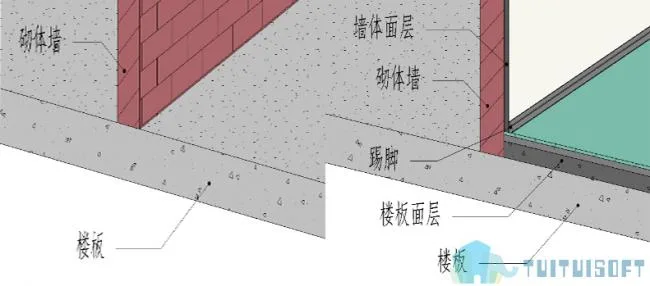
Before and after decoration
Plastering Beams, Slabs, and Windows
Functionality:
- Batch addition of surface layers to beams and floors within rooms.
- Batch addition of surface layers to door and window frames within rooms.
Features:
- Supports linked models.
- Allows custom selection of surface layer types.
- Enables separate settings for inner and outer plastering on door and window frames.
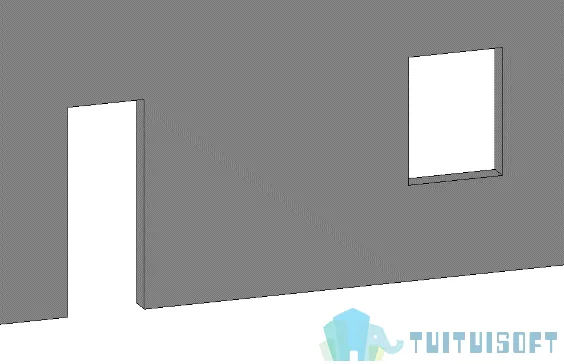
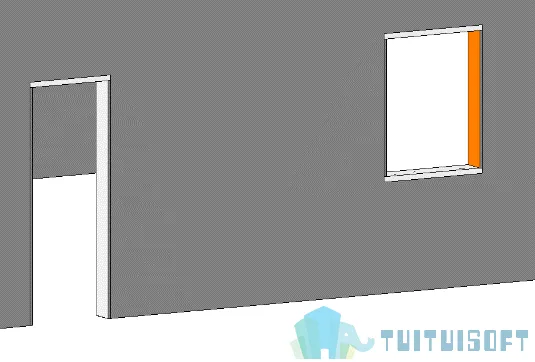
Before and after plastering
Picking Up Surface Layers for Construction
This feature allows the creation of surface layers by selecting existing surfaces.
Tool Features:
- Customizable surface layer type and offset settings.
- Highly versatile and flexible for various applications.
- Can be used not only as a surface layer tool but also as a template tool.
Wall Tile Layout
Capabilities:
- Lay wall tiles in straight and staggered patterns.
- Lay wall tiles diagonally and staggered.
- Custom tile layouts.
- Scheme comparison to balance aesthetics and cost-efficiency.
- One-click tile quantity calculation.
- Custom tile grout deduction.
Examples:
Before creating a surface layer:
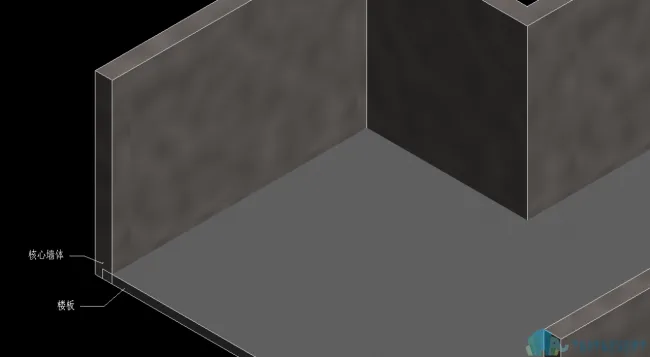
After creating the surface layer:
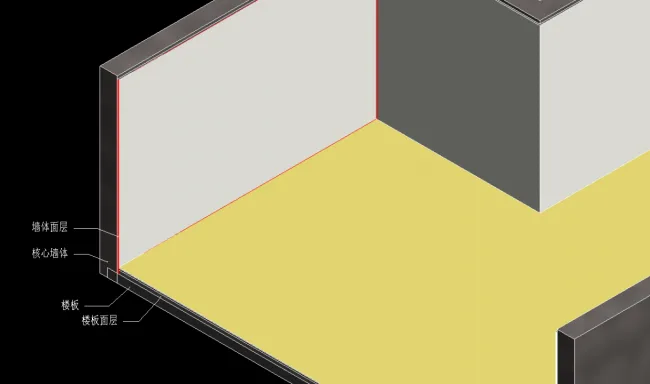
Before tiling:
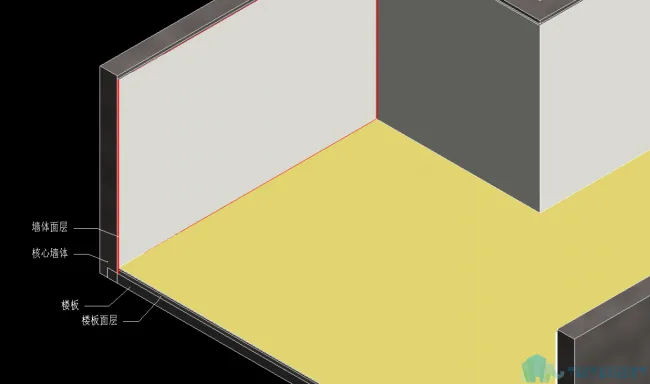
After tiling:
Wall tiles are laid in a straight and staggered pattern.












Must log in before commenting!
Sign Up