
Software Introduction
TSRA is a 3D building modeling software developed by Beijing Explorer Software Co., Ltd., integrated with the Autodesk BIM platform Revit. This software automatically generates a 3D building model by applying standard layering methods based on Chinese standards and mapping requirements.
With TSRA, users don’t need to spend time learning complex Revit manuals or tutorials, nor do they have to create “families” or “classes”. Instead, they can parameterize the creation of grids, columns, walls, doors and windows, stairs, and roofs. Once the standard floors are set, the building model is generated automatically, significantly reducing the learning curve and complexity of using Revit.
Features
1. Create Project Benchmarks: Floors and Grids
By using the floor and grid modules, designers can quickly design and establish the elevations for the project’s facade floors and the plan grid system. Besides the main creation tools, the software offers numerous targeted editing and modification functions to support designers in making frequent adjustments to their design schemes during practical work.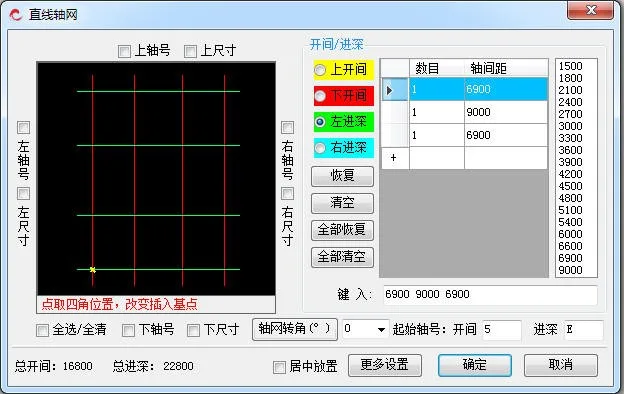
2. Organize Primary and Secondary Building Components
The software offers creation and editing tools for common primary architectural components such as walls, beams, columns, slabs, and roofs. It also supports secondary components including doors, windows, stairs, steps, sprinklers, ramps, canopies, and bathrooms. These tools help designers enhance overall modeling efficiency.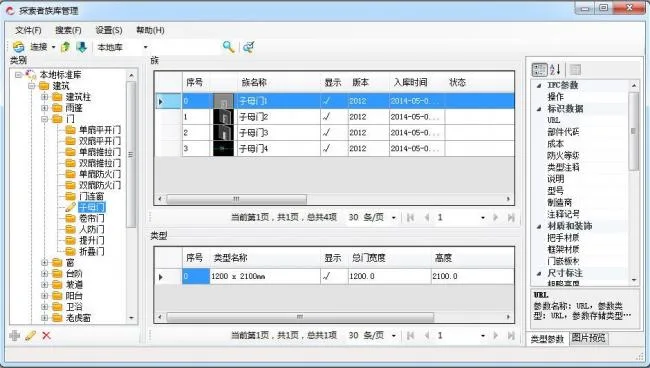
3. Automatically Generate 2D Design Outputs from the 3D Model
After completing the 3D model, designers can use the software’s functions to automatically produce related 2D drawings and design results based on the 3D data. Key outputs include door and window schedules, detailed door and window drawings, and car ramp expansion diagrams.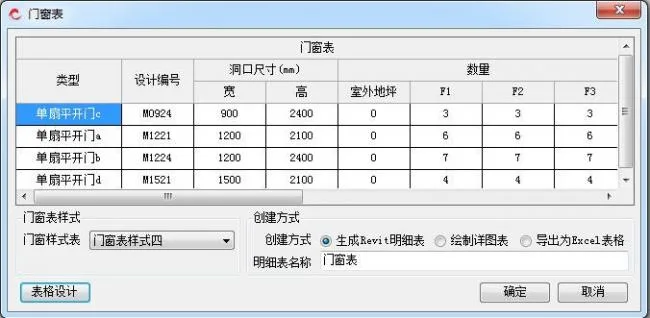
4. Building Fire Protection Design Functions
Given the critical importance of fire protection in architectural design, the software provides dedicated functions including fire zone division, normative inspection of fire zone areas, and compliance checking for firewalls, fire doors and windows, evacuation routes, and more. These features assist designers in performing automated, intelligent inspections to ensure adherence to fire protection standards.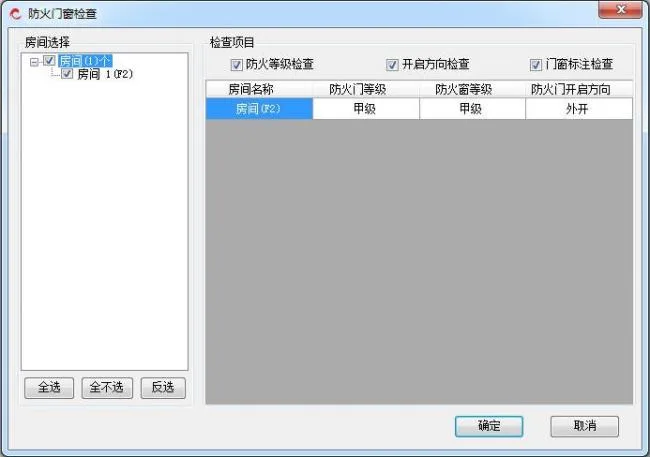
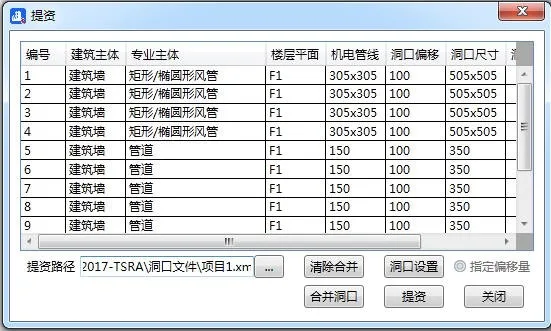
5. Collaborative Design and Coordination Between Disciplines
Built to facilitate multi-disciplinary collaboration during practical design processes, the software offers a series of cooperative functions that support coordination between architectural and equipment specialties.
6. Generate Drawings Compliant with Drafting Standards
7. Convenient and Efficient Auxiliary Design Tools












Must log in before commenting!
Sign Up